 NEWS
NEWS
Tim Cook Says Apple Will Donate to Hurricane Michael Recovery & Relief Efforts
 10/11/2018
 3487
3487
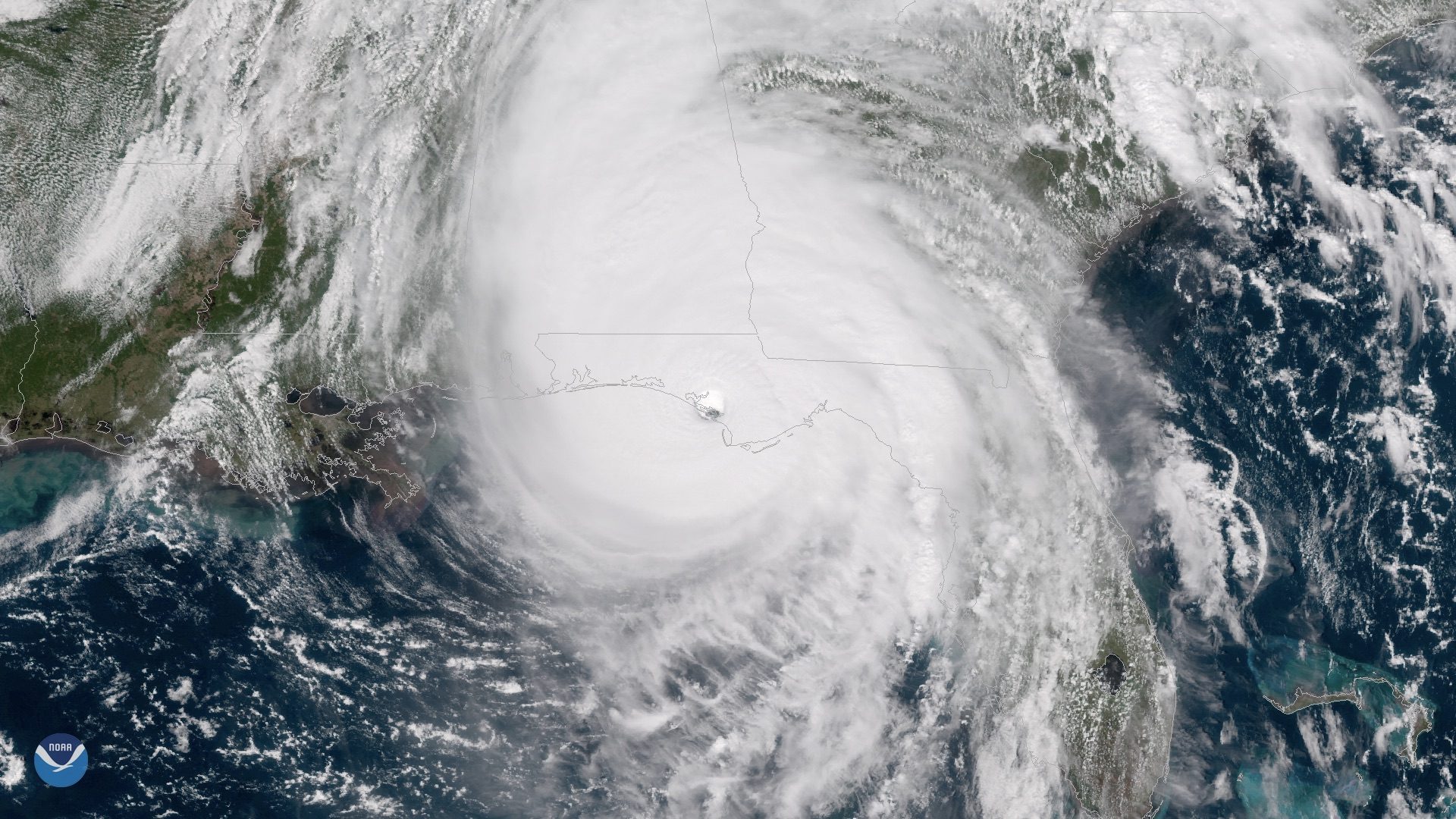
In a series of tweets this evening, Tim Cook revealed that Apple will make a donation to hurricane relief efforts in the Gulf Coast region. Cook’s announcement comes as Hurricane Michael moves through the southeastern portion of the United States.
On Twitter, Cook noted of the personal connection he has to Hurricane Michael’s path, saying he grew up on the shores of the Gulf Coast and that the area still “holds a special place” in his heart:
"I grew up on the shores of the Gulf Coast, near Pensacola and Mobile, and that region holds a special place in my heart. That’s never been more true than now. To all those communities in the path of Hurricane Michael, you are in my prayers. Please stay safe."
"Apple is standing with our friends and neighbors in the Gulf Coast region, and will be donating to recovery and relief efforts."
Hurricane Michael made landfall near Mexico Beach, Florida earlier today as a Category 4 hurricane. It was the first Category 4 or stronger hurricane to ever make landfall on the Florida panhandle. It has since advanced through Georgia and Alabama. For live updates on the story, read The Weather Channel’s ongoing coverage right here.
Apple regularly makes donations to recovery and relief efforts in wake of natural disasters. Most recently, the company donated $1 million to earthquake and tsunami relief in Indonesia. In the United States, Apple donated the same $1 million for Hurricane Florence relief and has donated millions to wildfire relief in California, as well as accepted donations via the iTunes Store.
Cook’s tweets concerning Hurricane Michael, and Apple’s donation, can be seen below:
Apple is standing with our friends and neighbors in the Gulf Coast region, and will be donating to recovery and relief efforts.
— Tim Cook (@tim_cook) October 11, 2018
Source: 9to5mac










