 NEWS
NEWS
Pokémon Go Arrives on the Apple Watch
 12/23/2016
 4457
4457
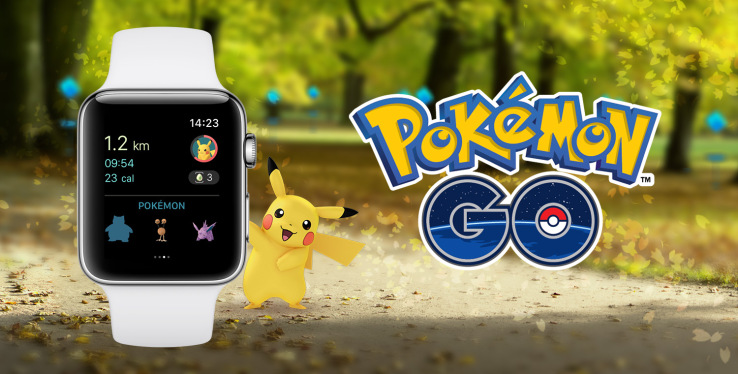
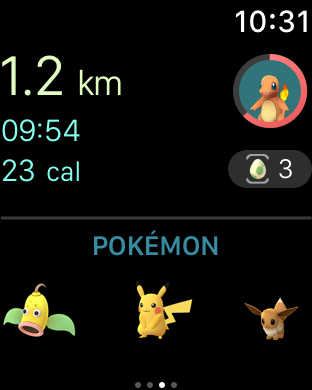
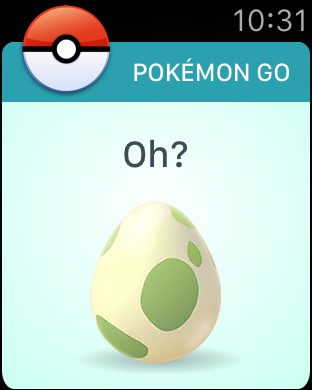
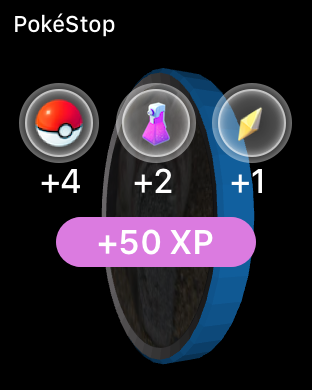
Following an erroneous report claiming that Niantic’s plans to bring Pokémon Go to the Apple Watch were canceled, the company today put those rumors to rest with more than a mere statement: it has now launched the Apple Watch version of its popular game. The new smartwatch app lets you more easily play Pokémon without having to always pull out your phone. Instead, you can tap to find nearby Pokémon, collect items from PokéStops, and even log your gameplay as a “workout.”
The AR and GPS-powered game, which has been downloaded 600 million times as of November, offers a unique combination of gameplay and physical activity that makes sense for a platform like the Apple Watch.
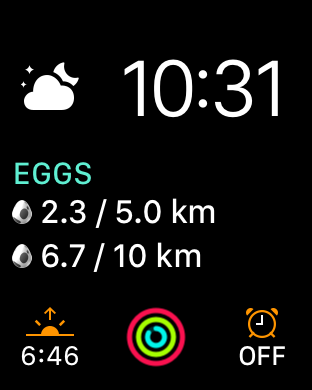
The new app will take advantage of the watch’s fitness-tracking capabilities, as gameplay counts toward your personal Activity rings. In addition, your Apple Watch sessions will count toward hatching your Pokémon Eggs, too, as well as receiving Candy with your Buddy Pokémon.
Regular Pokémon Go players get a lot of exercise, of course. The company recently announced that trainers have walked more than 8.7 billion kilometers in their quest to capture 88 billion Pokémon to date. That’s the equivalent of 200,000 trips around the world, Niantic said.
The new game could encourage people to get out and walk even more.
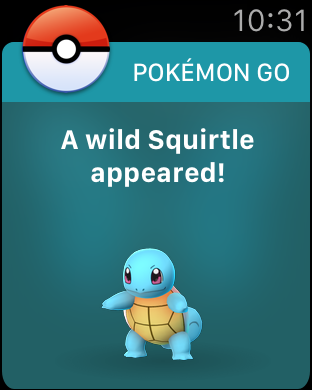
In addition to fitness tracking, Pokémon Go will also tie into the Apple Watch’s ability to push notifications to your wrist. The app will send alerts about a variety of important events, including when there are nearby Pokémon to catch, when you’re near a PokéStop, when your Eggs hatch, and when medals are awarded, says Niantic.
However, when it comes time to actually catch the Pokémon, you’ll still need to break out your iPhone.
The launch of the Apple Watch app comes shortly after the smartphone app was updated with a number of new features, including the ability to hatch new Pokémon characters originally from the Pokémon Gold and Silver video games, the addition of Ditto, as well as the ability to catch the special edition Pikachu that’s wearing a festive holiday hat.
The company has also been steadily upgrading standard features like the tracker, while collaborating with big brands like Starbucks to serve as destinations for Gyms and PokéStops.
However, many of Pokémon Go’s moves as of late have focused on re-engaging lapsed users, too – like the in-game event over Halloween, for example, or the daily bonuses.
Launching on the Apple Watch may give these more casual players a reason to return, as the initial hype around the record-breaking game begins to wear off.
Niantic had first announced there would be an Apple Watch app at Apple’s September event, and just this week, its code was found to have references to Apple Watch features. However, some have been concerned whether the company would meet its earlier stated deadline of reaching the Apple Watch before year-end.
The app is rolling out now in all markets where Pokémon Go is available.
Source: Techcrunch









