
NEWS

Apple Working to Integrate Grade Crossings in Maps

12/20/2016

3401

Citing a recent uptick in accidents at grade crossings, the U.S. National Transportation Safety Board(NTSB) on Monday issued a safety recommendation asking 11 technology and delivery companies, including Apple and Google, to integrate the locations of more than 200,000 such crossings into their respective digital mapping products. 
Apple Working to Integrate Grade Crossings in Maps


According to The New York Times, Apple is already working to add NTSB rail data to Maps, a move that could save the lives of iOS device users, after the Federal Railway Administration lobbied for integration in April. 

Grade crossings, or level crossings, are defined as intersections where a rail line meets a roadway, and have become increasingly dangerous areas thanks in part to the rise of digital mapping services. 

The NTSB report notes Google agreed to integrate grade crossing data from the FRA into its app in June 2015, with Apple, Garmin, HERE, and TomTom doing the same this past April. However, a number of companies that promised to integrate GIS data into their navigation apps were unwilling to provide an estimated completion date, prompting today's NTSB safety recommendation.

Along with Apple and Google, the NTSB is calling on Garmin, HERE, TomTom, INRIX, MapQuest, Microsoft Corporation, Omnitracs, OpenStreetMap US, Sensys Networks, StreetLight Data, Teletrac, and United Parcel Service of America to integrate the grade crossing and other rail data into their respective digital services. 

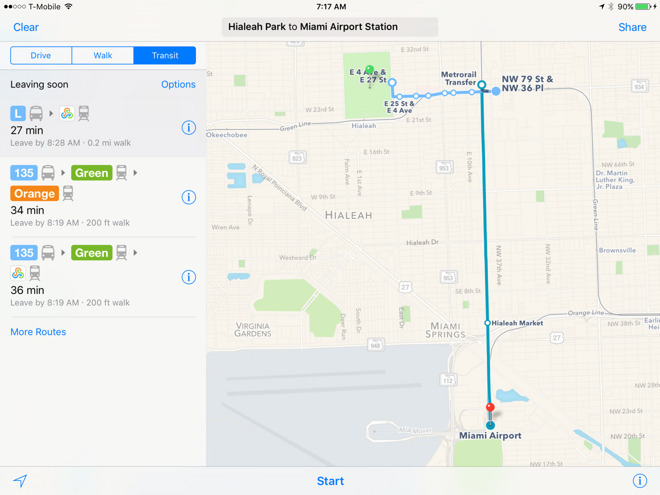
Apple is currently in the process of building out its Maps product to include a variety of commuter transit services, the most recent addition being train routes in Salt Lake City, though the feature is not thought to incorporate GIS data. If and when grade crossing data shows up in Maps, it will likely appear as clear graphical demarcations or perhaps warnings in the app's turn-by-turn navigation system.


Source: appleinsider

Windows
Mac OS
iOS
Linux
3uTools
Win 64-bit For this device
V9.0 2025-11-11
Download
Win 32-bit For this device
V9.0 2025-11-11
Download
3uTools
Intel Chip How to Identify Chip Type
V9.0 2025-12-02
Download
Apple Chip
V9.0 2025-12-02
Download
How to Identify Chip Type
1.  Click the Apple icon in the top-left corner of the screen and select About This Mac.
2.  Check the Processor or Chip field to determine if it is "Intel" or "Apple".
Please use the 3uTools PC client to install the iOS client:
1、 Install either the Windows or Mac version of 3uTools on your computer
2、 Open the PC client and connect your device to the computer via USB cable
3、 After the connection is successful, wait for the computer to automatically install the mobile app for the device, or locate “Install Mobile App” on the computer and manually click to install.
3uTools
deb file
V3.01 2025-11-20
Download
rpm file
V3.01 2025-11-20
Download
Windows
Windows
iOS
iOS
Android
Android
TV
TV
3uAirPlayer
Win 64-bit For this device
V6.0.2 2025-11-19
Download
Win 32-bit For this device
V6.0.2 2025-11-19
Download
iOS Device Mirroring (No App Required)
1、 Install 3uAirPlayer on the Windows PC
2、 Open Control Center and select Screen Mirroring
3、 From the list, choose your PC to start mirroring
4、 Or connect your iOS device to the PC via USB to begin mirroring
Scan to get "3uAirPlayer" App
3uAirPlayer TV V1.0.18
2025-11-28
TV System Requirements: Android 7.0 or later
Download the TV installation package, copy it to a USB drive, insert it into your TV or set-top box, then select the file from the home screen to install.




