 NEWS
NEWS
Pokemon Go For Apple Watch is Coming
 12/19/2016
 4736
4736
After reports surfaced claiming that the "port" of Pokémon Go to the Apple Watch was cancelled due to a lack of interest, developer Niantic has refuted the claims, saying that the functionality is still coming soon.
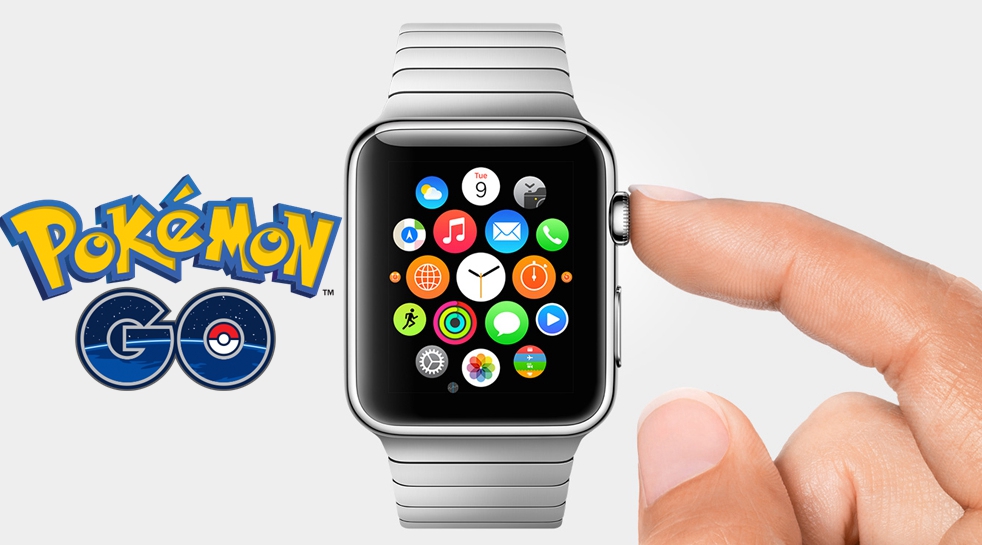
Early on Saturday, rumors claimed that the Apple Watch interface for Pokémon Go had been cancelled. The reports were based on an email published by a Reddit user, allegedly from a Niantic developer saying that the version shown in the Apple Keynote was an "unfinished port" and that development would continue if demand increased.
Shortly thereafter, some venues "confirmed" the report with internal sources. However, not long after the "confirmations" were published, the official Pokémon Go Twitter account shot down the speculation.
Company representatives reaffirmed the tweet in a statement to Recode, adding, "Pokémon Go is still under development and has not been canceled."
From what little information is available, it seems Pokémon Go for Apple Watch is being designed to offer players similar functionality to the Pokémon Go Plus wristband that launched over the summer, allowing users to maintain awareness on their surroundings, rather than staring at an iPhone screen.
For now, the app features a threadbare complication on the Apple Watch, showing how far a user needs to walk to hatch an egg. Users can also collect items from PokeStops directly on the Apple Watch, without breaking out a phone.
Pokémon Go for the Apple Watch was originally slated to launch before the end of the year, but Niantic has not provided any updates to the estimated launch of the interface.
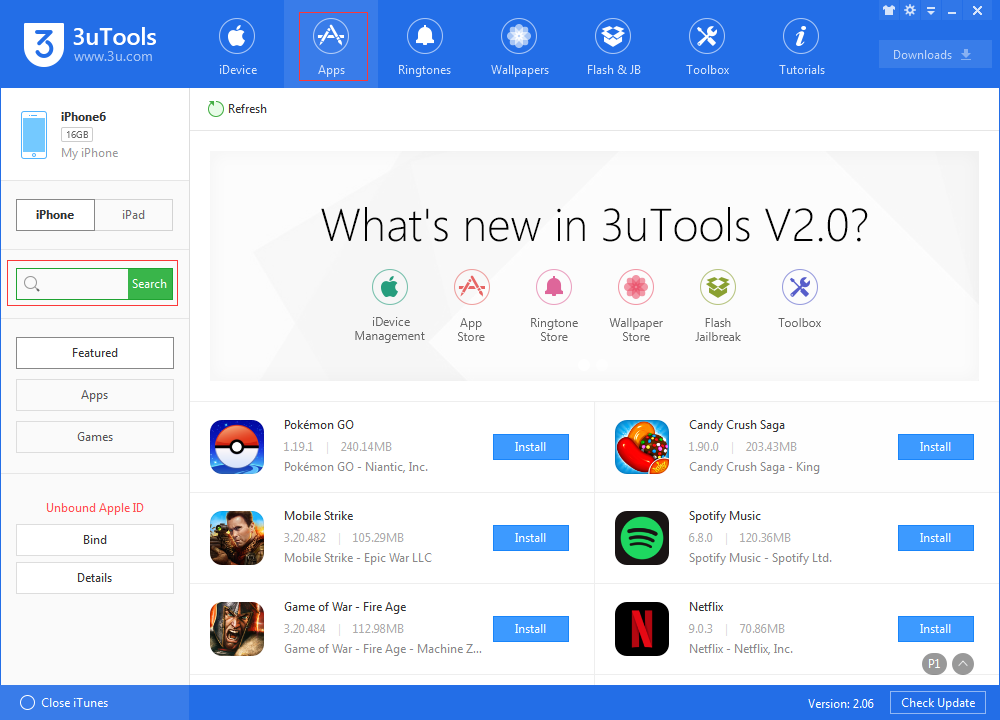
Pokémon Go is available for free from the iOS App Store and 3uTools.
Source: appleinsider









