
NEWS

Apple Now Has Over 50 Self-driving Cars on the Road in California

05/15/2018

3176

Apple’s autonomous vehicle program is one of the biggest known secrets in the tech industry. While the company has yet to confirm anything, information about the project has been leaking out sporadically over the past several years.
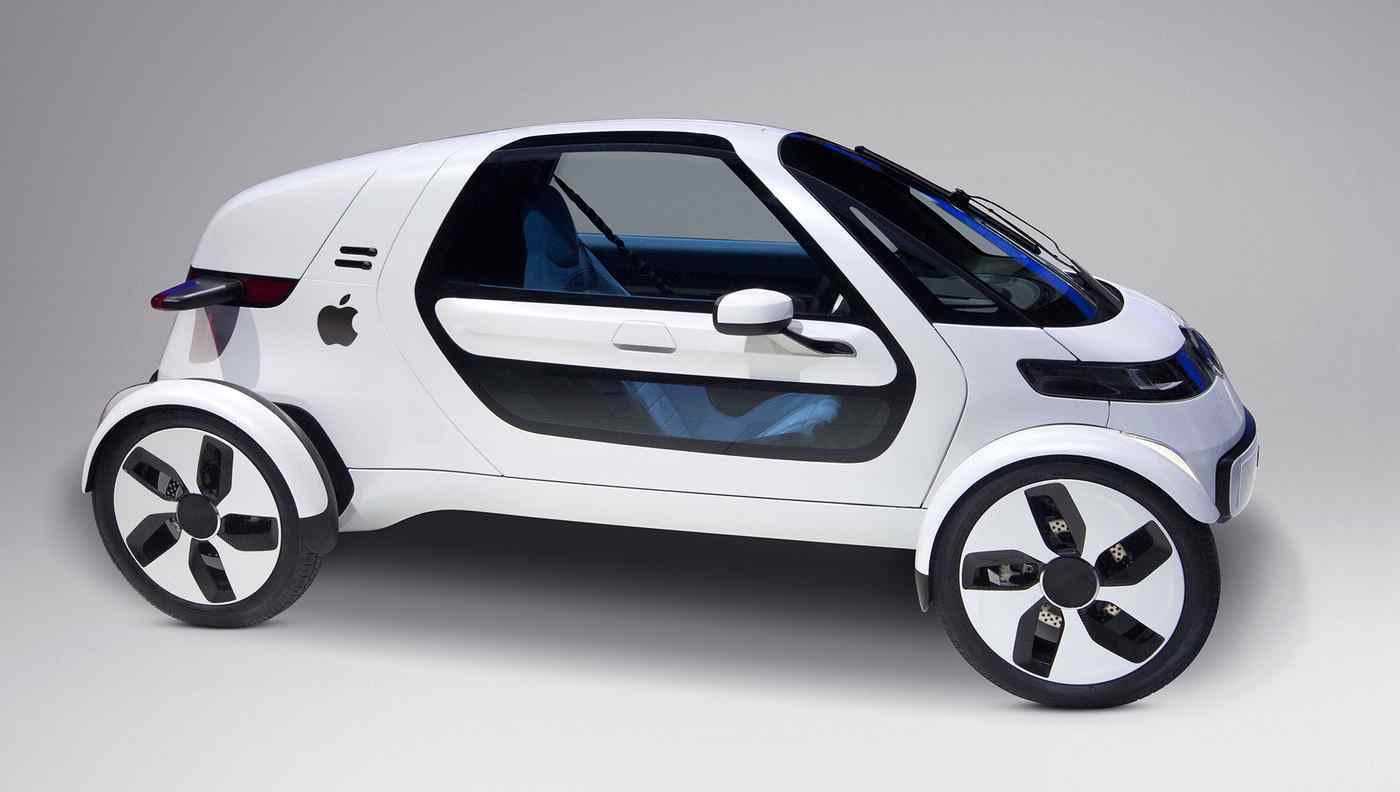

Apple Now Has Over 50 Self-driving Cars on the Road in California


Today, the California Department of Motor Vehicles (DMV) has confirmed (via macReports) that Apple now has 55 vehicles and 83 drivers permitted to test autonomous vehicles.


One important thing to note here is that Apple has yet to apply for a separate driverless testing permit, which would allow the company to test autonomous vehicles without a person in the car. The California DMV has began issuing driverless permits in April of this year.


To put this into perspective, Apple had roughly 45 self driving vehicles back in January of this year. Apple’s self-driving efforts have been somewhat confusing over the past year or so, with most rumors suggesting that Apple will build its autonomous software/hardware suite but will license it to other manufacturers to use it rather than building its own Apple-branded car.


Would you be interested in an autonomous system for your own car? Or maybe you’re in the market for a new car and are hoping Apple builds a car of its own? Let us know in the comments below!


Source: 9to5mac

Windows
Mac OS
iOS
Linux
3uTools
Win 64-bit For this device
V9.0 2025-11-11
Download
Win 32-bit For this device
V9.0 2025-11-11
Download
3uTools
Intel Chip How to Identify Chip Type
V9.0 2025-12-02
Download
Apple Chip
V9.0 2025-12-02
Download
How to Identify Chip Type
1.  Click the Apple icon in the top-left corner of the screen and select About This Mac.
2.  Check the Processor or Chip field to determine if it is "Intel" or "Apple".
Please use the 3uTools PC client to install the iOS client:
1、 Install either the Windows or Mac version of 3uTools on your computer
2、 Open the PC client and connect your device to the computer via USB cable
3、 After the connection is successful, wait for the computer to automatically install the mobile app for the device, or locate “Install Mobile App” on the computer and manually click to install.
3uTools
deb file
V3.01 2025-11-20
Download
rpm file
V3.01 2025-11-20
Download
Windows
Windows
iOS
iOS
Android
Android
TV
TV
3uAirPlayer
Win 64-bit For this device
V6.0.2 2025-11-19
Download
Win 32-bit For this device
V6.0.2 2025-11-19
Download
iOS Device Mirroring (No App Required)
1、 Install 3uAirPlayer on the Windows PC
2、 Open Control Center and select Screen Mirroring
3、 From the list, choose your PC to start mirroring
4、 Or connect your iOS device to the PC via USB to begin mirroring
Scan to get "3uAirPlayer" App
3uAirPlayer TV V1.0.18
2025-11-28
TV System Requirements: Android 7.0 or later
Download the TV installation package, copy it to a USB drive, insert it into your TV or set-top box, then select the file from the home screen to install.




