 NEWS
NEWS
The Apple Watch may Have Saved a Teen's Life
 05/03/2018
 2724
2724
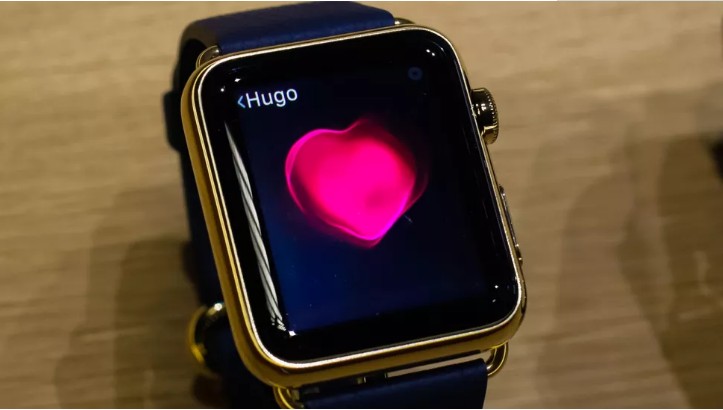
A Florida teenager may have ended up in the hospital, but things could've reportedly been a lot worse if she wasn't wearing her Apple Watch, according to local news station ABC WFTS Tampa Bay.
According to a reported statement by the family, 18-year-old Deanna Recktenwald was at church when her Apple Watch sent her an alert about an unusually high heart rate. Recktenwald reported feeling fine besides a headache and shortness of breath. Later, she received another alert that her heart rate had hit 190 beats per minute. She ended up in the emergency room, according to the statement.
Doctors figured out Recktenwald was suffering from kidney failure and diagnosed her with a chronic kidney disease. Recktenwald's family said the disease would've gone unnoticed if it weren't for her Apple Watch.
Apple CEO Tim Cook later tweeted that Recktenwald's story inspired him:
Stories like Deanna’s inspire us to dream bigger and push harder every day. https://t.co/O7xJ9n1MHg
— Tim Cook (@tim_cook) May 1, 2018
Tampa General Hospital confirmed to CNET that Recktenwald has since been discharged, but couldn't comment on her condition, citing HIPAA privacy laws. A hospital spokesman added: "Our doctors never stated the watch saved her life: those claims were made by the family."
A different teen claimed an Apple Watch saved his life when he started experiencing chest pains during football practice in 2015; he later learned that he had rhabdomyolysis. Wearables like the Apple Watch have sometimes been touted for their health benefits, and even Tim Cook credits his to losing weight.
Apple didn't immediately respond to a request for comment.
Source: cnet









