 NEWS
NEWS
Apple Watch Beta Includes Warning for Old Apps, Suggests WatchOS 5 Will Drop Support
 04/11/2018
 3323
3323
The latest watchOS beta, 4.3.1, introduces a new alert when launching original watchOS 1 WatchKit applications, hinting that such apps may be dropped entirely in watchOS 5.
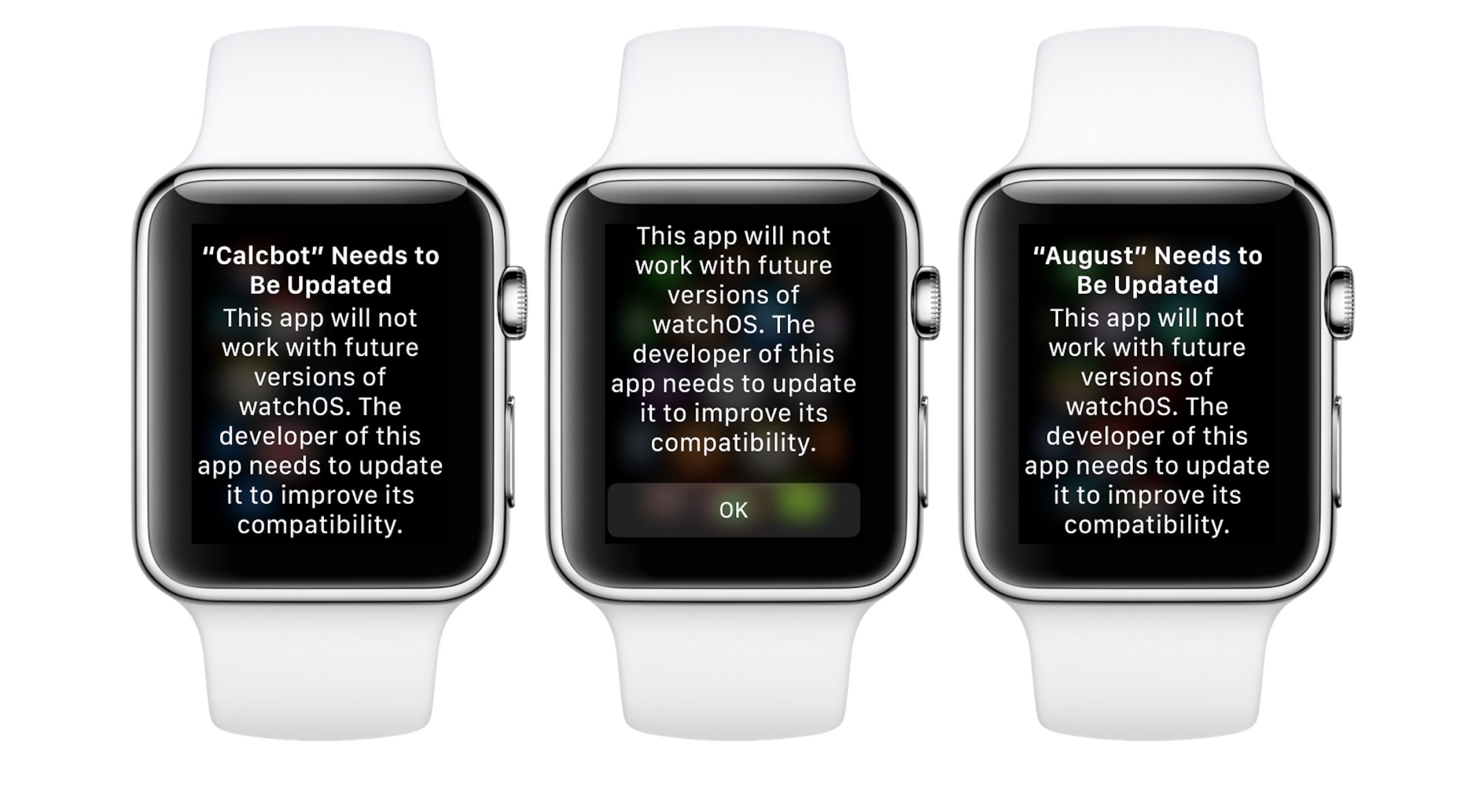
Back when the initial round of betas released for iOS 11.4, tvOS 11.4, and macOS 10.13.5, it was interesting to note that we didn’t see a watchOS 4.4 beta, but rather a watchOS 4.3.1 beta, which suggested that this was a minor release to the Apple Watch software platform.
However, we’ve discovered that this latest beta includes a warning that WatchKit (watchOS 1) apps need to be updated to improve reliability for future versions of watchOS, likely hinting that Apple will be dropping support for those apps in watchOS 5.
If we rewind back to watchOS 1, apps were considerably slower and solely relied on the Bluetooth connection from your iPhone. Essentially, everything was streamed from your iPhone to your Apple Watch. That was quickly killed with the introduction of watchOS 2 less than 6 months later, bringing improved support for apps.
Dropping support for watchOS 1 apps isn’t necessarily a bad thing. Those apps were slow and relied on your iPhone, which means that if you go out without your iPhone, the app will fail to launch entirely and tell users that they need to connect to their iPhones to continue. This makes total sense as the Apple Watch Series 3 added support for LTE, meaning that you can ditch your iPhone if you need to and still be able to retain functionality on the Watch.
Furthermore, Apple stopped accepting updates for watchOS 1 applications last week, as it originally announced in November.
However, many developers have been ditching Apple Watch compatibility as a whole, stating that the user base is too small or that development costs are too high. The most recent being Instagram. This is unfortunate as Apple Watch can finally become an independent device, so it would be nice to see companies update and modernize apps rather than kill them off.
Source: 9to5mac










