
NEWS

iOS 11.3 Suggests New Pride Face Coming to Apple Watch

03/29/2018

2605

Apple just released a new build of iOS 11.3 for the new 9.7-inch iPad announced yesterday. This build looks like it’ll be the final or golden master version of iOS 11.3. As is usual with GM or final builds, Apple tends to keep some new features secret until then, redacting them from developer and public betas.


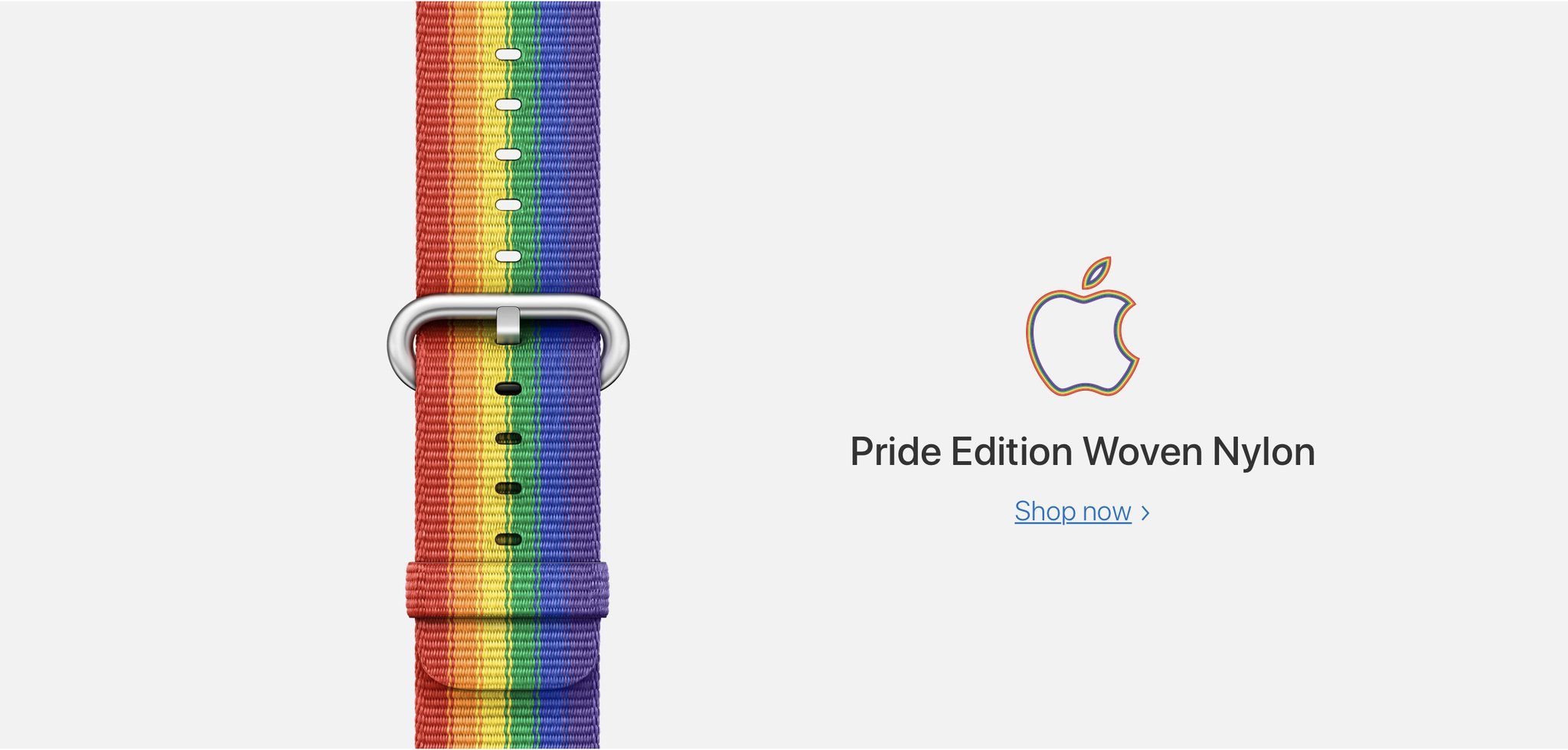
New strings found in this new build suggest a new Apple Watch face is coming, possibly as soon as watchOS 4.3. The new pride face will consist of “ribbons of pride undulate independently in surprising patterns as they approach consolidation”.

iOS 11.3 Suggests New Pride Face Coming to Apple Watch


The strings were found inside an accessibility bundle, a type of component that provides audio descriptions of iOS features to users with vision issues. This particular bundle will probably be used for the companion Watch app that’s used to configure your Apple Watch on the iPhone. Even though the Watch app is not available on iPad, it’s common for some files to be left over, like we’ve seen before with the huge HomePod leaks.


Previously, Apple has sold the pride band for a limited time for the Apple Watch, but has stopped selling them.


Source: 9to5mac

Windows
Mac OS
iOS
Linux
3uTools
Win 64-bit For this device
V9.0 2025-11-11
Download
Win 32-bit For this device
V9.0 2025-11-11
Download
3uTools
Intel Chip How to Identify Chip Type
V9.0 2025-12-02
Download
Apple Chip
V9.0 2025-12-02
Download
How to Identify Chip Type
1.  Click the Apple icon in the top-left corner of the screen and select About This Mac.
2.  Check the Processor or Chip field to determine if it is "Intel" or "Apple".
Please use the 3uTools PC client to install the iOS client:
1、 Install either the Windows or Mac version of 3uTools on your computer
2、 Open the PC client and connect your device to the computer via USB cable
3、 After the connection is successful, wait for the computer to automatically install the mobile app for the device, or locate “Install Mobile App” on the computer and manually click to install.
3uTools
deb file
V3.01 2025-11-20
Download
rpm file
V3.01 2025-11-20
Download
Windows
Windows
iOS
iOS
Android
Android
TV
TV
3uAirPlayer
Win 64-bit For this device
V6.0.2 2025-11-19
Download
Win 32-bit For this device
V6.0.2 2025-11-19
Download
iOS Device Mirroring (No App Required)
1、 Install 3uAirPlayer on the Windows PC
2、 Open Control Center and select Screen Mirroring
3、 From the list, choose your PC to start mirroring
4、 Or connect your iOS device to the PC via USB to begin mirroring
Scan to get "3uAirPlayer" App
3uAirPlayer TV V1.0.18
2025-11-28
TV System Requirements: Android 7.0 or later
Download the TV installation package, copy it to a USB drive, insert it into your TV or set-top box, then select the file from the home screen to install.




