
NEWS

iOS Evolutional History: From iOS 4 to iOS10

12/12/2016

5677

There have an distance of iOS between Andriod and iPhone, whatever, each iOS system have it own ifans, we just want to recall your memory- some cherish memory.
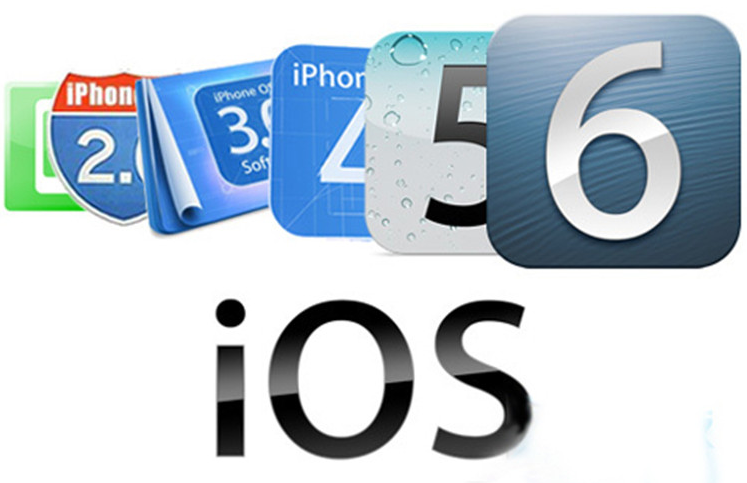
      

iOS Evolutional History: From iOS 4 to iOS10


Was it a good starting point for iOS 4? Multi-tasking function, folder, changeable wallpapers,and also iBook was the debut on iPhone.
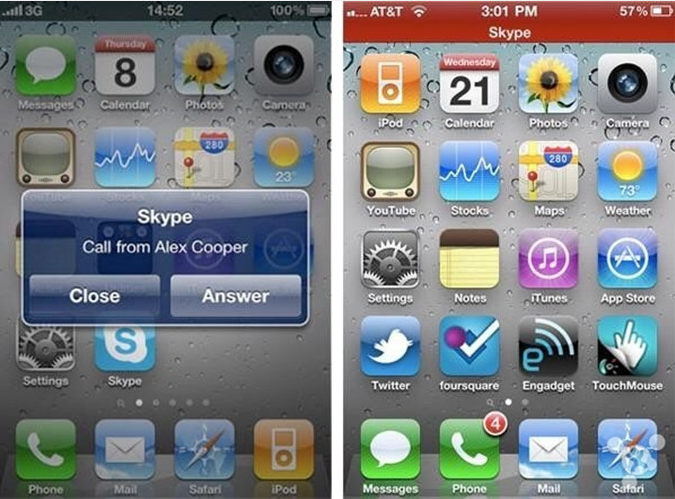
        

iOS Evolutional History: From iOS 4 to iOS10


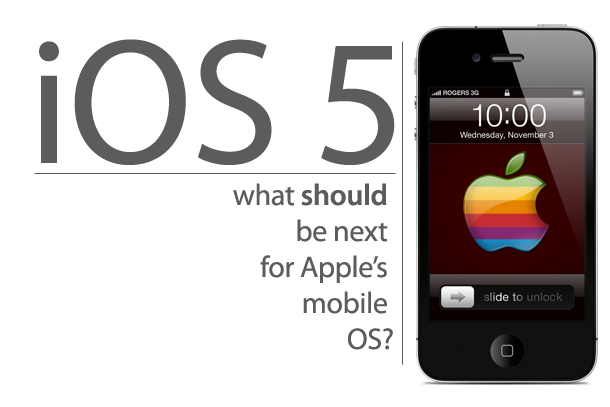
iOS 5 was came in 2011, the most important function was more focused on iCloud, including music storage and find location of family or friends. iOS 5 has brought 12 upgrades for important items and over 200 updates.

iOS Evolutional History: From iOS 4 to iOS10


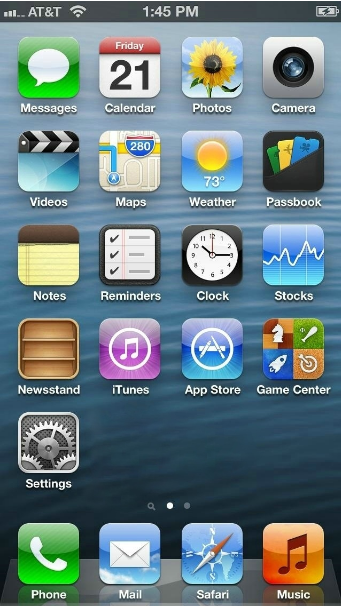
A lot of users were the first time to use Apple device since iOS 6 was been released, iOS 6 brought us a more complete text input method, and inside began to support hot Chinese network, so that iPad/iPhone and iPod touch would be more suitable for Chinese user.
  

iOS Evolutional History: From iOS 4 to iOS10


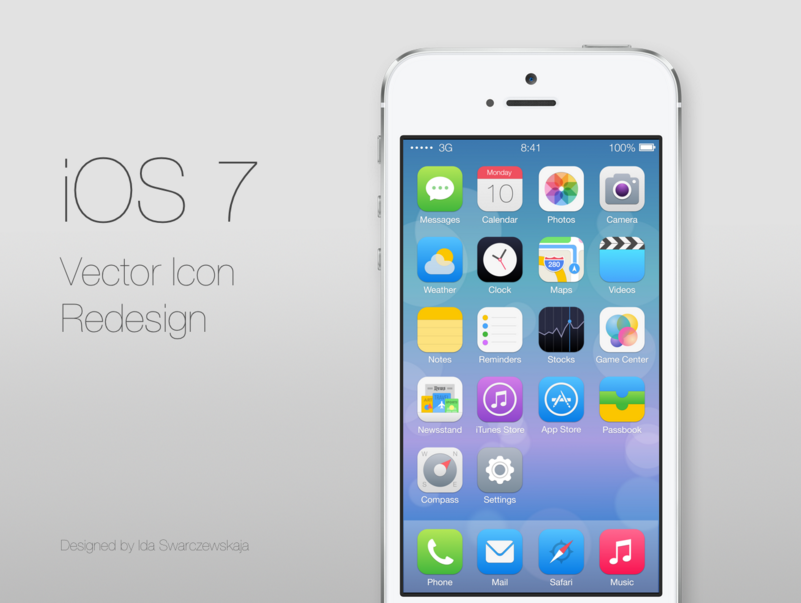
Handled iOS 7 was easier because it has a different design compared with previous user interface of iOS. iOS 7 adopted 3D effect instead of old skeuomorphism version. It was a huge change on iOS user interface. Did you like it ?
              

iOS Evolutional History: From iOS 4 to iOS10


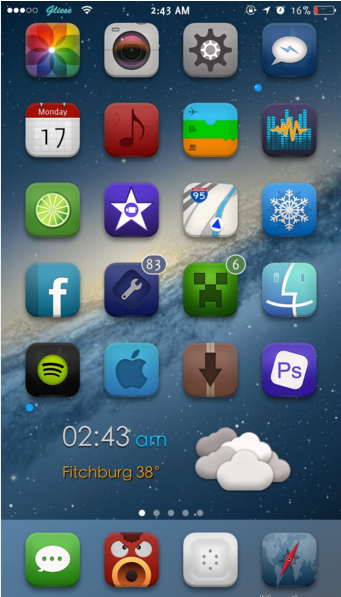
iOS 8 has brought Apple Pay and developed third-party input method, meantime QuickType and Braille Keyboard have been appeared on iOS 8, Apple was prepared to enter in social platform through a great improvement for SMS and Call functions. "HealthKit" was the first time on iOS stage.
        

iOS Evolutional History: From iOS 4 to iOS10


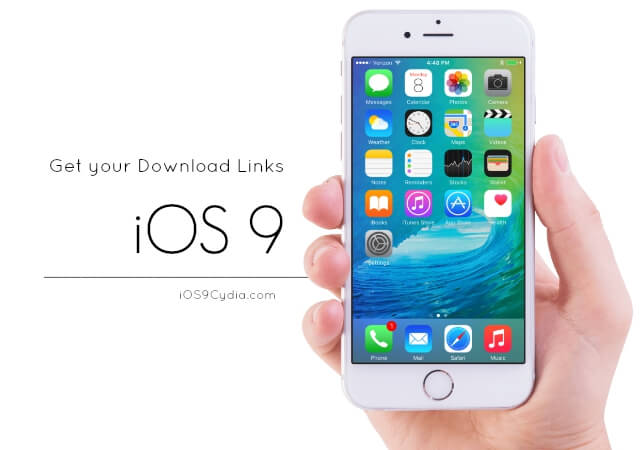
 Compared with iOS 8, iOS 9 was more stable, and added more features, Apple Music has over 20,000,000 users after over one year developed since has been released at the first time.
        

iOS Evolutional History: From iOS 4 to iOS10


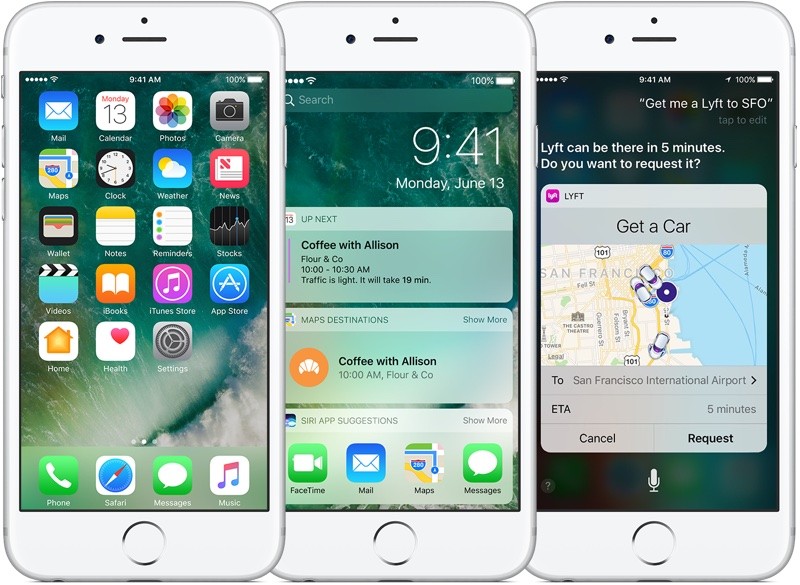
Portrait Mode, deletable default apps, a more intelligent Siri, and a big update for iMessage, updated for lock-screen... iOS 10 came with applause and criticism. 

iOS Evolutional History: From iOS 4 to iOS10


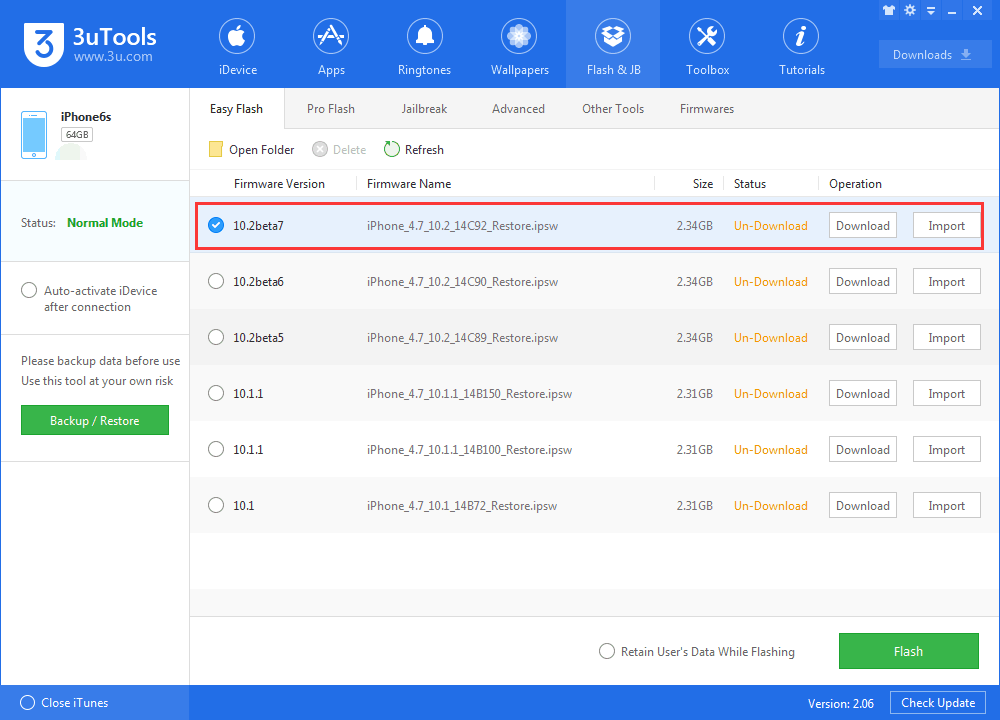
Using 3uTools upgrade your iOS to latest iOS10.2 Beta7. 

iOS Evolutional History: From iOS 4 to iOS10

Windows
Mac OS
iOS
Linux
3uTools
Win 64-bit For this device
V9.0 2025-11-11
Download
Win 32-bit For this device
V9.0 2025-11-11
Download
3uTools
Intel Chip How to Identify Chip Type
V9.0 2025-12-02
Download
Apple Chip
V9.0 2025-12-02
Download
How to Identify Chip Type
1.  Click the Apple icon in the top-left corner of the screen and select About This Mac.
2.  Check the Processor or Chip field to determine if it is "Intel" or "Apple".
Please use the 3uTools PC client to install the iOS client:
1、 Install either the Windows or Mac version of 3uTools on your computer
2、 Open the PC client and connect your device to the computer via USB cable
3、 After the connection is successful, wait for the computer to automatically install the mobile app for the device, or locate “Install Mobile App” on the computer and manually click to install.
3uTools
deb file
V3.01 2025-11-20
Download
rpm file
V3.01 2025-11-20
Download
Windows
Windows
iOS
iOS
Android
Android
TV
TV
3uAirPlayer
Win 64-bit For this device
V6.0.2 2025-11-19
Download
Win 32-bit For this device
V6.0.2 2025-11-19
Download
iOS Device Mirroring (No App Required)
1、 Install 3uAirPlayer on the Windows PC
2、 Open Control Center and select Screen Mirroring
3、 From the list, choose your PC to start mirroring
4、 Or connect your iOS device to the PC via USB to begin mirroring
Scan to get "3uAirPlayer" App
3uAirPlayer TV V1.0.18
2025-11-28
TV System Requirements: Android 7.0 or later
Download the TV installation package, copy it to a USB drive, insert it into your TV or set-top box, then select the file from the home screen to install.





