 NEWS
NEWS
CoolStar Releases an Eleventh Beta of the Electra Jailbreak Tool
 02/09/2018
 3919
3919
An eleventh beta of the Electra jailbreak tool for iOS 11.0-11.1.2 has been released by CoolStar Thursday evening with a bevy of housekeeping improvements.
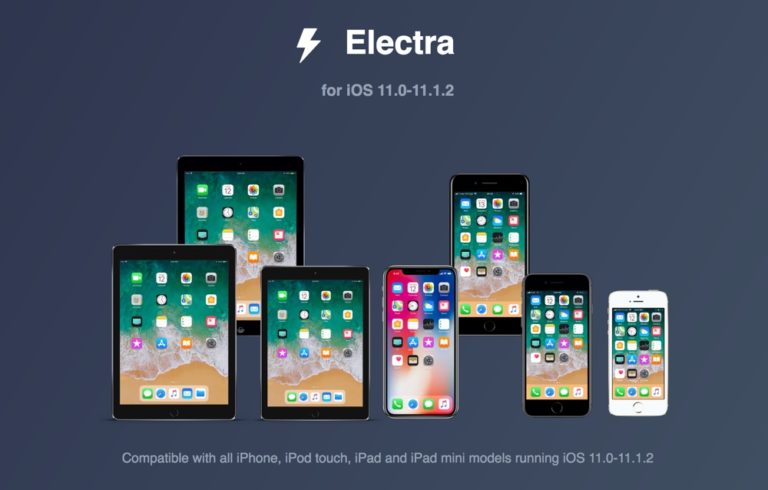
Citing the changelog published on the official Electra website, beta 11 of the tool contains the following changes:
Add libjailbreak so command line tools, apps, etc. can talk to jailbreakd if needed (n_triangle_dev)
Use XPC instead of UDP from libjailbreak and xpcproxy (n_triangle_dev)
Use TCP instead of UDP from launchd (coolstar)
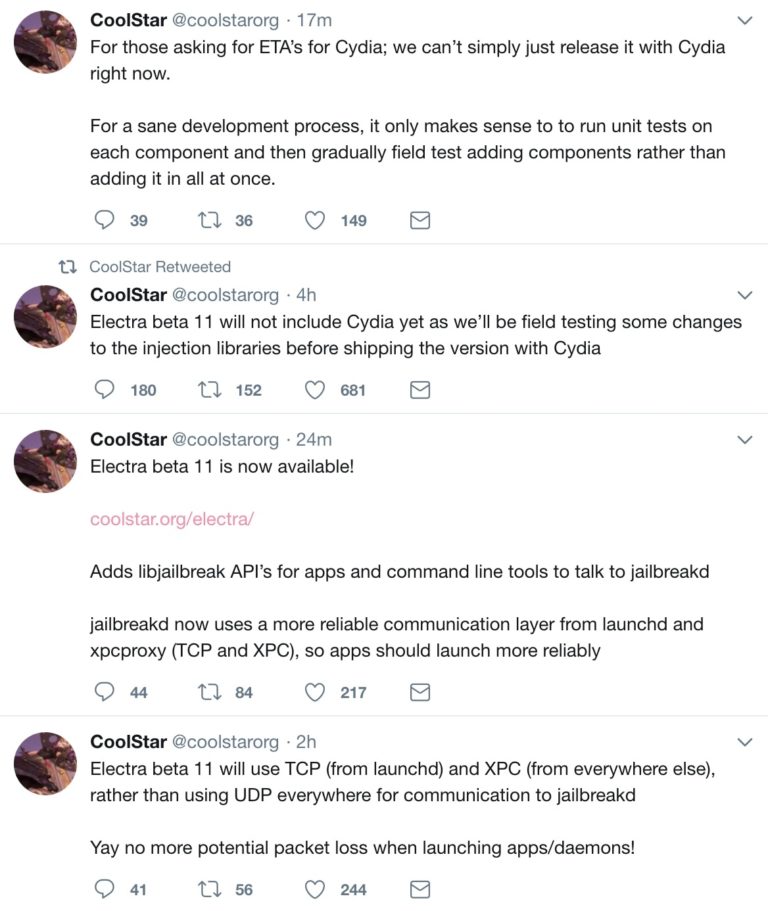
In a series of Tweets, CoolStar explains how the transition to TCP and XPC should help eliminate packet loss problems when launching apps or daemons. Furthermore, new APIs have been added in beta 11 so that apps and command line tools can interact with jailbreakd more reliably.
Notably, beta 11 doesn’t contain the patched version of Cydia that we’ve heard so much about, but there are plans to incorporate it into a future Electra beta now that critical dependencies like APT, DPKG, and GNU are all working on iOS 11.
We can gather from CoolStar's Tweets that the entire shebang is nearly ready, but it requires additional field-testing before it's ready for a public release.
Saurik is purportedly working on an official iOS 11 update for both Cydia and Mobile Substrate, but there’s still no word concerning an ETA for its release.
Source: idownloadblog










