 NEWS
NEWS
Apple Files Patent for Wireless Charging System With Unique Power Scheduling
 01/02/2018
 3189
3189
The technology seems similar to Radio Frequency (RF) based long-range wireless charging and works on the lines of the Energous system.
After apologising for slowing down older iPhones, Apple Inc has recently filed an application with the US Patent and Trademark Office for a new wireless charging system that will allow users to charge devices across another room.
The technology seems similar to Radio Frequency (RF) based long-range wireless charging and works on the lines of the Energous system. Energous, a wireless power developer was recently cleared by Federal Communications Commission (FCC) to put its long-range charging technology in use.
According to the application, the technology extends not only to wireless charging but also wired charging.
"The US Patent and Trademark Office published a pair of patent applications from Apple that relates to wireless power transfers and a unique scheduling system" . "Apple's patent notes that the system is 'configured to wirelessly transmit power over the wireless power transfer link'," the report said.
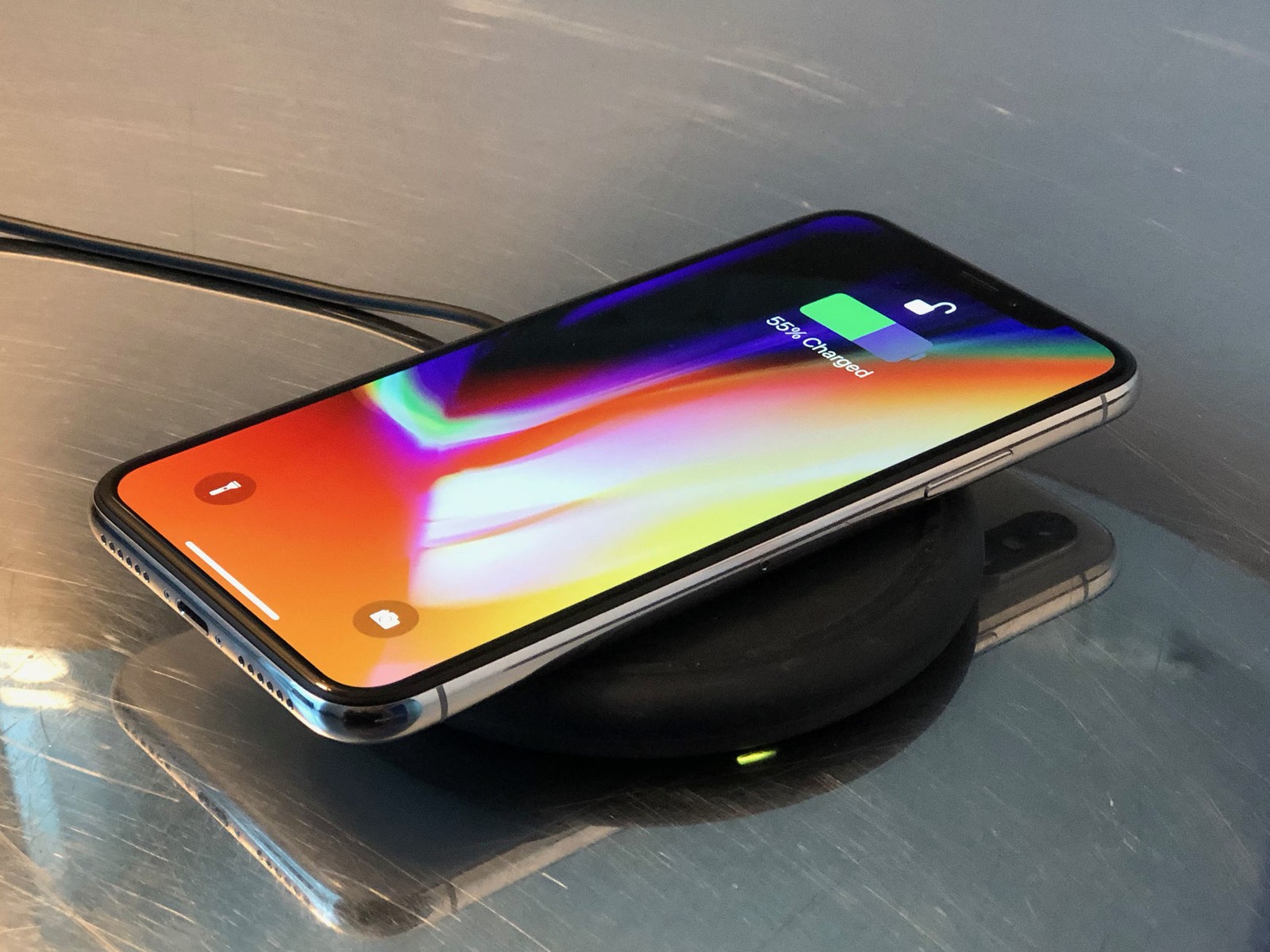
Once the patent is allowed, Apple will be able to roll-out a technology which will let several devices in a room to get charged simultaneously.
‘A system may have a power adapter with multiple ports for supply power,’ a summary of the patent states. ‘The electronic devices may include devices such as cellular telephones, wristwatch devices, laptop computers, and tablet computers. ‘The power adapter may supply power using wired links and wireless links.’
According to the patent, Apple is also looking at ways to limit power supply to individual devices. If successful, users can indicate the important devices which will be given higher power.
For example, a user can indicate that an iPhone is more important than an iPad in a room and the system will provide more power to the iPhone, limiting supply to the iPad.
The patent further states that the ‘system can communicate with the electronic devices or power adapter over a communications network. The power adapter and other components of the system may gather information such as user device charging priority settings, battery charge state information, device type information, usage history information, calendar information, and other information.’
Apple was also in news recently after it was reported recently that the company deliberately slows down older iPhones. Apple’s CEO Tim Cook had recently apologised to its users in a public letter and said, "We know that some of you feel Apple has let you down. We apologize."
As a measure the Cupertino based device maker also reduced the price of batteries of out-of-warranty phones from USD 79 to USD 29.
The letter said, “Apple is reducing the price of an out-of-warranty iPhone battery replacement by $50 - from $79 to $29 - for anyone with an iPhone 6 or later whose battery needs to be replaced, starting in late January and available worldwide through December 2018. Details will be provided soon on apple.com.”
Source: moenycontrol









