 NEWS
NEWS
iPhone SE Display Parts Constrained, Apple May Do Full Device Replacements?
 04/19/2017
 4899
4899
Display repair components for the iPhone SE are in short supply at Apple Stores right now, so customers who need their iPhone SE display fixed may receive a replacement device instead.
According to a retail source that employees have been told that display parts are constrained until further notice, and it's not known how long it will be until display components are more widely available. Stores that have no display repair components on hand will outright replace iPhone SE models in need of repair.
The reason behind the component constraint is unclear, as Apple did not provide details to employees.
Supply constraints are not likely indicative of an imminent refresh because no new iPhone SE model is expected. According to KGI Securities analyst Ming-Chi Kuo, who often shares reliable information on upcoming Apple products, Apple will not introduce a new iPhone SE during the first half of 2017.
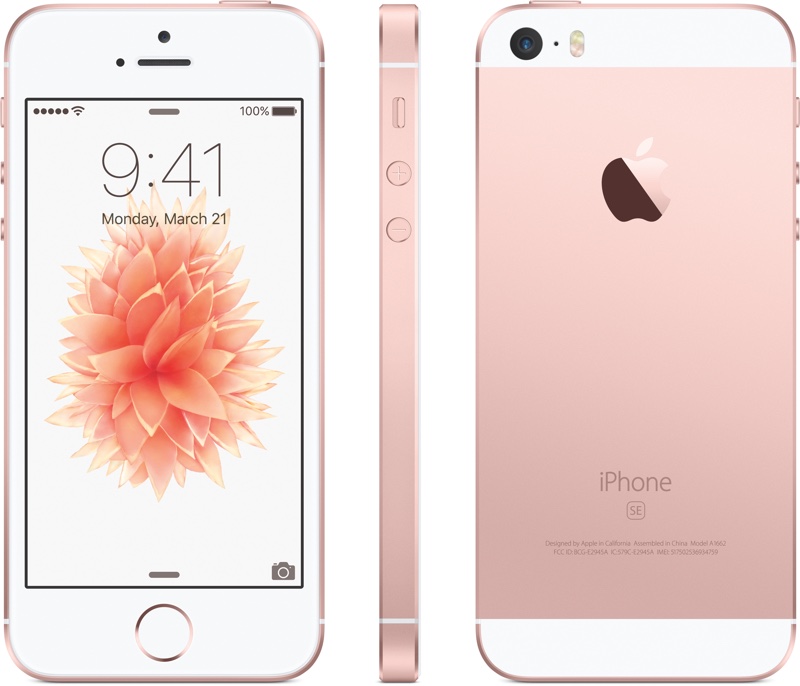
Apple also recently bumped up the storage space in the iPhone SE, offering the iPhone SE in 32 and 128GB capacities for $399 and $499, respectively.
It isn't yet clear if Apple is planning on introducing another 4-inch device, or if the SE was the last 4-inch phone Apple plans to produce. Kuo's information only covered the first half of 2017, so if another 4-inch phone is in the works, it could come later in the year.
According to a second source, the serial numbers for the displays weren't added to Apple's system correctly, so the displays were unable to be validated. All affected displays were pulled and sent back to Apple, impacting much of the stock at most retail stores.
Some flagship stores have been getting rerouted shipments and will be able to offer repairs.
Source: macrumors










