NEWS

The iPhone SE Is Just The Tip Of The Iceberg For Apple In India

02/27/2017

3356

The iPhone SE Is Just The Tip Of The Iceberg For Apple In India


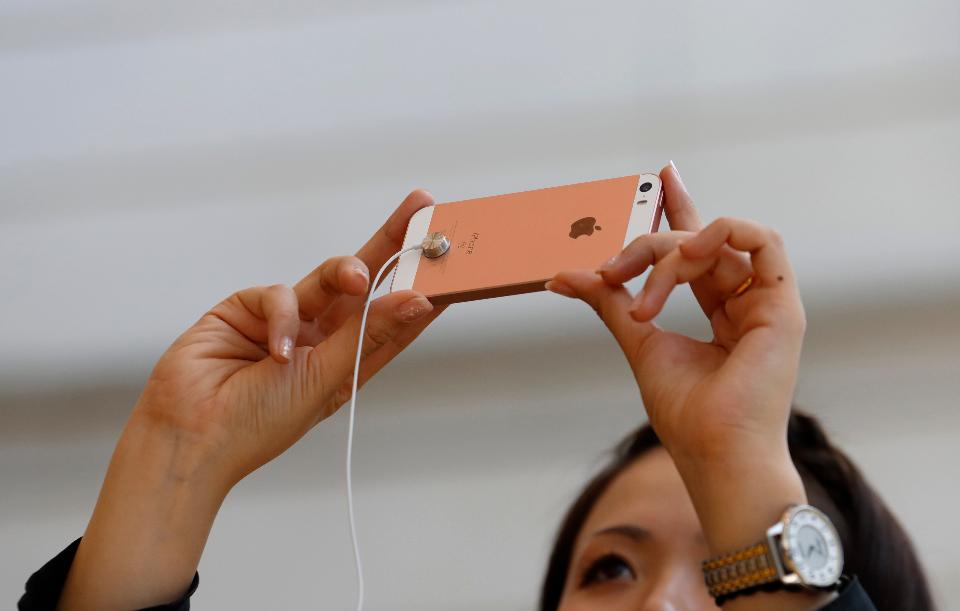
The last couple months there has been a lot of buzz about Apple soon starting to manufacture the iPhone SE in India so as to make it more affordable for the Indian consumer.


However, for Apple, local assembly/manufacturing of the iPhone SE is just the starting point for the company's plans in India based on a report in the Economictimes.


According to Indian IT secretary Aruna Sundararajan, "Apple plans to move up the value chain in their next phase, in terms of producing the entire suite of products, definitely all iPhone models, for which their entire ecosystem of partners needs to move in."  


"They (Apple) have two primary asks (demands)—one that they should be able to import the components that they need, and second that it should be cheaper for them to manufacture here than to import," she said to ET.  


"The second question is where government has not yet taken a view, because this is to be decided only after the GST (goods and services tax) is finalised."


Source: Forbes

Windows
Mac OS
iOS
Linux
3uTools
Win 64-bit For this device
V9.0 2025-11-11
Download
Win 32-bit For this device
V9.0 2025-11-11
Download
3uTools
Intel Chip How to Identify Chip Type
V9.0 2025-12-02
Download
Apple Silicon
V9.0 2025-12-02
Download
How to Identify Chip Type
1.  Click the Apple icon in the top-left corner of the screen and select About This Mac.
2.  Check the Processor or Chip field to determine if it is "Intel" or "Apple".
Please use the 3uTools PC client to install the iOS client:
1、 Install either the Windows or Mac version of 3uTools on your computer
2、 Open the PC client and connect your device to the computer via USB cable
3、 After the connection is successful, wait for the computer to automatically install the mobile app for the device, or locate “Install Mobile App” on the computer and manually click to install.
3uTools
deb file
V3.01 2025-11-20
Download
rpm file
V3.01 2025-11-20
Download
Windows
Windows
iOS
iOS
Android
Android
TV
TV
3uAirPlayer
Win 64-bit For this device
V6.0.2 2025-11-19
Download
Win 32-bit For this device
V6.0.2 2025-11-19
Download
iOS Device Mirroring (No App Required)
1、 Install 3uAirPlayer on the Windows PC
2、 Open Control Center and select Screen Mirroring
3、 From the list, choose your PC to start mirroring
4、 Or connect your iOS device to the PC via USB to begin mirroring
Scan to get "3uAirPlayer" App
3uAirPlayer TV V1.0.18
2025-11-28
TV System Requirements: Android 7.0 or later
Download the TV installation package, copy it to a USB drive, insert it into your TV or set-top box, then select the file from the home screen to install.