
NEWS

Beats 1 to Broadcast Live From Renovated 5th Avenue Apple Store?

04/10/2017

3729

Apple is thinking about adding broadcasting facilities to the 5th Avenue Apple Store that is being renovated in New York City. The plan is to have Beats 1 radio broadcast some of its programming from the retail location. Currently, one of the DJ's heard on Beats 1, Ebro Darden, is believed to be broadcasting from a location on West 27th Street in the Big Apple. The store will more than double its size when the renovation, which started in January, is completed. Apple is currently running a make-shift Apple Store inside a former FAO Schwartz store which is right next door to the Apple Store where the work is taking place.
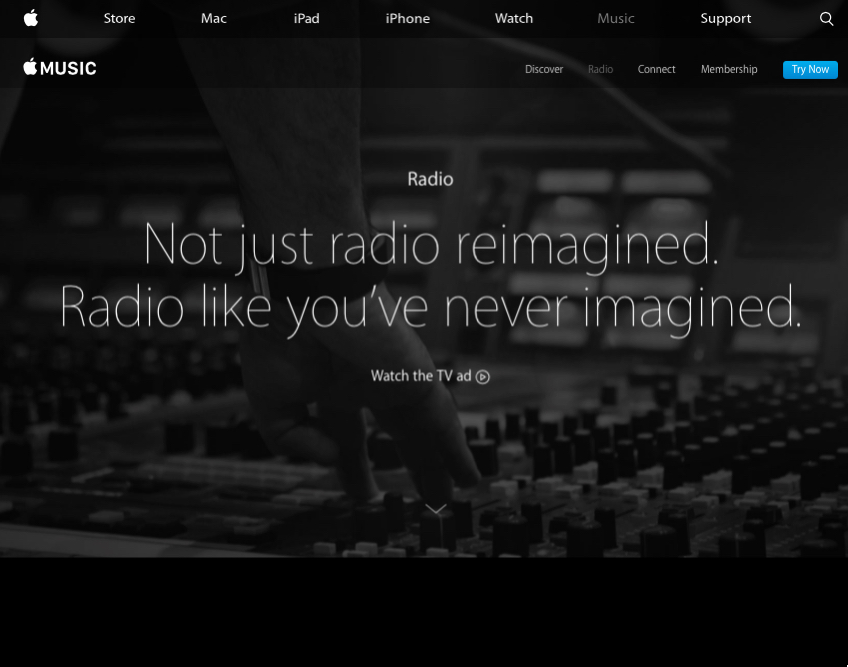

Beats 1 to Broadcast Live From Renovated 5th Avenue Apple Store?


Beats 1 broadcasts 24/7 around the world with a focus on new music from new artists or established artists with fresh music. Currently, Beats 1 broadcasts from New York, London and Los Angeles. While Darden could end up moving his show to the 5th Avenue Apple Store, it might turn into a logistical nightmare for Apple, especially if big name guests are coming in to be interviewed. One possibility would be for Darden to continue to broadcast from his current NYC studio, and use the Apple Store when a live audience would sound good for a musical performance or interview.

The DJs currently broadcasting on Beats 1 include Zane Lowe, Zane Lowe and the aforementioned Ebro Darden. In addition there are several original shows such as Dr. Dre'sThe Pharmacy and Real Talk with Mary J. Blige.


Source: phonearena

Windows
Mac OS
iOS
Linux
3uTools
Win 64-bit For this device
V9.0 2025-11-11
Download
Win 32-bit For this device
V9.0 2025-11-11
Download
3uTools
Intel Chip How to Identify Chip Type
V9.0 2025-12-02
Download
Apple Silicon
V9.0 2025-12-02
Download
How to Identify Chip Type
1.  Click the Apple icon in the top-left corner of the screen and select About This Mac.
2.  Check the Processor or Chip field to determine if it is "Intel" or "Apple".
Please use the 3uTools PC client to install the iOS client:
1、 Install either the Windows or Mac version of 3uTools on your computer
2、 Open the PC client and connect your device to the computer via USB cable
3、 After the connection is successful, wait for the computer to automatically install the mobile app for the device, or locate “Install Mobile App” on the computer and manually click to install.
3uTools
deb file
V3.01 2025-11-20
Download
rpm file
V3.01 2025-11-20
Download
Windows
Windows
iOS
iOS
Android
Android
TV
TV
3uAirPlayer
Win 64-bit For this device
V6.0.2 2025-11-19
Download
Win 32-bit For this device
V6.0.2 2025-11-19
Download
iOS Device Mirroring (No App Required)
1、 Install 3uAirPlayer on the Windows PC
2、 Open Control Center and select Screen Mirroring
3、 From the list, choose your PC to start mirroring
4、 Or connect your iOS device to the PC via USB to begin mirroring
Scan to get "3uAirPlayer" App
3uAirPlayer TV V1.0.18
2025-11-28
TV System Requirements: Android 7.0 or later
Download the TV installation package, copy it to a USB drive, insert it into your TV or set-top box, then select the file from the home screen to install.




