 NEWS
NEWS
Federal Court Rules Police Can't Force Building-wide iPhone Fingerprint Unlocks
 02/24/2017
 4197
4197
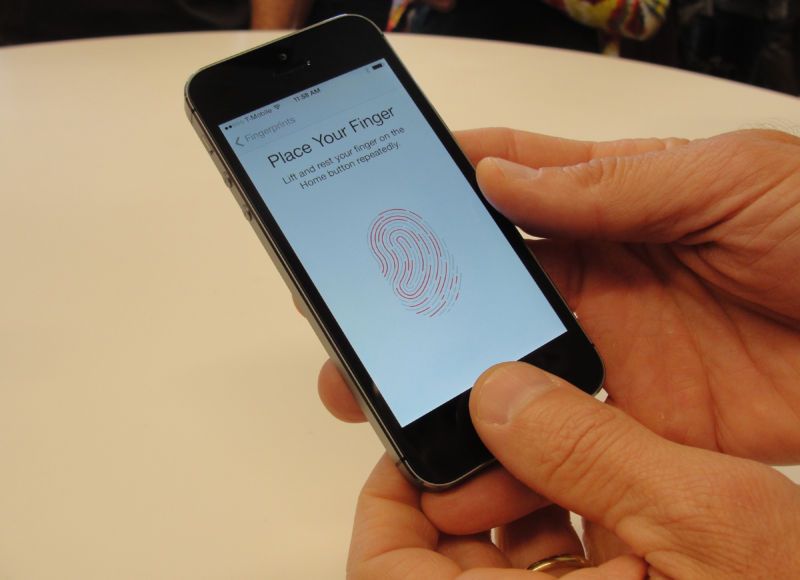
Although taking fingerprints doesn't automatically violate Fourth Amendment protections against unreasonable search and seizure, the context in which they're obtained can, magistrate Judge M. David Weisman wrote in his opinion, according to Forbes. Police were asking for access to multiple devices on a property involved in a child pornography investigation.
"In the instant case, the government is seeking the authority to seize any individual at the subject premises and force the application of their fingerprints as directed by government agents," Weisman noted. "Based on the facts presented in the application, the Court does not believe such Fourth Amendment intrusions are justified based on the facts articulated."
The judge noted that the warrant was missing specifics about people living on property, other than the name of one person thought to live there, and was vague about what electronics might be found —saying only that it was "likely that Apple brand devices" were around.
Weisman also differed with past courts in suggesting that using fingerprint systems like Apple's Touch ID can constitute a form of testimony protected by the Fifth Amendment. By unlocking a phone a person is admitting that they've at least used it before, he said, and possibly that they have a connection to it and its contents.
American police forces have previously managed to secure a number of warrants for unlocking fingerprint-protected phones, whether targeting individual devices or whole properties. The matter has been controversial however, in part because courts have said the Fifth Amendment protects people against supplying a numerical passcode.
Even so, there can be ways around passcode locks —the FBI infamously managed to use outside tools to crack the iPhone 5c of San Bernardino shooter Syed Rizwan Farook, despite initially claiming it needed Apple's help. Currently, three press outlets are trying to discover the cost of the tools and their source.
Source: appleinsider










