 TUTORIALS
How to Duplicate Apps with Filza + Appsync?
 09/29/2017
 27041
27041
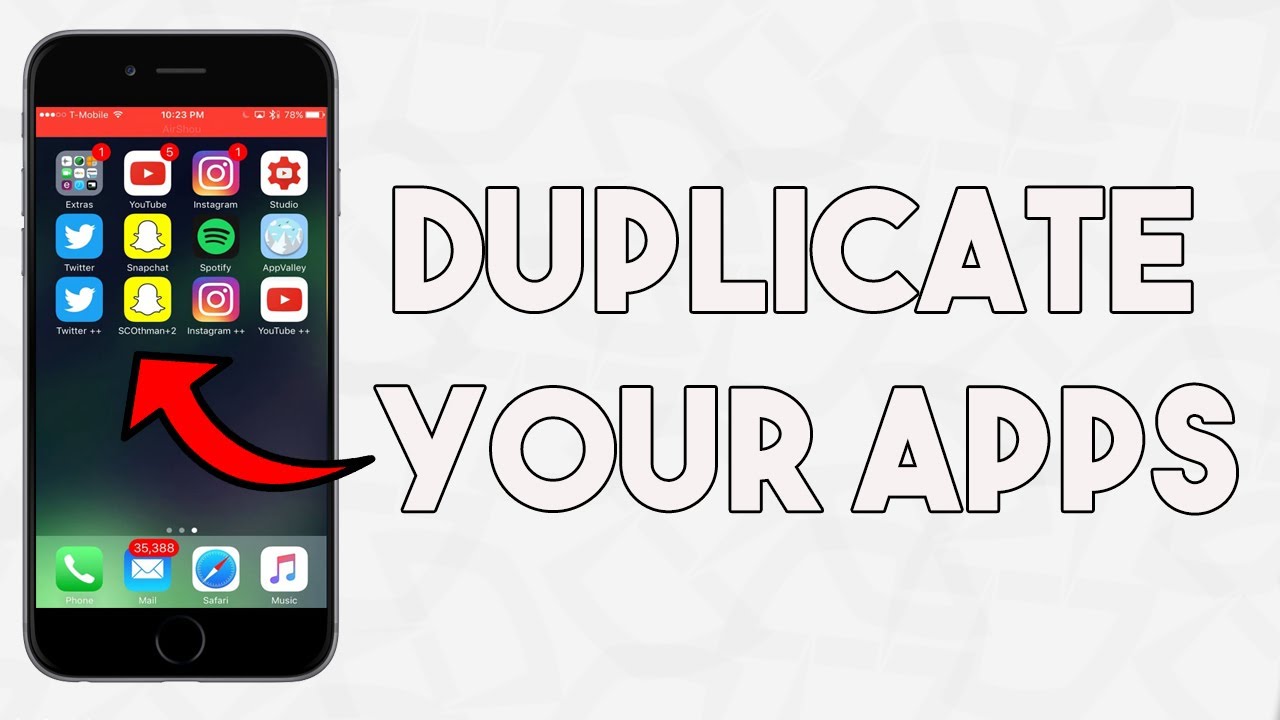
Duplicating apps is a very common request, and it is shockingly simple. This tutorial is relevant for almost any iOS. This is so much better than sideloading pirated copies of apps.
Note
This tutorial has been tested on iOS 7.1.2, 9.3.1 and 10.2, and it could probably work with 7-10.2. You could most likely do this on even earlier iOS versions using IPA Installer.
Some apps could not be duplicated.
Requirements
Filza
Target app for duplication installed on the device and working properly (not crashing or prompting Apple ID)
Appsync
Jailbroken iDevice
Instructions
1. Let's take "Perk Wallet" for example. Find out where Application folder is. If it is iOS 7, go to /var/mobile/Applications, and /var/containers/Bundle/Application for iOS 10. If you're on a different iOS, yours will be one of these too. If it's not one, it's the other.
2. Find the folder of the app you want to duplicate in Applications folder. It is organized by name and there should be another folder in there with the extension .app.
3. Tap Edit, select Perk Wallet.app, and tap Copy.
4. You need a "staging area" to build an ipa file. Recommend /var/mobile/Documents. Go there and make a new folder and label it. Here label it as Payload. You must name it exactly that, or this will not work.
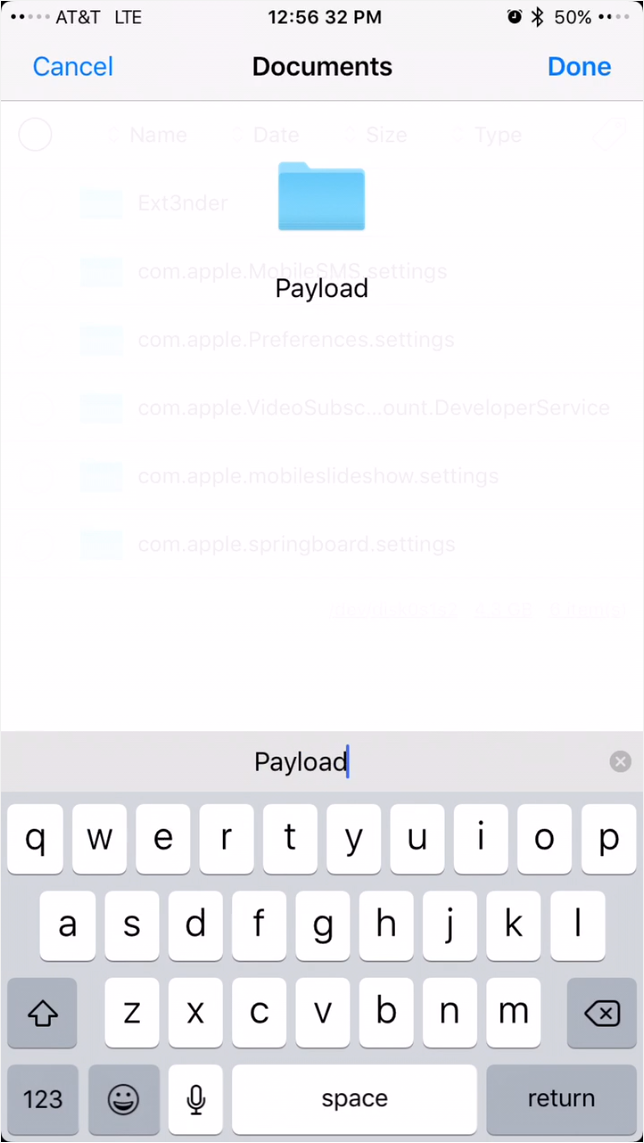
5. Enter the Payload folder, and paste the Perk Wallet.app you copied earlier by tapping the clipboard icon and then Paste.
6. Go into Perk Wallet.app and find Info.plist. Tap it and it will open in Filza's plist editor.
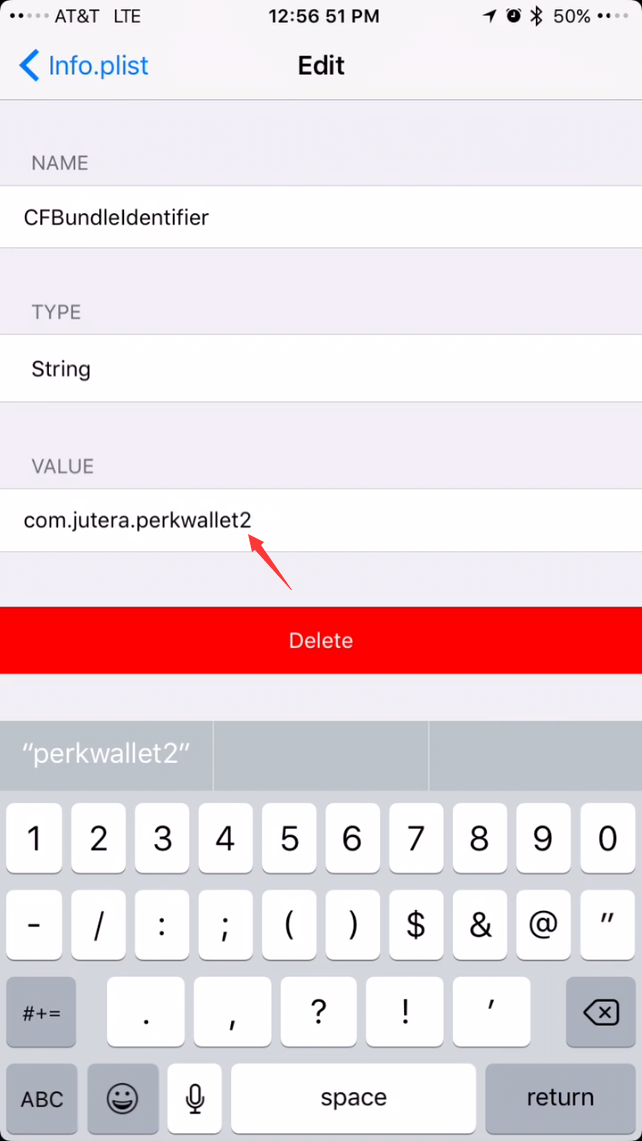
7. Find CFBundleIdentifier, and tap the info button. You need to change the value so it is unique. Here we put "2" at the end. Then go back, tap Save, and then Done.
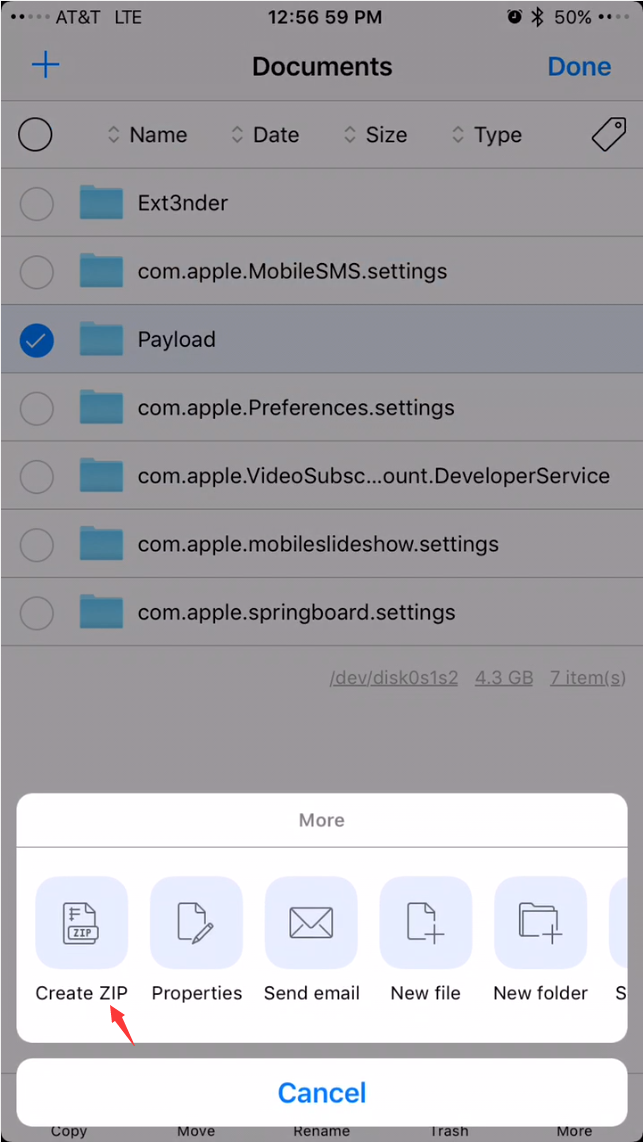
8. Go back 2 pages so now you are in /var/mobile/Documents. Tap Edit, select Payload, choose More, and tap Create ZIP. This will make a new file called Payload.zip. Tag Edit, select Payload.zip, and choose Rename. Change zip to ipa. This should leave you with a file named Payload.ipa
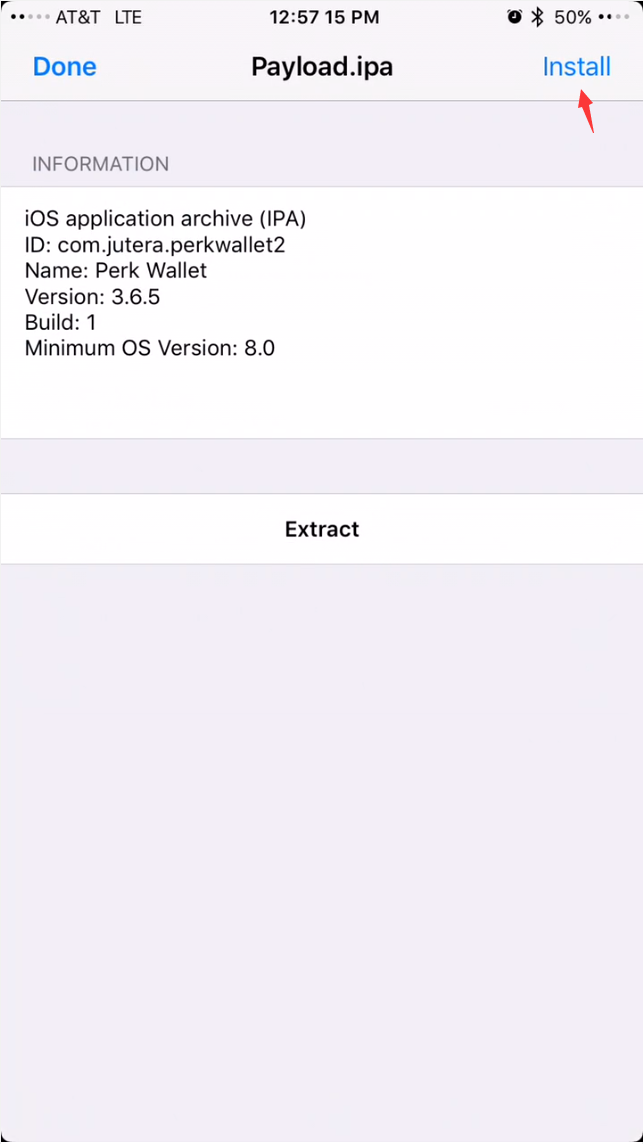
9. Now tap Payload.ipa and choose Install. If it says Done, congrats! If it says failed, you need to install Appsync Unified from https://cydia.angelxwind.net/. Install that and try again.
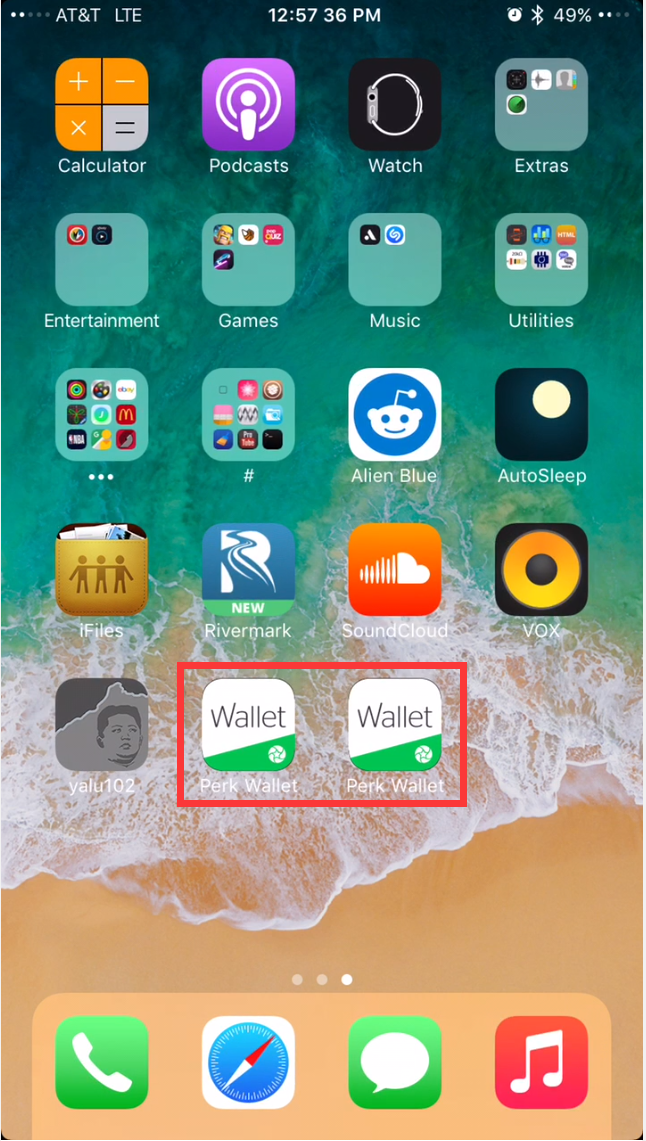
10. Once you're finished, you can delete Payload.ipa and the Payload folder if you want.
Hope this helps. It's much safer and better than the alternatives. It may look intimidating, but will be second nature after you've done it a couple times.










