 TUTORIALS
What You Should Know About Semi Jailbreak?
 07/07/2017
 7371
7371
A SemiTethered jailbreak is normally a tethered jailbreak with a package installed that allows you to reboot with limited use. You must perform a tethered boot (see video for explanation) to regain full functionality to your jailbroken device. Much better than a tethered jailbreak, but not quite as good as the untethered variety.
Semi Jailbreak without computer jailbreak tool supports download Cydia for iOS 10 to iOS 8.4.1 versions.
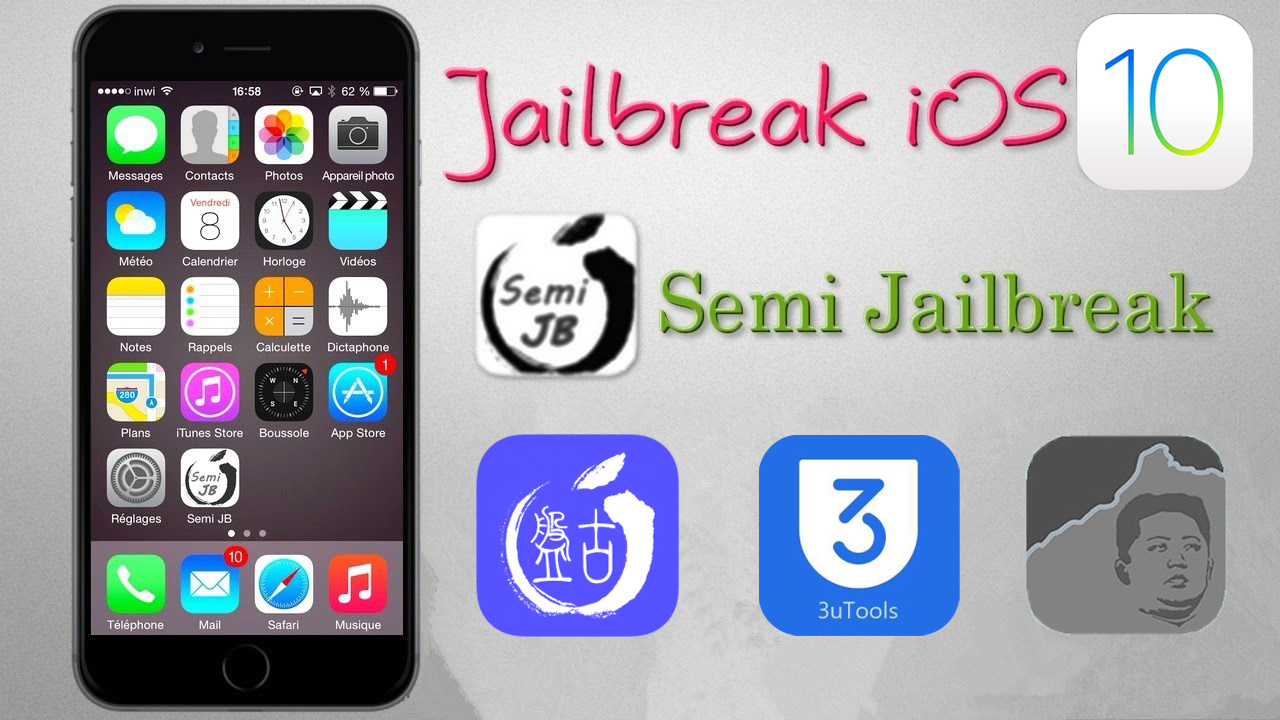
Semi jailbreak device compatible
Semi jailbreak compatible iOS 10.1 to iOS 8.4.1. But we do not recommend Semi jailbreak tool for below users.
iOS 10.2 running 64-bit users except iPhone 7 and 7 Plus. Recommend Yalu102 jailbreak tool.
iOS 10 to iOS 10.1 running iPhone 7 / 7Plus / iPhone 6s/iPad Pro users. Recommend - Yalu mach-portal jailbreak tool.
Advantage of Semi jailbreak
* Team semi using special web platform to install cydia. Therefore, you can jailbreak without computer.
* No need to change device settings such as Enable AirPlane / Disable Touch ID & regular passcode / Disable find my iPhone.
* Apple highly recommended not doing the unauthorized modification (especially jailbreak) to iPhone, iPad and iPod Touch Devices. Even after jailbroken iOS users cannot claim Apple warranty, and if you want to claim it, you should remove the jailbreak. However, Semi jailbreak users easily can remove jailbreak to claim Apple warranty.
* Semi jailbroken users can remove jailbreak profile without update firmware and restore. This is the biggest advantage of the Semi jailbreak tool. So Semi jailbroken users can remove jailbreak through Settings > General > Profile > Delete profile.
How to remove Semi jailbreak?
Semi jailbreak can remove anytime without the firmware update or restore. You can remove Semi jailbreak anytime by following same - Settings > General > Profile and remove Semi jailbreak app and after then again go to settings and reset all device settings. After few minutes device will be restart. Now you successfully removed Semi jailbreak Cydia.









