
Manage Up to 9 Devices at Once with 3uRemote’s Remote Screen Wall
 03/21/2025
 763189
In today’s fast-paced digital world, managing multiple devices efficiently is crucial for professionals, businesses, and tech enthusiasts. With 3uRemote, you can take full control of up to nine devices at once, all from a single interface. Whether you’re providing remote IT support, monitoring multiple devices, or enhancing your workflow, 3uRemote’s 9-Screen Remote Wall feature is designed to elevate your remote management experience.
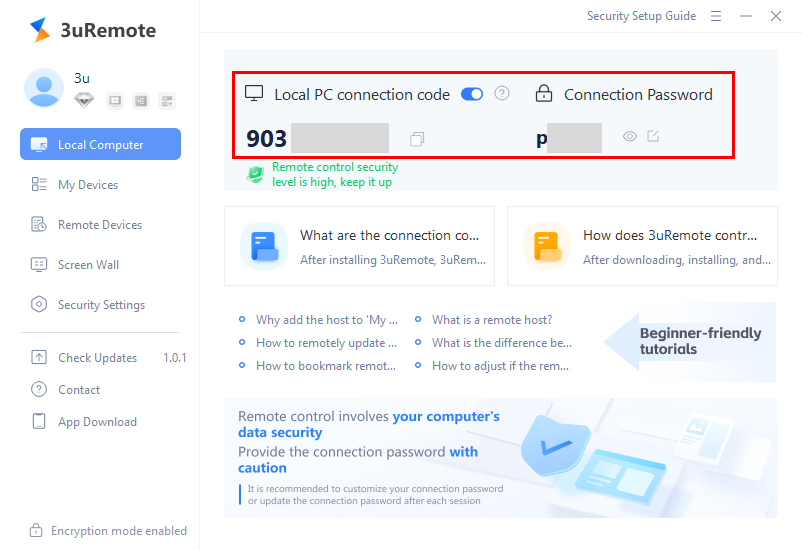
Gone are the days of constantly switching between devices or struggling to keep track of multiple screens. 3uRemote’s 9-Screen Remote Wall allows you to:
• Monitor up to 9 devices simultaneously – Keep an eye on multiple screens at once, whether for work, security, or convenience.
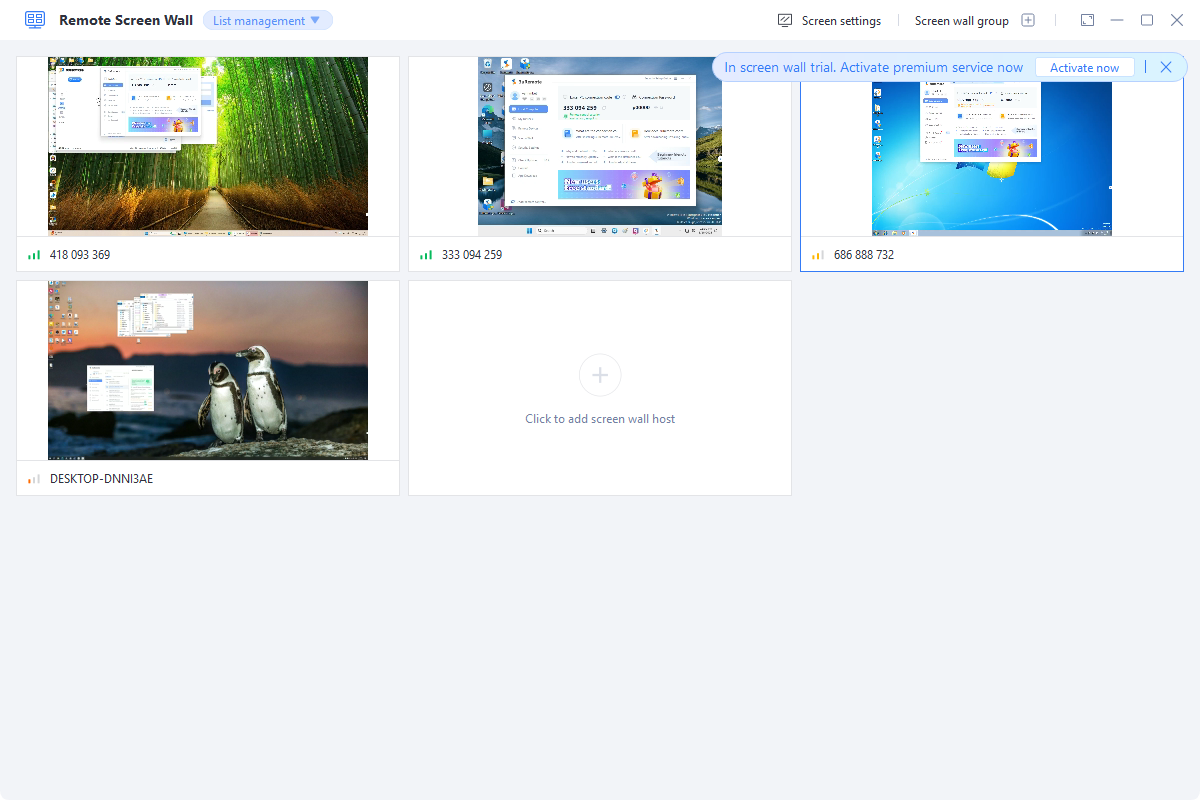
• Switch between landscape and portrait mode – Customize your screen layout to fit your specific needs.
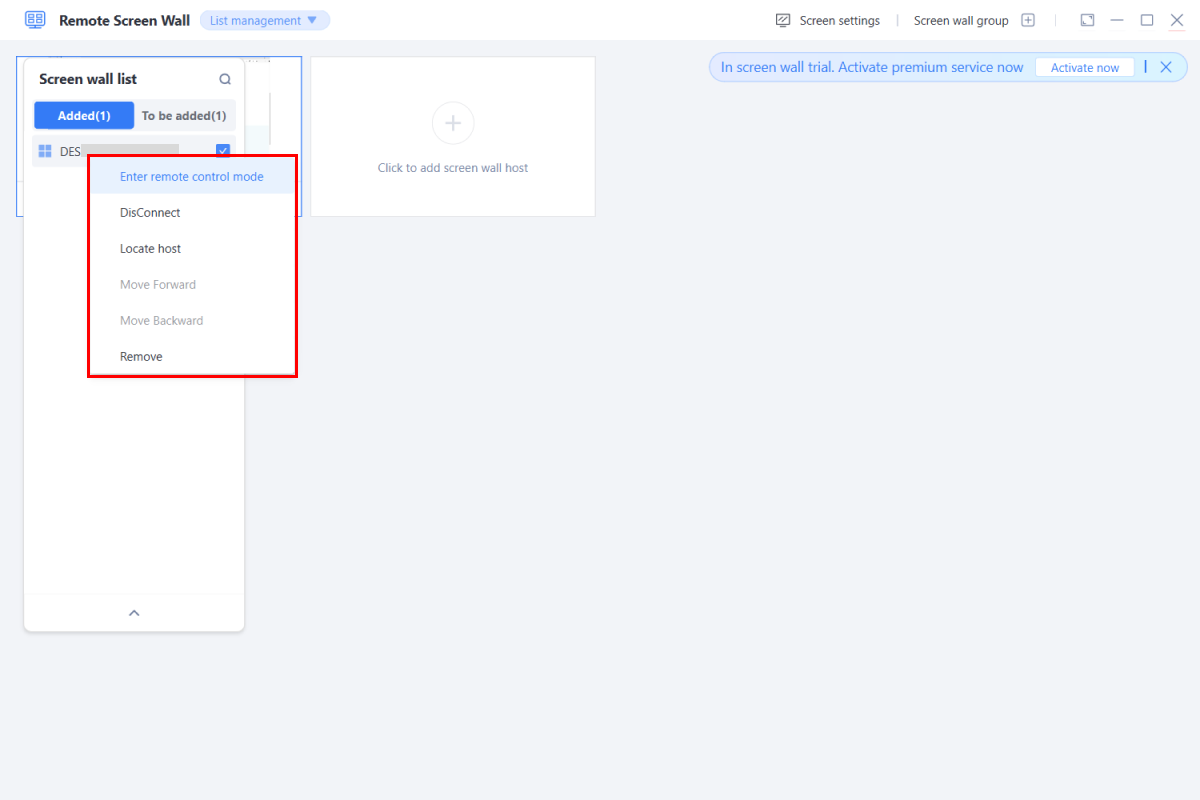
• Seamlessly control devices from one interface – Execute commands and manage tasks more efficiently.
Exclusive Offer: Free 1-Month Standard Membership
To celebrate the power of seamless remote management, new users who register on 3uRemote will receive a free 1-month Standard Membership and access to Remote Screen Wall (9-screen) services. This offer allows you to experience the full potential of 3uRemote without any cost!
Who Can Benefit from 3uRemote?
-
Remote Workers: Access your office computer from anywhere, with the security you need.
-
IT Professionals: Efficiently manage and monitor multiple devices from a single interface.
-
Business Owners: Gain oversight across multiple locations with the ability to handle up to 200 devices.
-
Educators and Gamers: Monitor multiple screens for teaching or gaming setups with customizable display modes.
♥ How to Claim:
- Sign up for 3uRemote – Create an account and complete the registration. (You can download it here 3uRemote Official.)
- Enjoy your free membership – Get 1 month of Standard Membership and Remote Screen Wall (9-screen) access instantly.
- Start managing your devices effortlessly – Experience enhanced control, flexibility, and productivity.
♥ Don’t miss out on this opportunity! Sign up today and take your multi-device management to the next level.









