NEWS

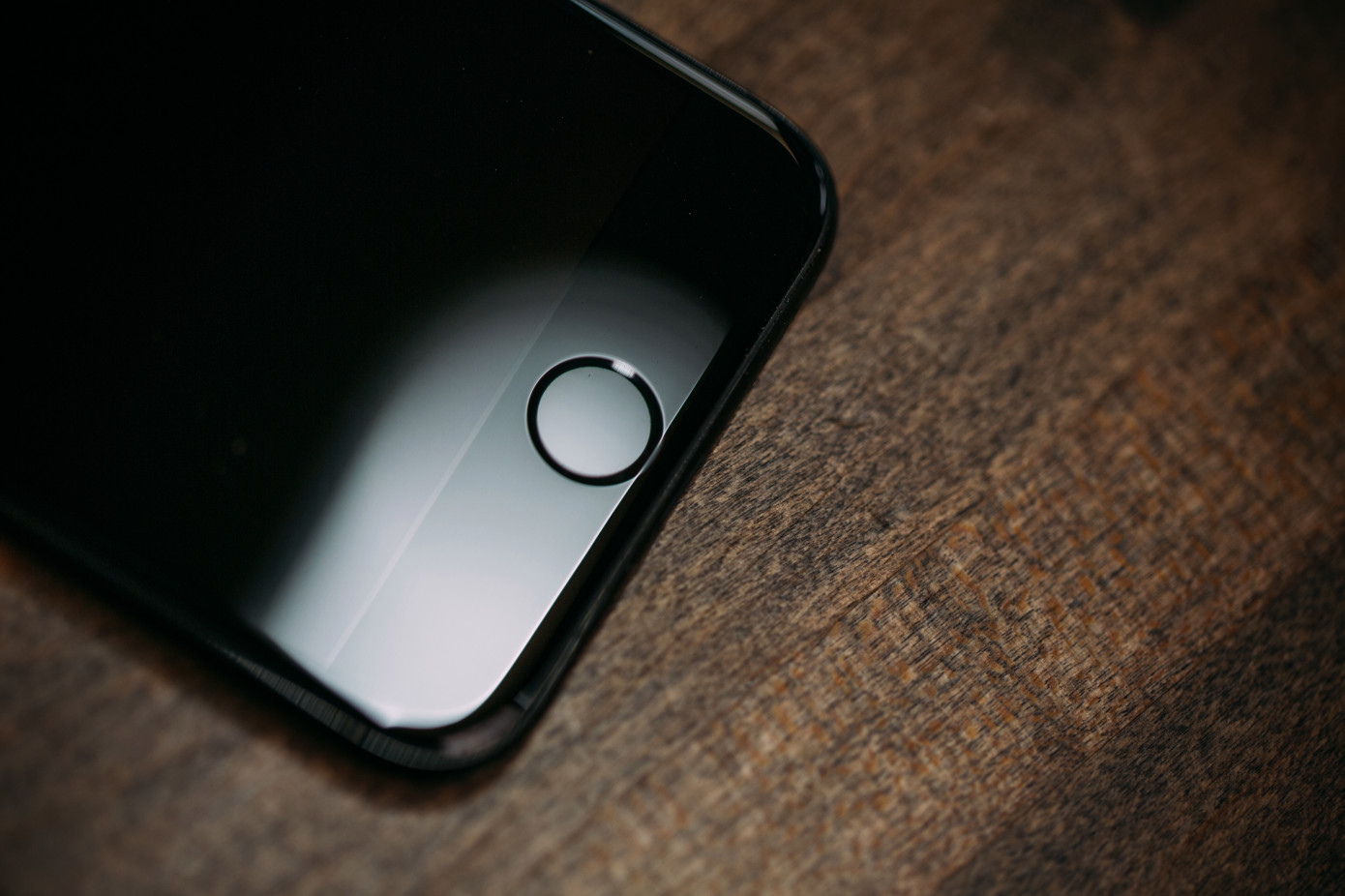
Apple Could Add In-Screen Fingerprint Reader to 2020 iPhone

09/06/2019

2431

Apple Could Add In-Screen Fingerprint Reader to 2020 iPhone


According to a new report from Bloomberg, Apple has been working on in-screen fingerprint readers. But that feature won’t be ready for the new iPhone that will be announced next week. It could be released in 2020, or maybe 2021 if Apple’s suppliers can’t meet deadlines.


If you’ve played with the most recent smartphones from Samsung, Huawei and other Android manufacturers, you know that in-screen fingerprint readers already work quite well. When you unlock your phone, you can see a fingerprint icon on the screen. It then works just like any fingerprint reader — you put your finger on the icon and it unlocks your phone.


In 2017, Apple introduced Face ID for the iPhone X as a replacement to Touch ID, its fingerprint technology. But it sounds like the company now wants to give users multiple options by re-adding Touch ID to its smartphones.


All 2018 iPhone models as well as the most recent iPad Pro models now all work with Face ID. But you can still buy some Touch ID devices, such as the iPad Air or the MacBook Pro. The fingerprint readers are integrated in a separate button.


Bloomberg also confirms a Nikkei report about a future iPhone SE. Apple could launch a new low-cost iPhone SE.


Despite the name, it would be based on the iPhone 8 design instead of the previous iPhone SE design. It would feature the same 4.7-inch display that you can find on the iPhone 6, iPhone 6S, iPhone 7 and iPhone 8.


Source: techcrunch

Windows
Mac OS
iOS
Linux
3uTools
Win 64-bit For this device
V9.01 2025-12-27
Download
Win 32-bit For this device
V9.01 2025-12-27
Download
3uTools
Intel Chip How to Identify Chip Type
V9.01 2025-12-31
Download
Apple Silicon
V9.01 2025-12-31
Download
How to Identify Chip Type
1.  Click the Apple icon in the top-left corner of the screen and select About This Mac.
2.  Check the Processor or Chip field to determine if it is "Intel" or "Apple".
Please use the 3uTools PC client to install the iOS client:
1、 Install either the Windows or Mac version of 3uTools on your computer
2、 Open the PC client and connect your device to the computer via USB cable
3、 After the connection is successful, wait for the computer to automatically install the mobile app for the device, or locate “Install Mobile App” on the computer and manually click to install.
3uTools
deb file
V3.01 2025-11-20
Download
rpm file
V3.01 2025-11-20
Download
Windows
Windows
iOS
iOS
Android
Android
TV
TV
3uAirPlayer
Win 64-bit For this device
V6.0.2 2025-11-19
Download
Win 32-bit For this device
V6.0.2 2025-11-19
Download
iOS Device Mirroring (No App Required)
1、 Install 3uAirPlayer on the Windows PC
2、 Open Control Center and select Screen Mirroring
3、 From the list, choose your PC to start mirroring
4、 Or connect your iOS device to the PC via USB to begin mirroring
Scan to get "3uAirPlayer" App
3uAirPlayer TV V1.0.18
2025-11-28
TV System Requirements: Android 7.0 or later
Download the TV installation package, copy it to a USB drive, insert it into your TV or set-top box, then select the file from the home screen to install.