 NEWS
NEWS
British Airways Buys 15,000 iPhone XR Units for Cabin Crew
 08/22/2019
 3033
3033
As part of a major investment in customer relations enhancements, British Airways on Wednesday announced plans to outfit its 15,000 cabin crew employees with an iPhone XR loaded with personalized in-flight service apps.
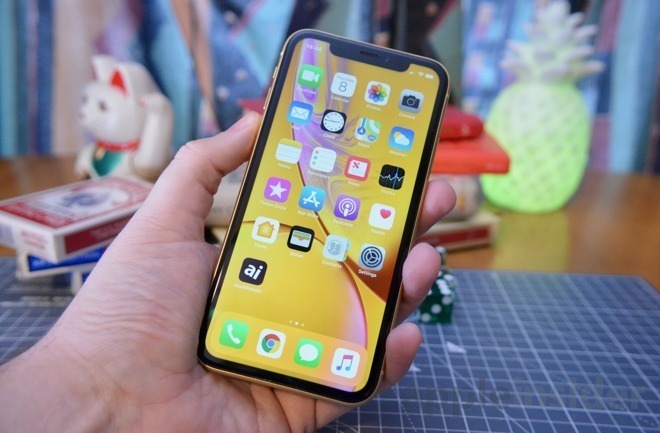
According to the airline, each of the 15,000 phones will contain a selection of apps designed to provide travelers with additional assistance during flights.
Crew can use their iPhone XR to access customer information, including previous flights and meal preferences, enabling on-the-spot care and service personalization. British Airways employee Bradley Smith said the device is already proving useful at serving customer needs.
"Recently, when a customer realized that he had forgotten to order a special meal, he was really impressed when I quickly took out the phone, logged onto ba.com and ordered a meal for his return journey - all within a matter of minutes in the middle of the flight," Smith said.
The iPhone XR rollout is part of a 6.5 billion pound investment in upgrading the airline's customer service experience and follows a pilot program that equipped senior crew with iPads. Whether the tablet-based initiative will continue is unknown.
British Airways also relies on iPad at Heathrow Airport, where customer service agents use the device to answer customer queries. The airline on Wednesday announced an additional multi-million pound investment in training for airport staff.
Air carriers around the world are turning to Apple products and services in efforts to modernize operations. United was among the first when it replaced bulky flight manuals with 11,000 iPads in 2011. The same airline equipped more than 23,000 flight attendants with iPhone 6 Plus units to handle onboard transactions and view internal documents.
More recently, Delta in June became the first airline to adopt Apple's Business Chat feature to interface with customers via iMessage.
Source: Appleinsider










