 NEWS
NEWS
Four New Apple Watch Models Are Suggested
 08/22/2019
 4331
4331
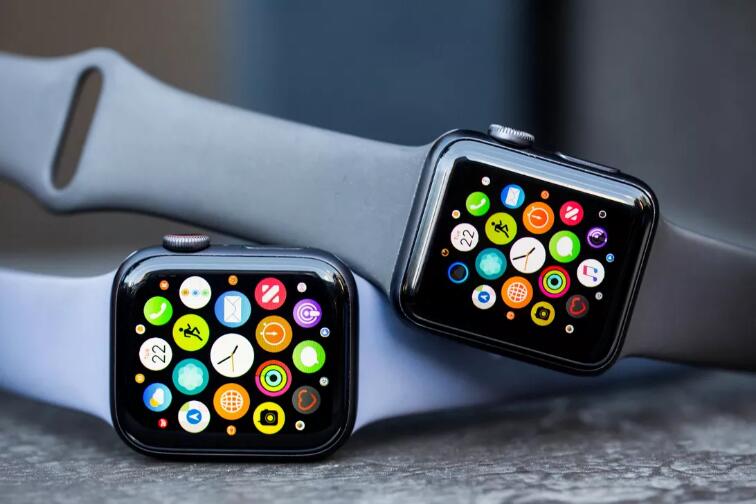
Apple has reportedly registered four new Apple Watch models in the Eurasian Economic Commission database. The models were filed Wednesday, and the Apple Watch numbers are listed as A2156, A2157, A2092 and A2093 and as running on WatchOS 6, MacRumors reported.
Apple's next-generation smartwatch, the Apple Watch Series 5, is reportedly launching in the fall and will retain its OLED displays. The Apple Watch Series 4 was announced almost a year ago during Apple's traditional September event, where the company typically launches its new swathe of iPhones.
Apple also reportedly updated the EEC database to show more iPhones running iOS13. They're listed as A2111, A2160, A2161, A2215, A2216, A2217, A2218, A2219, A2220, A2221, A2223, A2296 and A2298. Apart from the last two, the rest were originally filed in May as being on iOS 12, MacRumors said.
According to the report, 11 previously filed MacBook model numbers were updated Wednesday to show they run MacOS Catalina. Apple is rumored to be launching a 16-inch MacBook Pro later this year.
The EEC filings are a legal requirement to sell encrypted devices in Russia and other countries, MacRumors said, and they've previously foretold the announcement of new iPhones, iPads, iPad Pros, Apple Watches, Macs and AirPods.
The Apple Watch 5 is also rumored to come with sleep tracking, a larger battery, more health features and titanium and ceramic finishes. It's rumored that the 2020 version of the smartwatch will come with a MicroLED display.
Apple didn't immediately respond to a request for comment.
Source: cnet










