 NEWS
NEWS
Former Siri Chief Is Leaving Apple to Join Microsoft
 08/20/2019
 2837
2837
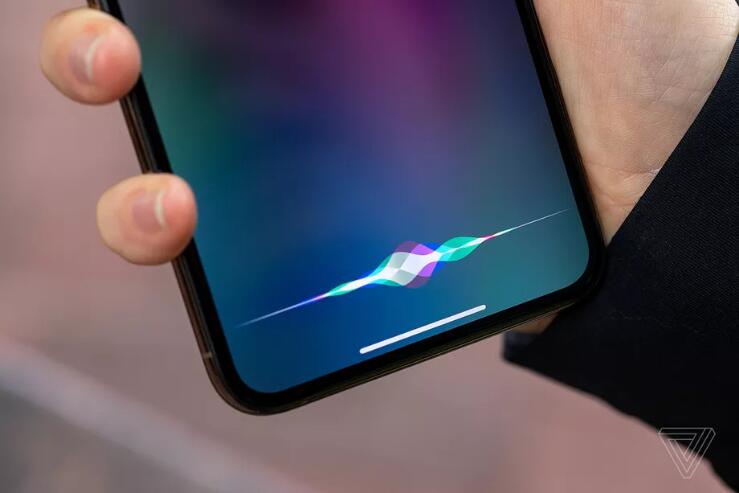
Bill Stasior, the former head of Apple’s Siri division, is leaving the company after nearly 1a decade to join Microsoft’s artificial intelligence division, reports The Information. Although Stasior left Apple in May, he’s only joining Microsoft later this month as a corporate vice president, reporting to Chief Technology Officer Kevin Scott. Stassior worked at Apple for more than seven years, joining back in 2012.
Stasior’s departure seems less an indictment of the current state of Siri and more a reflection of the reality of AI at Apple. Last year, the iPhone maker poached John Giannandrea from Google, where he was a former head of search and AI. That’s reshaped the way Apple works on AI.
At the time of Giannandrea’s hiring, the move was considered an admission from Apple that its current AI efforts were lackluster and needing revamping, evidenced by Siri falling far behind Google Assistant and Amazon’s Alexa in sophistication and industry adoption. Despite Siri living inside every iPhone and arriving on the scene before any other major voice assistant, Amazon and Google have led the race in consumer AI by incorporating their respective assistants into smart home products, a sector where Apple has lagged due to its stricter stances on user privacy and its delayed entrance to the smart speaker market.
After Giannandrea took a more hands-on role in the Siri division upon being hired last summer, he was subsequently promoted to a senior vice president role at Apple in December. That meant he was reporting directly to CEO Tim Cook, and he was also responsible for all machine learning and general AI projects at Apple.
According to The Information, that promotion resulted in Stasior walking away from day-to-day duties running the Siri team.
Prior to Giannandrea joining, Stasior had the responsibility of running Siri, who was vice president of the division for more than seven years. But Apple effectively tossed executive leadership of the product around like a hot potato. It was initially former iOS software chief Scott Forstall’s job to oversee Siri, but after he left the company unceremoniously over the controversial Apple Maps fiasco, the role went to services chief Eddy Cue and then eventually VP of software engineering Craig Federighi. Finally, when Giannandrea joined, Siri had a proper executive to oversee it, but that seems to have resulted in Stasior’s departure for reasons unknown.
Interestingly, Stasior is joining Microsoft, which despite a robust research division, has also lagged far behind Amazon and Google with respect to consumer AI projects. However, The Information reports Stasior will not in fact be working on Cortana, Microsoft’s own fledging voice assistant that it’s increasingly ignored of late and even in some cases removed from products. (Microsoft’s new vision for Cortana is to make it more business-oriented and conversational, apparently.) Instead, he’ll be leading up an AI group, although it’s not clear what exactly he’ll be working on.
Source: theverge










