NEWS

iOS 12.3 Code Hints at Broader Support for Mass Transit

05/06/2019

2299

iOS 12.3 Code Hints at Broader Support for Mass Transit


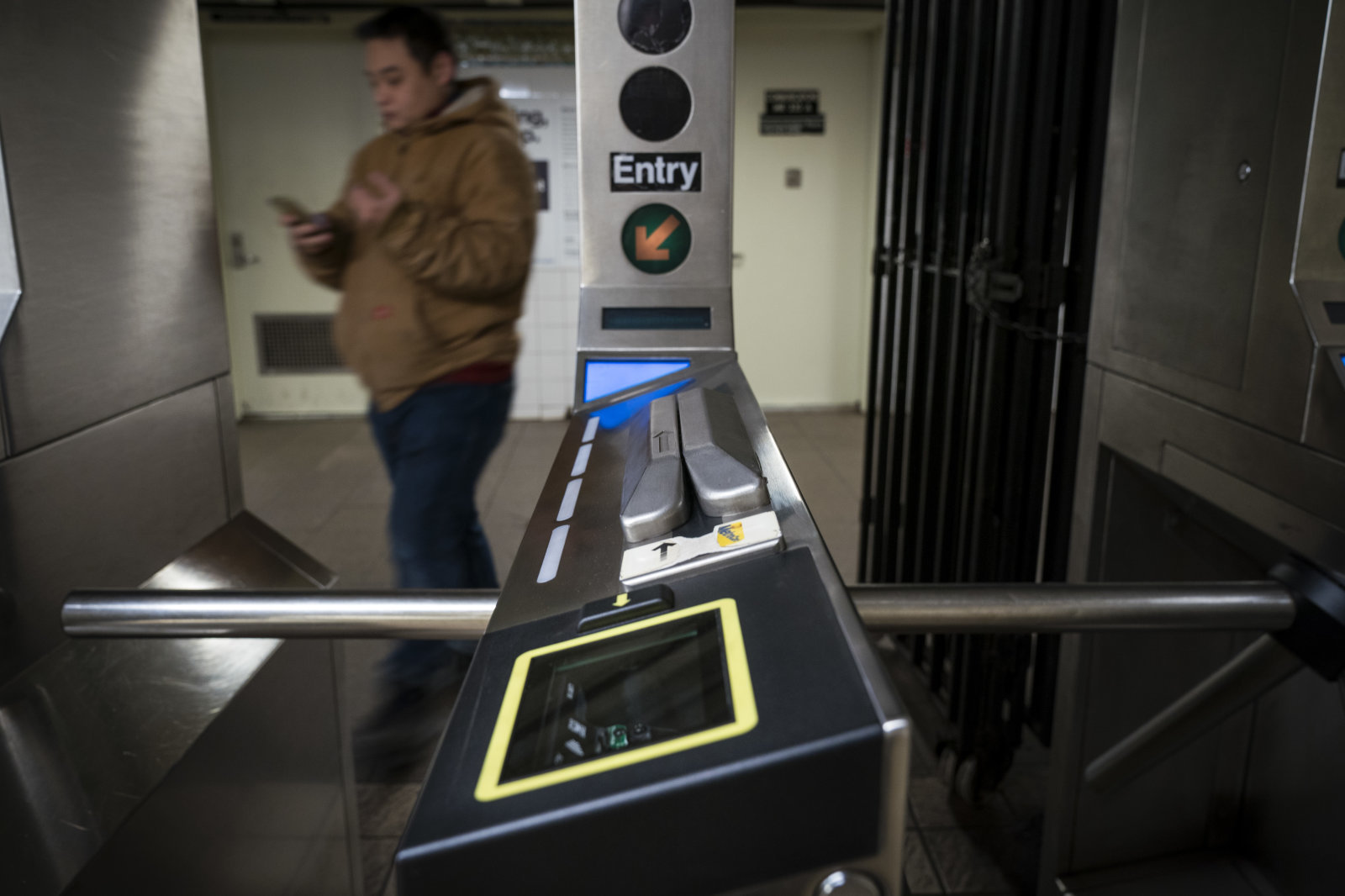
Apple's plans to expand support for mass transit now appear likely to hinge around its next big iOS 12 update. Tap Down Under has found the code within iOS 12.3 that hints at support for EMV payment cards (think credit cards like AmEx, Mastercard and Visa) within Apple Pay Express Transit, letting you pay for public transportation fares in New York and other areas where EMV is an option. You could set a preferred card for transportation if you don't want to use your usual card for subway rides.


It's not certain just when iOS 12.3 will arrive, although there have already been four betas as of this writing. A finished release may be a few weeks away, if not sooner.


Whenever it shows up, it would be part of a larger plan. Reported leaks claim that iOS 13 will support a much wider variety of mass transit cards, including different takes on cards that require loading value. It might just be a matter of time before your iPhone supports a local tap-to-ride service, whatever the format.


Source: engadget

Windows
Mac OS
iOS
Linux
3uTools
Win 64-bit For this device
V9.01 2025-12-27
Download
Win 32-bit For this device
V9.01 2025-12-27
Download
3uTools
Intel Chip How to Identify Chip Type
V9.01 2025-12-31
Download
Apple Silicon
V9.01 2025-12-31
Download
How to Identify Chip Type
1.  Click the Apple icon in the top-left corner of the screen and select About This Mac.
2.  Check the Processor or Chip field to determine if it is "Intel" or "Apple".
Please use the 3uTools PC client to install the iOS client:
1、 Install either the Windows or Mac version of 3uTools on your computer
2、 Open the PC client and connect your device to the computer via USB cable
3、 After the connection is successful, wait for the computer to automatically install the mobile app for the device, or locate “Install Mobile App” on the computer and manually click to install.
3uTools
deb file
V3.01 2025-11-20
Download
rpm file
V3.01 2025-11-20
Download
Windows
Windows
iOS
iOS
Android
Android
TV
TV
3uAirPlayer
Win 64-bit For this device
V6.0.2 2025-11-19
Download
Win 32-bit For this device
V6.0.2 2025-11-19
Download
iOS Device Mirroring (No App Required)
1、 Install 3uAirPlayer on the Windows PC
2、 Open Control Center and select Screen Mirroring
3、 From the list, choose your PC to start mirroring
4、 Or connect your iOS device to the PC via USB to begin mirroring
Scan to get "3uAirPlayer" App
3uAirPlayer TV V1.0.18
2025-11-28
TV System Requirements: Android 7.0 or later
Download the TV installation package, copy it to a USB drive, insert it into your TV or set-top box, then select the file from the home screen to install.