 NEWS
NEWS
Cydia 1.1.28 Beta For iOS 10 Jailbreak Released
 01/03/2017
 4999
4999
Jay Freeman, once given the title of “The Godfather of Jailbreaking” has announced the availability of Cydia 1.1.28 beta to bring better compatibility with devices running the iOS 10 – 10.1.1 jailbreak Yalu + Mach_Portal released by Italian developer Luca Todesco.
Anyone with any working knowledge of the jailbreak community, and who therefore has been keeping abreast of the latest Yalu jailbreak for iOS 10.1.x from Luca Todesco, will already understand that the jailbreak is very much the definition of unstable. It’s a beta for a reason and is therefore not recommended at this stage for everyday jailbreakers.
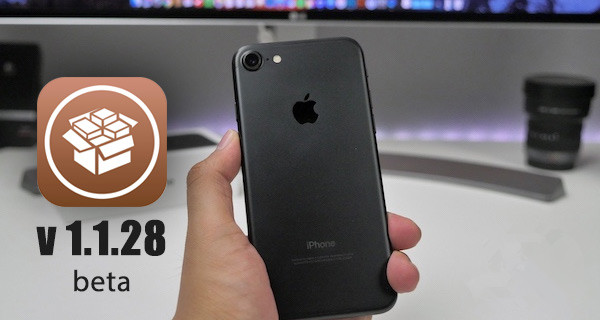
A large part of that instability is largely due to the fact that some of the most important components, like Cydia and Cydia Substrate, haven’t actually received any updates to offer the level of compatibility that the community would come to expect from the first public iOS 10 jailbreak release.
Now though, at least one of those two components, Cydia, has received a new version 1.1.28 update, and it is currently offered as a beta release. With this new release, Jay Freeman is attempting to bring that full required compatibility to devices running iOS 10.1.x. More importantly, it also brings in 64-bit support.
There is, of course, a variety of other fixes and improvements within the 1.1.28 beta releases (up to three seeds as of this writing) of Cydia, as well as a fairly comprehensive list of known issues that Freeman and his team still have to tackle.
Here is 3uTools Tutorial about How to Install Latest Cydia Beta Version For iOS10.1.x on Your iDevice?
Source: redmondpie










