 NEWS
NEWS
Apple Extends Special Pricing on New LG UltraFine 5K Display
 12/21/2016
 3964
3964
LG’s latest megadisplay, the UltraFine 5K, went on sale Tuesday, and it’s already backordered into late January.Why? Because the new UltraFine not only features stellar image quality and unparalleled resolution — it’s also about $300 cheaper than its initial announced MSRP.
The display was unveiled earlier this year at Apple’s highly anticipated MacBook Pro event, which saw the announcement of the less-than-useful Touch Bar, as well as the somewhat underwhelming MacBook refresh. The 5K display stood out at the event as a bright spot in an otherwise standard slate of products for the coming year.
When it was first announced, the LG UltraFine 5K display was set to go on sale for around $1,300, but along with rolling out the display earlier today, Apple has promised to extend special pricing until March 2017. That means you’ll be able to pick up the LG UltraFine for around $975, making it one of the deepest price cuts Apple has offered in recent years – and customers have definitely noticed.
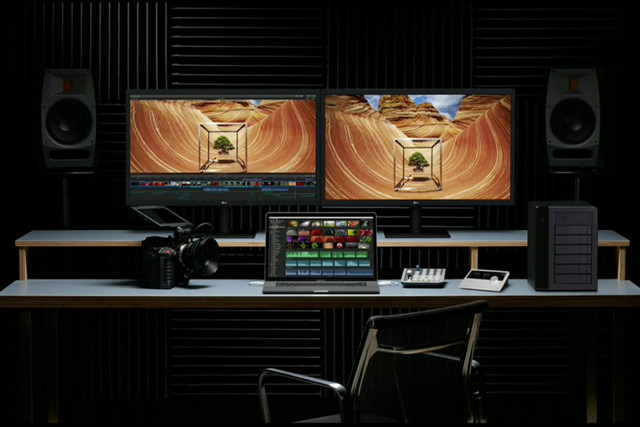
Shipping estimates slipped from December 30 to January 20 in just a matter of hours. Expect Apple to continually adjust shipping times as demand for the discounted LG UltraFine 5K monitor grows. The extension of Apple’s special pricing scheme comes as a bit of a surprise — the company initially announced it would only offer discounts until the end of 2016.
Still, that might change with how fast this monitor is selling out. March 2017 is a long way off, and it’s an awful long time to be offering a $1,300 5K monitor for around $975. So if you’re looking to bring a 5K display into your life, you might want to get your order in now before they’re sold out for good. Or before Apple changes its mind about that special pricing extension.
Source: digitaltrends










