 NEWS
NEWS
Apple AirPods, Charging Case Hold Up to Torture Test with Nothing but Cosmetic Damage
 12/21/2016
 4382
4382
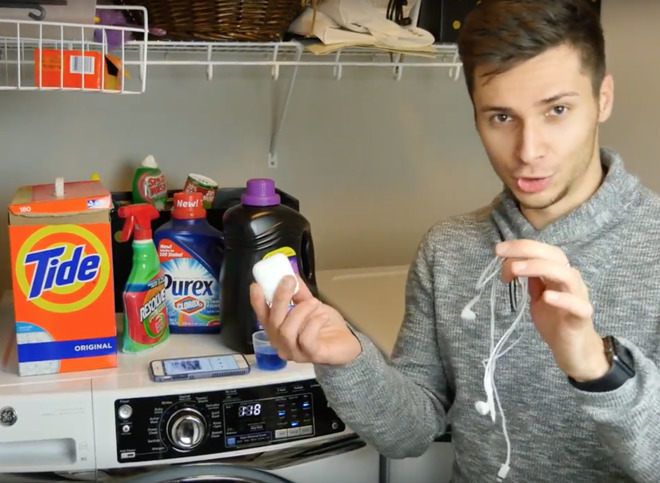
Prolific device tester EverythingApplePro has published a video on YouTube documenting his experiments with the AirPods. A series of falls both with and without charging case were performed from waist-high, to head-high, up to a 10-foot fall on concrete resulted in no damage, other than scuffs.
Following the drop testing, the same units including charging case were run through a full 32-minute wash cycle with detergent and clothing, following a run through the dryer alongside a regular pair of Apple Lightning earbuds.
The Lightning earbuds emerged relatively intact, with the audio being only slightly more fuzzy than normal, but pretty close to the original sound. The AirPods and charging case survived entirely intact, minus some battering to the case.
The final test was sinking the AirPods removed from the charging case in a foot of water. During the testing, the AirBuds continued to play, and completely survived the 5-minute submersion in the tank.
Apple makes no claims about water or impact resistance for the AirPods at all.
Apple's AirPods include the W1 chip for easy pairing and Bluetooth connectivity, as well as beam-forming microphones, accelerometers, and a small charging and carrying case. AppleInsider went hands-on with the $159 wireless headphones and came away impressed with their advanced technology and ease of use.
The fully wireless headphones come with a one-year warranty that covers audio defects and battery problems. Outside of that period, standard repairs are $69, battery service is $49, and replacement buds in the event of one being lost will cost $69 each.
Source: appleinsider










