 NEWS
NEWS
Apple Starts Making iPhone 6s in India
 06/26/2018
 3198
3198
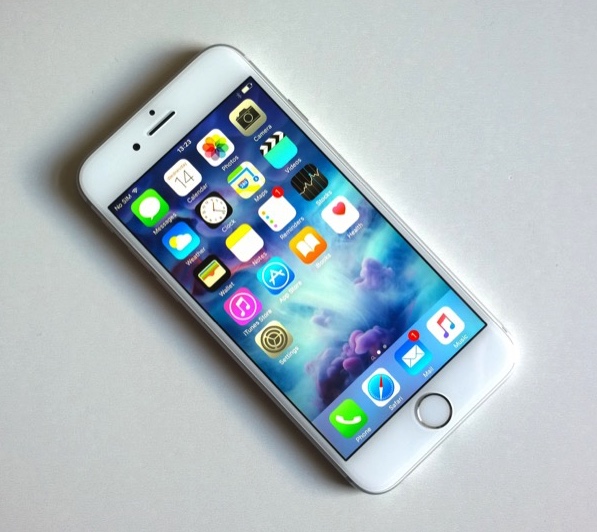
Apple has started commercial production of the iPhone 6s in India since last week at the Bengaluru facility of its Taiwan-based contract manufacturer Wistron that has set up a new line for the handsets, two senior industry executives said.
The Cupertino-based maker of iPhones and Mac computers already makes iPhone SEsince last May at the Wistron facility, which will now produce two iPhone models locally. Apple was undertaking trial production for the second iPhone model in the 6 series since April and chose iPhone 6s due to its sales potential, the executives said.
This will also mean any further change in import duties will exempt iPhone 6s from price increases the way iPhone SE was insulated when New Delhi raised taxes earlier this year. This will help Apple consolidate its share in the mid-to-premium segment of the Indian smartphone market.
Apple has started evaluation on further expansion of local output, with another model likely to enter trials soon, the executives said. “The made-in-India iPhone 6s will be only sold in India like iPhone SE since it will take time to scale up capacity. In fact, Apple will continue with the import of iPhone 6s until capacity improves. Hence, there will be no price correction for the locally manufactured units. The made-in-India iPhone 6s model will hit the stores soon,” an executive said. Apple India did not comment.
Hong Kong-based researcher Counterpoint estimates iPhone 6 series contributes almost a third of total sales of iPhones in India as compared to less than 15% generated from iPhone SE. According to the researcher, Apple lost the leadership in the Indian premium smartphone market in the January-March quarter with Samsung regaining the spot due to its recent launch of Galaxy S9 series, followed by China’s OnePlus. Apple was in the third spot.
Counterpoint said Apple’s share in the premium segment dipped in the January-March quarter due to a decline in shipments for iPhone 8 and X series, and the increase in duty on smartphones imported in completely built stage, which led to an increase in prices of the already expensive iPhones.
An executive said Apple wants to expand local production to insulate itself from price increases to remain competitive. The company had to raise prices by 6-7% earlier this year as the basic customs duty on smartphones was increased to 15% from 10% in December and again to 20% in February. The government in April further imposed a 10% customs duty on components like printed circuit boards populated with memory and chips, camera modules and connectors.
Source: ET Tech










