 NEWS
NEWS
Apple May Adopt Synaptics Sensor on iPhone 8?
 12/14/2016
 3609
3609
Apple is not the only company pursuing smartphone design changes like this, as Samsung’s also rumored to be prepping a Galaxy S8 handset featuring an all-screen design with an embedded fingerprint sensor. It’s likely that other major players in the smartphone business will follow suit, and a component maker has just the technology these companies may require.
Synaptics announced a new fingerprint sensor that can be placed under the glass on a mobile device, shedding some light on how such technology will work.
The sensors have been specifically designed to be placed under the glass, near the bottom bezel of phones and tablets. Because it’s placed under the screen, the FS9100 sensor would be scratchproof and waterproof, and will scan fingerprints even on wet fingers.
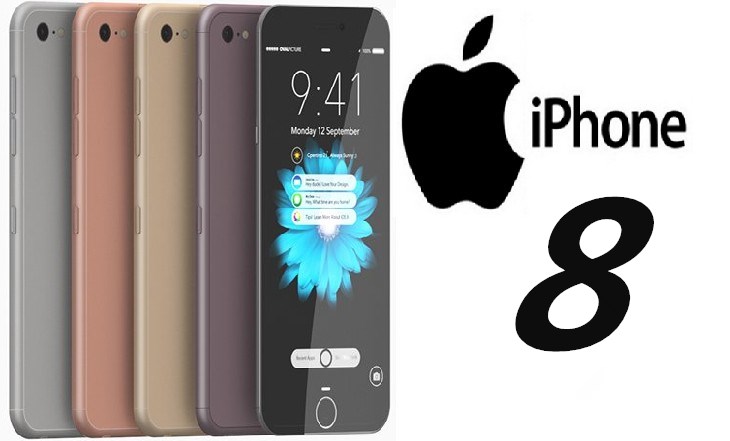
Protecting the fingerprint sensor with a layer of glass should ensure its integrity. Furthermore, unlocking the phone might be even faster, given that the fingerprint sensor would recognize wet fingers.
The sensor will operate even if covered by 1mm of protective glass, and even through “thick 2.5D glass.”
That having ben said, there’s no indication that Apple is looking to utilize Synaptics FS9100 fingerprint sensors in its iPhone 8 at this time. The parts supplier did provide Apple with LCD drivers in 2015 following the acquisition of Renesas SP Drivers, however. But Apple is rumored to be working on its own technology to integrate fingerprint sensors into the display, and it will likely work the same way.
It’s unclear which devices will get the new Synaptics sensor, but sampling should start in the first quarter of 2017, with production set to begin in the second quarter.
Source: bgr










