 NEWS
NEWS
Apple Will Reportedly Switch to Its Own Chips For Macs in 2020
 04/03/2018
 2710
2710
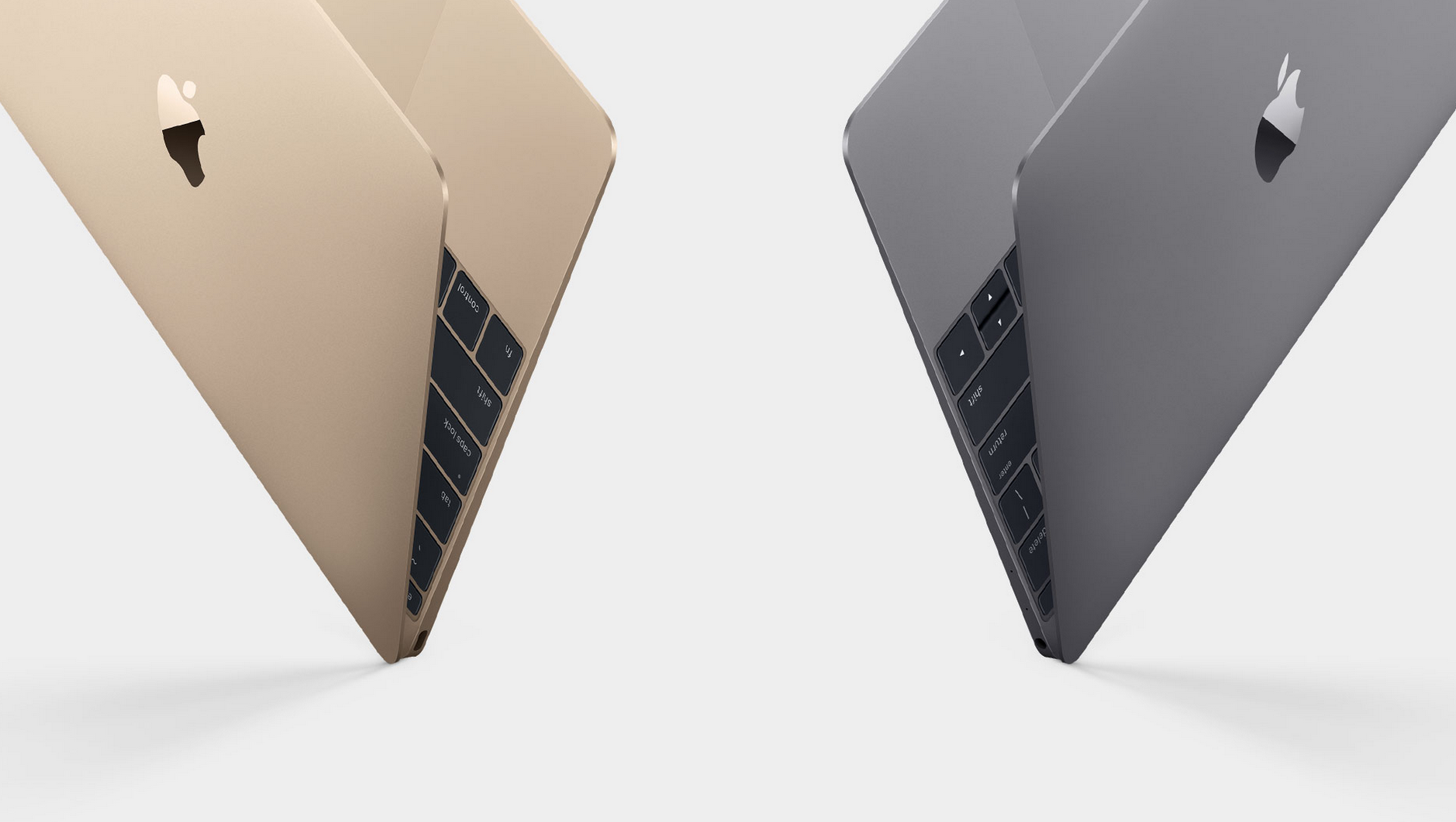
Apple has been rumored to be working on its own chips for Macs for quite some time, and now a new report aims to put a date on it.
According to a report from Bloomberg, Apple’s long-gestating plans are codenamed “Kalamata”, but it’s still in the “early developmental stages”. As a result, Apple has shifted the goal to 2020. This is based on anonymous sources speaking to the publication, with the goal here being to get rid of Intel-branded chips within Macs by that time.
Apple isn’t a stranger to this news by any means. The company already has its own custom T2 chip inside the iMac Pro, for instance. And the company has been rumored to be working on its custom co-processors. With all of that building up, it would make sense that Apple would want to start moving away from Intel chipsets, too.
“The initiative, code named Kalamata, is still in the early developmental stages, but comes as part of a larger strategy to make all of Apple’s devices — including Macs, iPhones, and iPads — work more similarly and seamlessly together, said the people, who asked not to be identified discussing private information. The project, which executives have approved, will likely result in a multi-step transition.”
It is also worth noting that Apple will reportedly be working towards this goal in phases. This won’t be just a “Macs don’t have Intel in them anymore” in 2020. But the process will be gradual, with the earliest signs cropping up in a couple of years.
Unfortunately, there aren’t any additional details to go along with the report.
Source: bloomberg










