NEWS

Apple Begins Accepting Certain Apple Watch Trade-ins at Retail Locations

03/27/2018

2160

Apple Begins Accepting Certain Apple Watch Trade-ins at Retail Locations


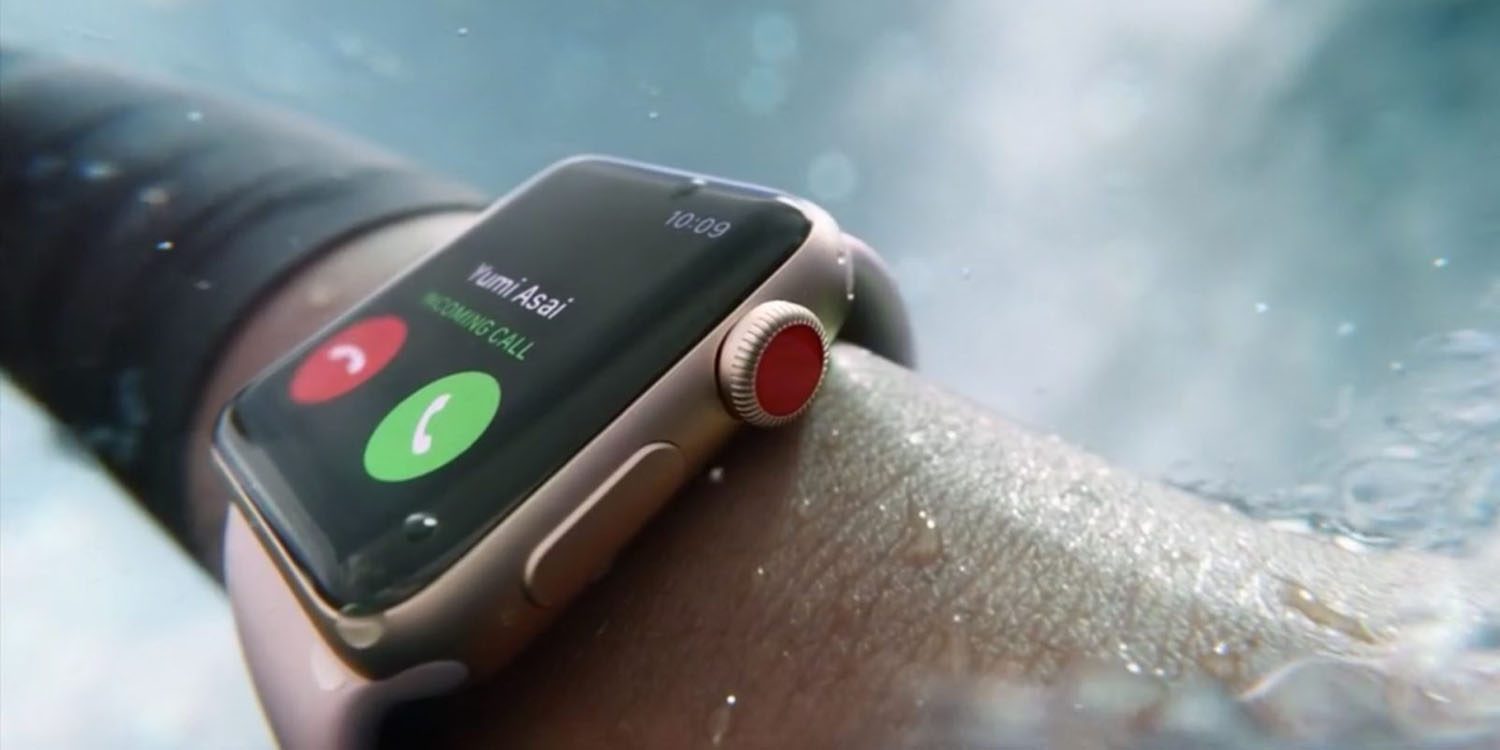
Apple has been accepting Apple Watch trade-ins online for some time now, however, customers can now take advantage of this program in person at an Apple Store. 


Spotted by u/ajsayshello- on Reddit, Apple has just started accepting in-store trade-ins for its wearable today.


Typically, Apple’s in-store trade-in values are the same as those found on its recycling and trade-in website. However, this Reddit user says that he was offered $100 for his 1st Generation Stainless Steel Apple Watch. In contrast, Apple quotes a $75 value on its website. Values range from $50-$175 depending on which model you have.


In any case, 9to5Mac confirmed with Apple that it its indeed accepting Apple Watch trade-ins at its retail stores starting today, however the Apple representative we talked to said that it would not be accepting any Edition models.


A nice perk to trading in your Watch with Apple is that you get to keep your charging cable and bands. 


Source: 9to5mac

Windows
Mac OS
iOS
Linux
3uTools
Win 64-bit For this device
V9.0 2025-11-11
Download
Win 32-bit For this device
V9.0 2025-11-11
Download
3uTools
Intel Chip How to Identify Chip Type
V9.0 2025-12-02
Download
Apple Silicon
V9.0 2025-12-02
Download
How to Identify Chip Type
1.  Click the Apple icon in the top-left corner of the screen and select About This Mac.
2.  Check the Processor or Chip field to determine if it is "Intel" or "Apple".
Please use the 3uTools PC client to install the iOS client:
1、 Install either the Windows or Mac version of 3uTools on your computer
2、 Open the PC client and connect your device to the computer via USB cable
3、 After the connection is successful, wait for the computer to automatically install the mobile app for the device, or locate “Install Mobile App” on the computer and manually click to install.
3uTools
deb file
V3.01 2025-11-20
Download
rpm file
V3.01 2025-11-20
Download
Windows
Windows
iOS
iOS
Android
Android
TV
TV
3uAirPlayer
Win 64-bit For this device
V6.0.2 2025-11-19
Download
Win 32-bit For this device
V6.0.2 2025-11-19
Download
iOS Device Mirroring (No App Required)
1、 Install 3uAirPlayer on the Windows PC
2、 Open Control Center and select Screen Mirroring
3、 From the list, choose your PC to start mirroring
4、 Or connect your iOS device to the PC via USB to begin mirroring
Scan to get "3uAirPlayer" App
3uAirPlayer TV V1.0.18
2025-11-28
TV System Requirements: Android 7.0 or later
Download the TV installation package, copy it to a USB drive, insert it into your TV or set-top box, then select the file from the home screen to install.