 NEWS
NEWS
Apple Invests in China Wind Farms
 12/13/2016
 4956
4956
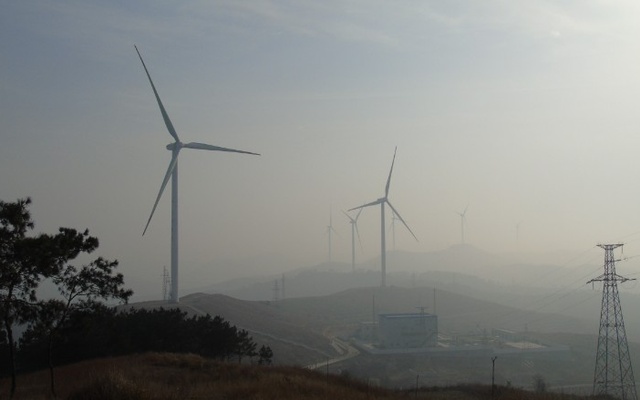
Apple has struck a partnership with the world's largest wind turbine maker, the American company said, marking the tech giant's largest clean energy project to date.
It bought a 30 percent stake in subsidiaries of China-based Goldwind to run four projects that will produce 285 megawatts of power.
The projects are located in Henan, Shandong, Shanxi and Yunnan provinces, Goldwind said in a statement to the Shenzhen stock exchange.
Apple is striving to improve the environmental impact of its supply chain, which is responsible for more than 70 percent of its total carbon footprint, the official Xinhua news agency reported.
CEO Tim Cook had previously announced Apple would boost the efficiency of its manufacturing partners in China by building solar projects and other sources of clean energy.
"We should help our supply chain become greener and more sustainable. So, instead of giving them fish, we want to teach them how to fish," Apple's vice president of environment, policy and social initiatives Lisa Jackson said, according to Xinhua.
Apple has previously backed a 40-megawatt solar power project in the southwestern province of Sichuan and three solar power projects capable of generating 170 megawatts of power in the country's Inner Mongolia Autonomous region.
Goldwind fell 0.64 percent on the Shenzhen stock exchange and 0.16 percent in Hong Kong, where it is also listed, by closing Friday.
The company, which is based in the northwestern region of Xinjiang, employs over 6,000 people worldwide and has a total production capacity of 32 gigawatts.
Source: phys.org










