 NEWS
NEWS
The Next Apple Watch Could Have A Circular Display
 12/02/2016
 3715
3715
The Apple Watch design may come full circle. Apple patents published Thursday indicate that the California tech company may give the Apple Watch a circular display.
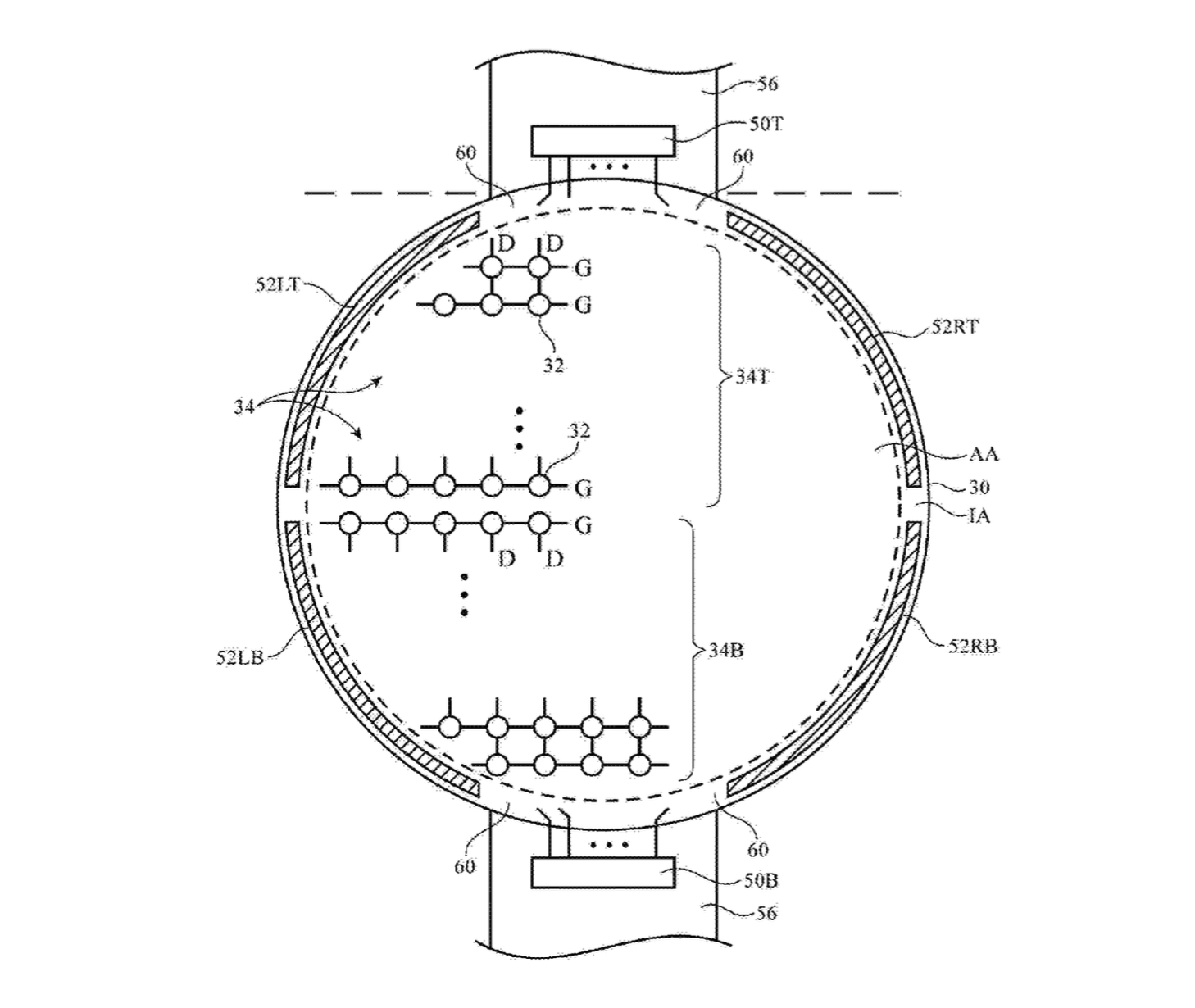
Both the original Apple Watch and the Apple Watch Series 2 feature a similar rectangular display as the watch face, almost as if you took an iPhone, shrunk it down and strapped it to your wrist. Other wearables like the Samsung Gear S3 and Huawei Watch opt for a circular display, making the devices look more like a traditional watch. So while circular smartwatches are nothing new, it would be interesting to see Apple switch up its design.
The patent dates as far back as June 2015, not too long after the original Apple Watch was launched. When the Apple Watch Series 2 was released over a year later it featured only minor design changes from the original. Despite the patent filing, it is unknown if Apple will ever bring this design into fruition. Apple is notorious for patenting all sorts of things (remember the paper bag?) and not all are followed through on. If Apple does opt for the circular display, it would have to retool the rectangular case and the hardware.
Even though the Apple Watch is still the most popular wearable out there, the smartwatch market has slowed down compared to last year. As the market leader, a lot of attention is paid to every move Apple makes with the Watch, its only wearable. So far, design changes have come in the form of collaborations with fashion brands such as Hermes and Nike. If we want to see bigger changes, we'll have to wait.










