 NEWS
NEWS
Apple Released New Accessories for World AIDS Day
 12/02/2016
 4592
4592
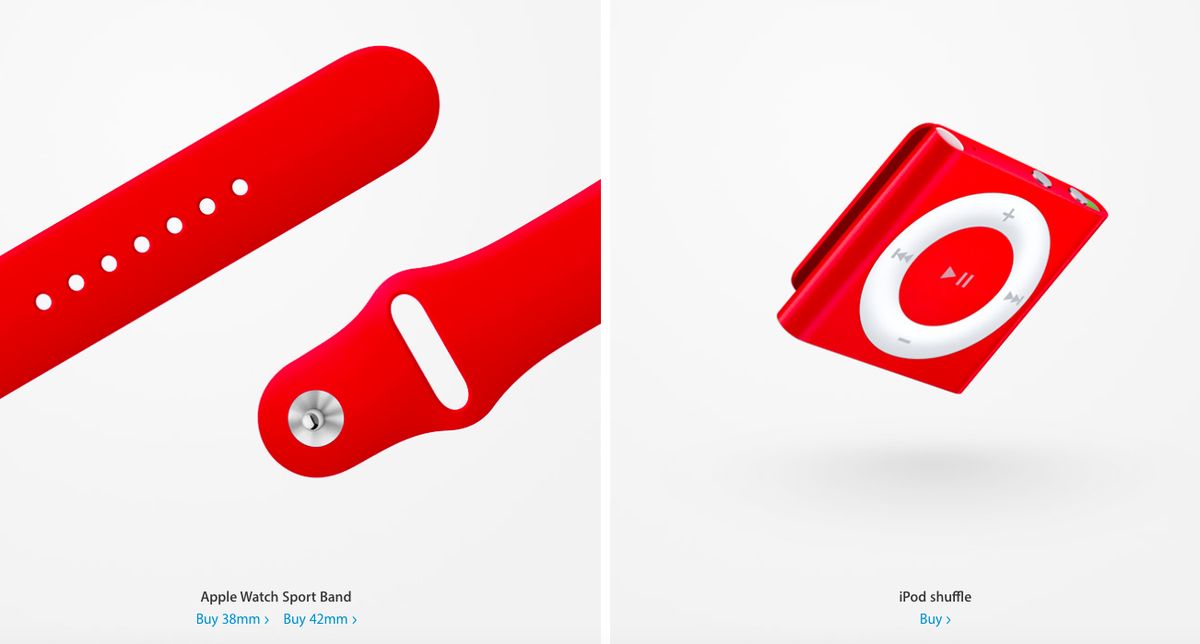
Ten years ago, Apple partnered with product(RED) to offer limited edition products that raise awareness of AIDS.
Now, to acknowledge World AIDS Day, which this year falls on Dec. 1, Apple has announced a new lineup of (RED)-branded gadgets and games in its App Store.View Tim Cook Discusses World AIDS Day, Product(Red), and Apple's Values in New Interview to get more information.
“Thanks to the vision and dedication of (RED), an AIDS-free generation is within our reach. We want to leave the world better than we found it, and that’s why our longtime partnership with (RED) remains so important to us," Apple CEO Tim Cook said in a statement.
Besides the current lineup of (RED) products, which are available year-round, new (RED) gadgets available starting today include an iPhone 7 Smart Battery Case, iPhone SE Case, Beats Solo 3 Wireless On-Ear Headphones and the Pill+ Portable Speaker.
On the software front, next week customers will be able to purchase special (RED) in-app content in 20 popular iOS games including Angry Birds 2, Candy Crush Jelly Saga, Clash of Clans, FarmVille: Tropic Escape and SimCity BuildIt.
There are other ways to support the fight against AIDS through Apple. You can donate directly through iTunes, or you could purchase the holiday album from The Killers, Don’t Waste Your Wishes with 100 percent of the proceeds in the U.S. going to the Global Fund, a partnership that aims to eradicate AIDS, tuberculosis and malaria.
The company also said that more than 400 Apple Stores across the globe will turn their logos red or feature (RED) window decals to raise visibility for World AIDS Day.
Finally, starting tomorrow and through Dec. 6, Apple will donate $1 (up to $1 million) for every purchase made with Apple Pay at an Apple Store, on Apple.com or through the Apple Store app. Bank of America will also make a donation (up to a total $1 million) for every Apple Pay transaction using its cards.
Source: mashable










