 NEWS
NEWS
Apple's Siri Gets its First Major Movie Promotional Stunt
 11/30/2016
 4625
4625
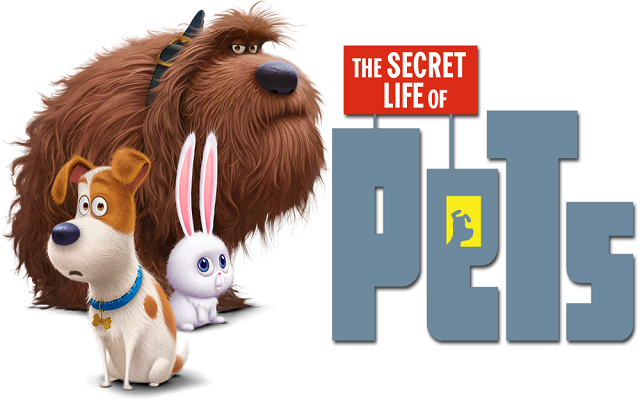
Apple from time to time updates Siri with new responses to make sure the voice assistant is up to date on pop culture and answering your questions as intelligently as possible. But this is the first we’ve heard of a partnership with a film studio in order to promote a movie release, in this case Universal Pictures’ ‘The Secret Life of Pets’.
To go along with the digital iTunes release of the movie, Apple has added 15 programmed responses to Siri for the question, “What do my Pets do when I’m not at home?”, which is the general plot of the animated film that was first released in theatres back in July.
Apple actually made an announcement and video trailer for the feature (below), but it was limited to its iTunes Facebook page where their user following is relatively low. The video includes clips from the movie and also some Apple product placement as the characters interact with iPhones, iPads, and Apple TV. Universal Pictures sent over more info about the partnership, noting that ‘with 15 different programmed responses, this is the first time Apple has collaborated on a home entertainment title and the first time Siri has been programmed to interact with an iTunes movie title.”
Please click here to look at the promo video Apple shared on Facebook.
While it might be the company’s first official partnership with a movie tie-in for Siri, Apple has been known to occasionally add new smarts to the voice assistant outside of major iOS releases. Earlier this summer, for example, the company started adding responses related to Pokemon Go questions after the hit iPhone game became a trending pop culture reference.
Back in October, Apple responded to criticism about the current state of Siri, saying that it recently fixed some flaws with the feature and that it’s focusing on enhancing common queries.










