 NEWS
NEWS
iPhone X Will Be in Stock at Apple Stores on November 3rd
 10/25/2017
 2855
2855
Apple today announced that stores will have iPhone X available for walk-in customers, who it encourages to arrive early, on launch day. Presumably, this will include both Apple's own retail locations and select authorized resellers. 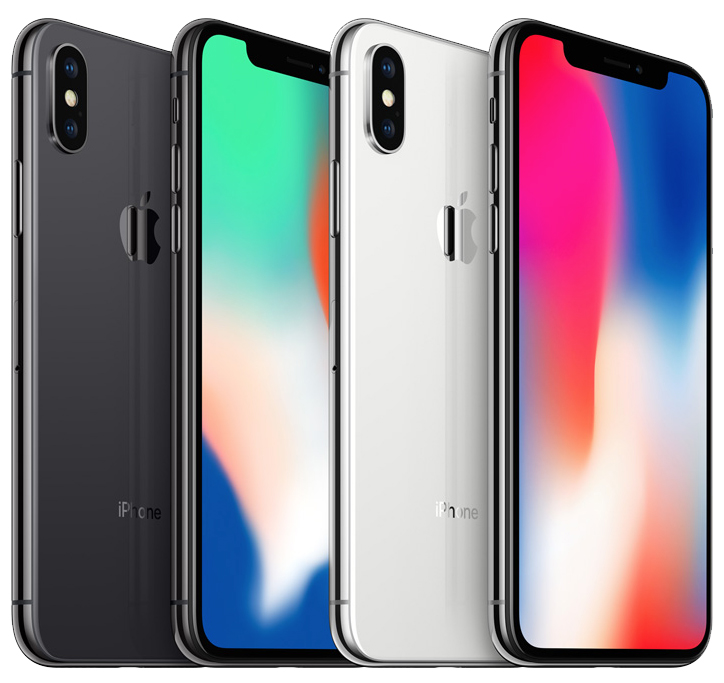
iPhone X will go on sale in more than 55 countries and territories on Friday, November 3. On the same day, the first deliveries will begin to customers. iPhone X pre-orders begin this Friday, October 27 at 12:01 a.m. Pacific Time.
Due to a mix of reported production issues and strong demand, in-store availability of iPhone X will likely be extremely limited. Prospective buyers should be prepared for the possibility of waiting in long lines.
In a recent interview with BuzzFeed News, Apple CEO Tim Cook said "we'll see what happens" in regards to iPhone X availability. "We'll be working as hard as possible to make as many as possible," he added.
Here's the full list of countries and territories where iPhone X launches November 3:
• Andorra
• Australia
• Austria
• Bahrain
• Belgium
• Bulgaria
• Canada
• China
• Croatia
• Cyprus
• Czech Republic
• Denmark
• Estonia
• Finland
• France
• Germany
• Greece
• Greenland
• Guernsey
• Hong Kong
• Hungary
• Iceland
• India
• Ireland
• Isle of Man
• Italy
• Japan
• Jersey
• Kuwait
• Latvia
• Liechtenstein
• Lithuania
• Luxembourg
• Malta
• Mexico
• Monaco
• The Netherlands
• New Zealand
• Norway
• Poland
• Portugal
• Puerto Rico
• Qatar
• Romania
• Russia
• Saudi Arabia
• Singapore
• Slovakia
• Slovenia
• Spain
• Sweden
• Switzerland
• Taiwan
• United Arab Emirates
• United Kingdom
• United States
• U.S. Virgin Islands
The majority of Apple's retail stores will open at 8:00 a.m. local time on November 3.
Source: macrumors










