
NEWS

New Workouts on iOS 11 likely coming soon to Apple Watch

08/28/2017

2552

iOS 11 beta hints at a variety of new Workouts likely coming soon to Apple Watch.


The iOS 11 beta and HomePod firmware have both been ample sources of iPhone 8 leaks thus far. Now, iHelp is back with some details on additional new features soon coming to the Apple Watch, including a handful of new Workouts.
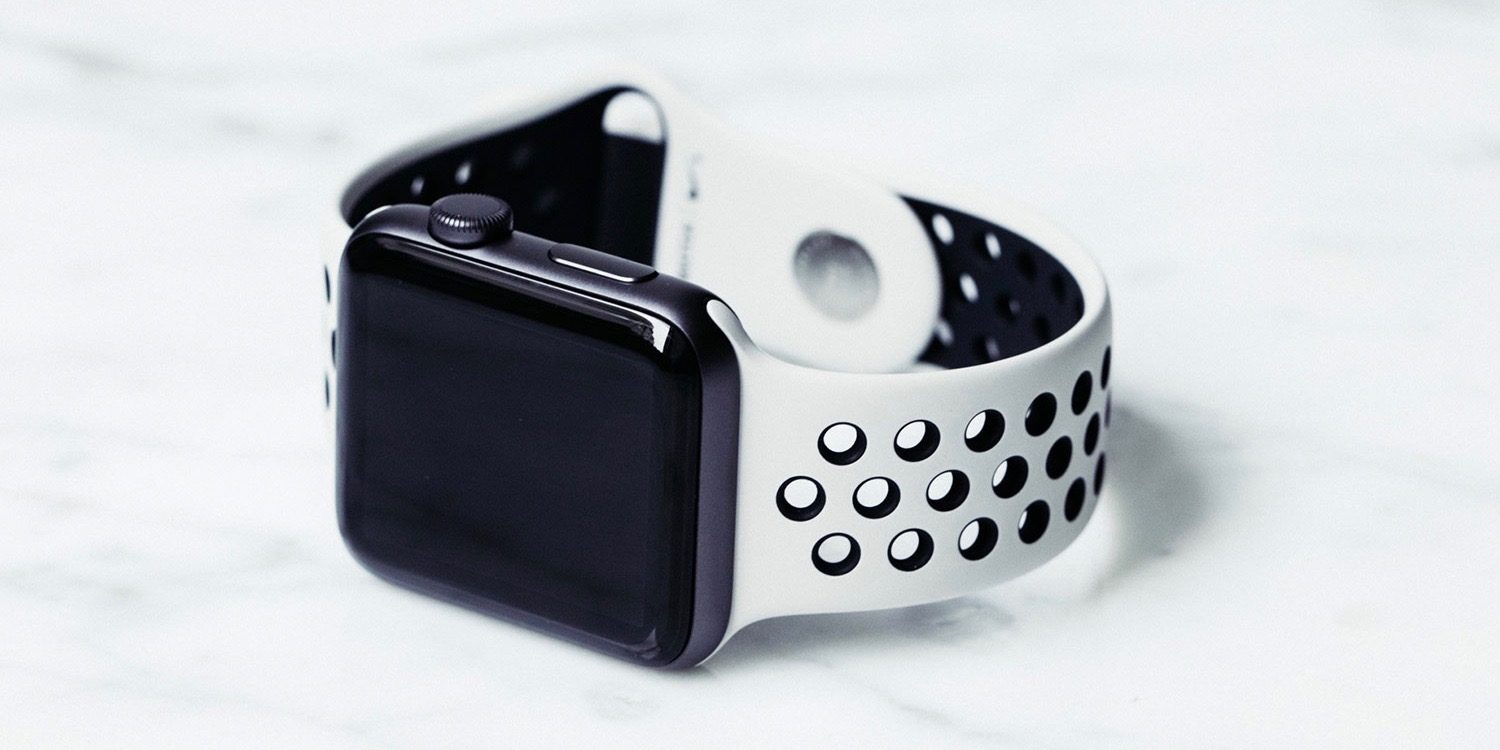


New Workouts on iOS 11 likely coming soon to Apple Watch


Hidden in the latest iOS 11 beta are a variety of icons that are seemingly included for the sake of the Apple Watch companion app, though the wearable currently doesn’t support any of the features. The icons each represent new Workouts under the Fitness UI framework.


Among the new Workouts hinted at by the iOS 11 beta are American football, baseball, bowling, dancing, skiing and other modalities in the snow, skipping rope, various types of fights, and surfing.


Currently, the latest watchOS 4 beta doesn’t include any of these Workouts, which has caused some to speculate that they may be limited to the new model of the Apple Watch expected to be unveiled next month. Many of these, however, don’t obviously require any hardware changes to be supported, so such a move would be suspect on Apple’s part.


Apple is expected to unveil a new Apple Watch model in the coming weeks, likely touted as the Apple Watch Series 3. The device is expected to feature support for cellular connectivity in the form of LTE only. The new Apple Watch is likely to be unveiled alongside the iPhone 7s, iPhone 7s Plus, iPhone 8, and a 4K Apple TV.


Source: 9to5mac

Windows
Mac OS
iOS
Linux
3uTools
Win 64-bit For this device
V9.0 2025-11-11
Download
Win 32-bit For this device
V9.0 2025-11-11
Download
3uTools
Intel Chip How to Identify Chip Type
V9.0 2025-12-02
Download
Apple Silicon
V9.0 2025-12-02
Download
How to Identify Chip Type
1.  Click the Apple icon in the top-left corner of the screen and select About This Mac.
2.  Check the Processor or Chip field to determine if it is "Intel" or "Apple".
Please use the 3uTools PC client to install the iOS client:
1、 Install either the Windows or Mac version of 3uTools on your computer
2、 Open the PC client and connect your device to the computer via USB cable
3、 After the connection is successful, wait for the computer to automatically install the mobile app for the device, or locate “Install Mobile App” on the computer and manually click to install.
3uTools
deb file
V3.01 2025-11-20
Download
rpm file
V3.01 2025-11-20
Download
Windows
Windows
iOS
iOS
Android
Android
TV
TV
3uAirPlayer
Win 64-bit For this device
V6.0.2 2025-11-19
Download
Win 32-bit For this device
V6.0.2 2025-11-19
Download
iOS Device Mirroring (No App Required)
1、 Install 3uAirPlayer on the Windows PC
2、 Open Control Center and select Screen Mirroring
3、 From the list, choose your PC to start mirroring
4、 Or connect your iOS device to the PC via USB to begin mirroring
Scan to get "3uAirPlayer" App
3uAirPlayer TV V1.0.18
2025-11-28
TV System Requirements: Android 7.0 or later
Download the TV installation package, copy it to a USB drive, insert it into your TV or set-top box, then select the file from the home screen to install.




