 NEWS
NEWS
Apple Officially Adds Services to Business Strategy
 08/04/2017
 3471
3471
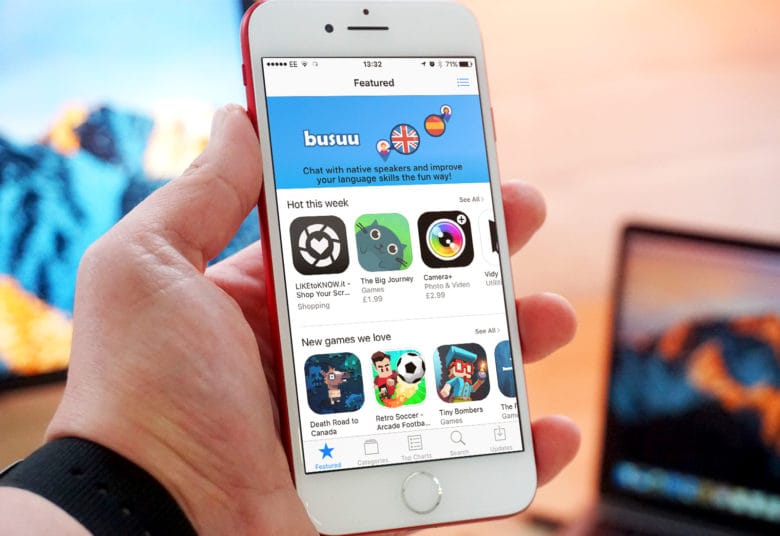
Services have become such an important revenue stream for Apple in recent years that the company decided to update its official business strategy today reflect its expanding money making machine.
In a filing with the SEC, Apple made a couple of changes to the description of its business. It’s the first time a major change has been made to the strategy since around 2014.
As Business Insider points out, Apple added the word “services” to the list of goods at the end of its “Business Strategy” section of the filing:
“The Company believes ongoing investment in research and development (“R&D”), marketing and advertising is critical to the development and sale of innovative products, services and technologies.”
(Emphasis ours)
Apple Services are big business
With iTunes, the App Store, iCloud, Apple Pay and Apple Music all bringing in money, Apple’s services alone are the size of a Fortune 100 company. As Apple’s iPhone user base continues to grow, services are becoming a bigger money maker for the company.
Services are also mentioned by Apple in the section about research and development. Apple notes that its R&D costs went up because of “headcount-related expenses” used to expand other R&D activities. The company lists services as one of the primary reasons to spend more on research.
“The Company continues to believe that focused investments in R&D are critical to its future growth and competitive position in the marketplace, and to the development of new and updated products and services that are central to the Company’s core business strategy,” Apple wrote in the filing.”
Source: cult of mac










