 NEWS
NEWS
Apple Promises it Won’t Store or Sell your HomePod Data
 07/28/2017
 3616
3616
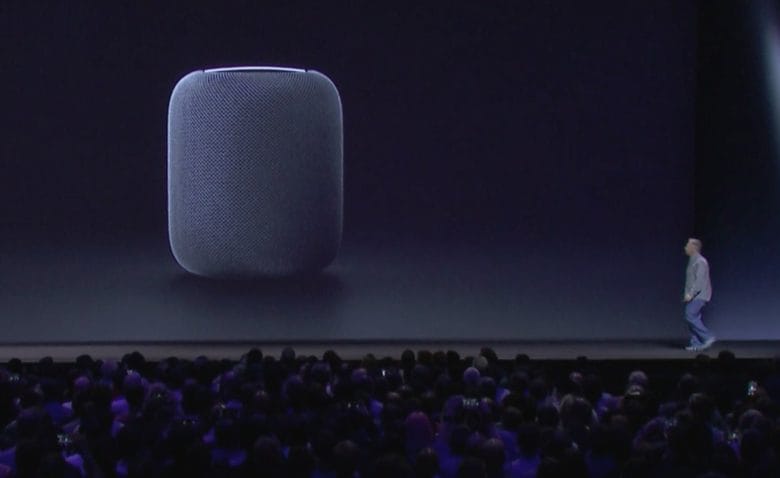
Apple has confirmed that it won’t store or sell any data collected by its HomePod smart speaker.
HomePod won’t send anything to Apple’s servers until a user activates it with the “Hey Siri” command. Apple encrypts any information received after that point. The data gets encrypted and sent using an anonymous ID.
iRobot, creator of the Roomba smart robot vacuum, revealed earlier this week that it plans to start selling user data to companies like Apple, Amazon and Google. It wants to collect information about the rooms in users’ homes. Companies could use that data to improve services and other devices.
Naturally, many people worry that other smart device makers are looking to do that same. But, of course, that isn’t Apple’s plan. In response to a customer email, which asked whether it might use data to improve HomePod’s room-mapping technology, Apple said:
"No information is sent to Apple servers until HomePod recognizes the key utterance “Hey Siri,” and any information after that point is encrypted and sent via an anonymous Siri ID."
"For room sensing, all analysis is done locally on the device and is not shared with Apple."
HomePod data is safe with Siri
Apple also confirmed its privacy policy for Siri and other products. The policy states that the company will not collect and sell user data required by Siri and other services. That won’t change when HomePod arrives later this year.
Apple’s stance on privacy has always been a little different from that of its rivals. While Google bases its entire business on finding out more about its users, Apple prides itself on not collecting, storing or sharing any personal information.
After collecting information, Apple software associates the data with anonymous IDs so nobody can trace it back to a specific user. Apple also encrypts the data on its servers so no one — not even authorities or Apple itself — can gain access to it.
HomePod will go on sale for $349 in December. It’s pricier than other smart speakers, including the leading Amazon Echo, but it boasts more advanced audio technologies. And if you value your privacy, it’s likely to be well worth its price tag.
Source: cult of mac










