 NEWS
NEWS
Apple May Not Open Its Own Store In India Before 2020?
 07/10/2017
 4195
4195
Apple may not open its own store in India before 2020 even as the iPhone maker has begun scouting for locations to set up brickand-mortar stores. The Cupertino-based technology firm is keen to open its first couple of stores — of 10,000-15,000 square feet size — at prime locations either in a mall or high street, and they could resemble its flagship New York City store on Fifth Avenue made entirely of glass, two senior industry executives said.
"Apple wants to initially set up two stores, one in New Delhi and second one in Mumbai," said one of the executives. "They want the stores to be truly iconic right from the design to the location. However, getting desired space will take time since 10,000-15,000 square feet of prime location is not readily available."
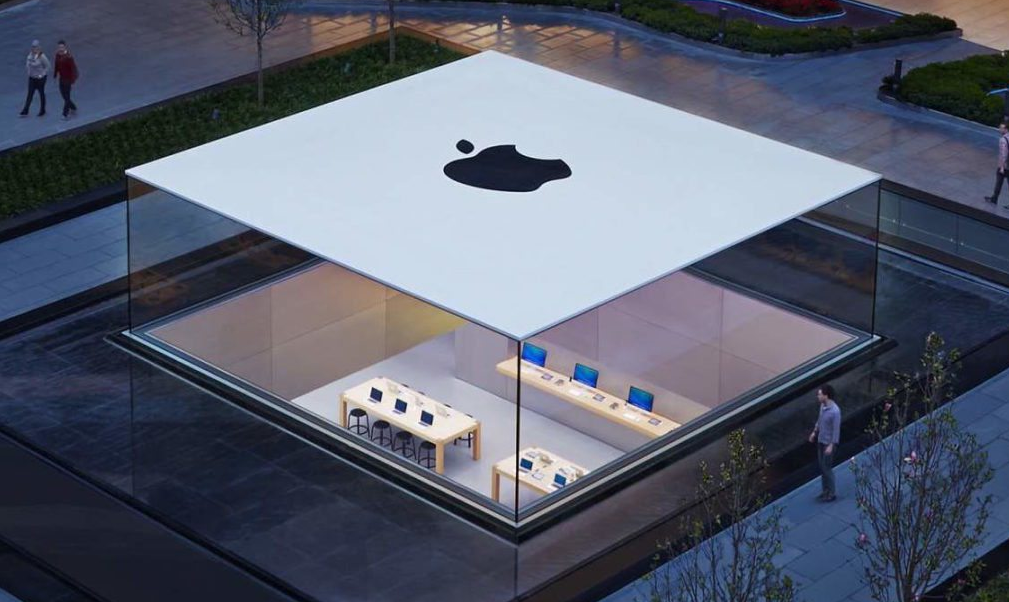
It was widely expected that Apple will open its first store soon as it meets the local production pre-requisite, having started assembling operations in the country for iPhone SE with partner Wistron. Apple, however, is yet to receive approval from the government for its retail foreign direct investment (FDI) plans. Last month, a team from the Apple's retail store business visited India to meet realtors and mall managers and understand the retail market, said the executives cited earlier. The representatives included members from design, merchandising and commercial teams.
The Apple Stores in India will be limited in number, the executives said. The company is looking at 4-5 flagship outlets limited to metros over 5-10 years. This is due to the fact that each store requires huge space to suit its architectural design, which makes them a retail destination in itself attracting even tourists.
Souurce: indiatimes










