 NEWS
NEWS
Fifth Apple Store in India to Open on December 11
 12/12/2025
 1535
1535
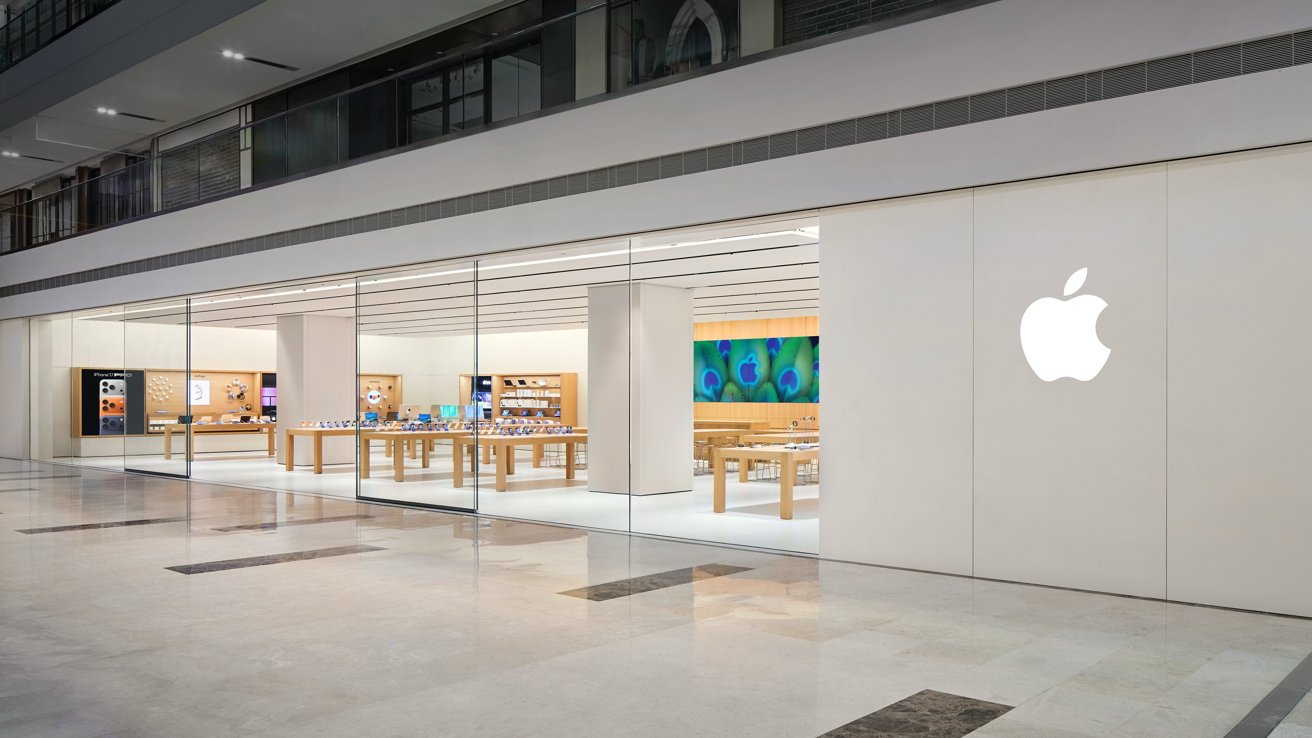
Ahead of its December 11 opening, Apple has previewed an Apple Store in Noida, its fifth Apple Store location in India and the third opened in 2025.
Apple is expanding its retail presence in India very quickly, and is about to do it once again. This time with a new outlet in Noida, Uttar Pradesh, located in the DLF Mall of India in Noida, one of India's largest shopping centers.
Referred to as Apple Noida, it appears to be a fairly typical mall-style storefront for the company. Photographs shared on Wednesday depicts the usual array of iPhone-covered tables, wall modules, and large screen seen in many other places.
The store employs more than 80 team members in total, providing personalized setup and support to consumers. There is also an in-store Apple Pickup point for collecting online orders, dedicated business teams, and a Genius Bar.
It also follows the company line of being run on 100-percent renewable energy and is a carbon-neutral outlet.
Following Apple Hebbal in Bengaluru and Apple Koregaon Park in Pune, the Apple Noida opening will be Apple's third in 2025 alone.
The location in Noida is apt, considering it is a major hub for smartphone production in India. Its ecosystem has been used by major producers to assemble smartphones, with factories used by Samsung and contract manufacturers like Foxconn and Dixon Technologies.
Then while Apple has generally been looking to expand across the whole of India, Noida is within 11 miles of its Apple Saket store in New Delhi. Before this, the closest Apple Stores to each other were Apple BKC and Apple Koregaon Park, which are about 100 miles apart.
Source: Appleinsider










