 NEWS
NEWS
Apple: "Intel Inside" Without Stickers
 07/04/2017
 3536
3536
A Mac is a Mac, no matter what processor is installed. The claim "Intel insinde" may benefit others.
Have you ever wondered why Intel chips are installed in Macs, but nowhere on the computer is a sticker screaming "Intel inside"? This is what the technology journalist Ken Segall now says on his blog. In short: Steve Jobs managed to negotiate the branding on the computer with the Intel switch to the year 2006. Because he saw the CPU as important components of the iMac and other Apple computers, but also not more important than other features. That's why some of the Intel chip with the manufacturer's logo is only on the packaging, next to all the other features of the computer.
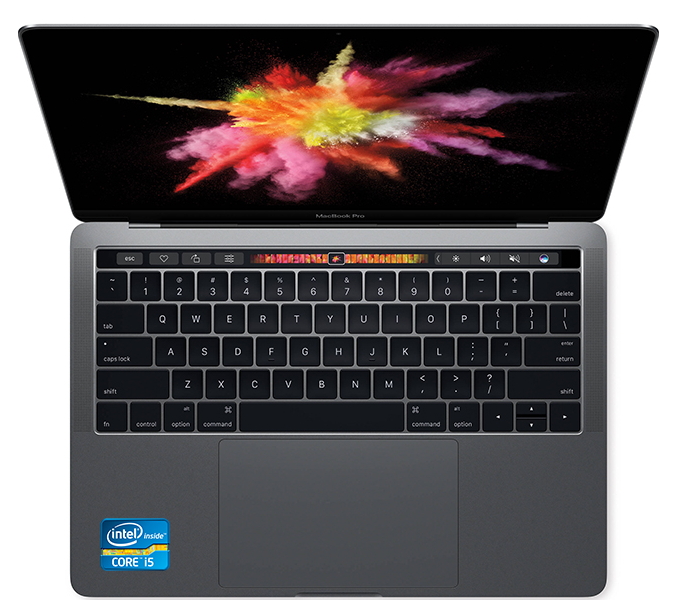
Buying a Mac because of the Intel CPU may be a good reason, but should not be the only one. While for other PC manufacturers the logo "Intel inside" - according to Segall most successful marketing campaign in the IT history - brought a substantial sales boost, Apple had no need at all.
Before the final change, Apple had over years Intel and its products in advertising spots, keyword: "Snail inside". In the middle to the end of the nineties the chips of Intel were nominally also slower than the PowerPCs, which produced a consortium from IBM, Motorola / Freescale and even Apple. The Pentium and its core successors were quickly clocked, but would have to send and send commands through far longer processing chains Effective later on with the processing. The fact that IBM was not able to develop a G5 chip for mobile computers was for Apple the trigger, but now the chip partner to switch: It was now the readability per watt, core chips are simply far more efficient than PowerPCs. And in fact, Apple with "Intel inside" so far not so bad. Even if the sticker is missing.
Source: macwelt










