 NEWS
NEWS
Apple iPhone 8 Launch May be Delayed 1-2 Months
 06/26/2017
 2924
2924
The latest iPhone 8 rumor has some really good news for people who have been hoping for a phone that truly looks different. But there's some bad news, too. Apple is still working out just how it's going to incorporate the fingerprint sensor into the iPhone 8.
The iPhone 8 will reportedly feature an extended OLED screen, similar to the ones that now adorn the Galaxy S8 and LG G6. Stretching the display from one edge of the phone to the other means finding a new place for any physical buttons, and Samsung and LG responded by turning to a virtual home button on the front of their respective phones while moving the fingerprint reader to the back (and putting it in an unfortunate spot in Samsung's case).
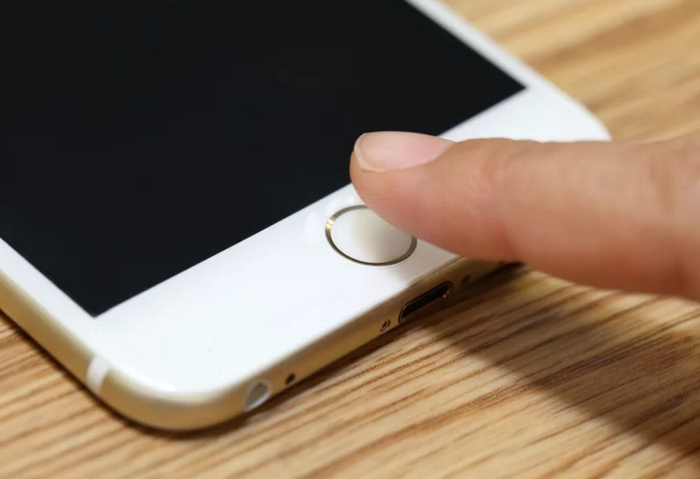
Apple is apparently trying to avoid that, and Arcuri says the company is looking at three possible solutions. It could feature a cover glass cutout for the fingerprint reader; it could feature a pin hole in the front glass to allow optical or ultrasonic fingerprint sensing; or it could try integrating the sensor into the display itself.
It's not clear which method Apple might ultimately adopt, but Arcuri seems pretty confident that whatever happens, the sensor won't move to the back of the phone. And things sound a lot more optimistic than a previous Cowen & Co. report on bottlenecks in iPhone production.
Still, Arcuri doesn't beilieve you'll be seeing an iPhone 8 in September, when Apple typically unveils its phone. The report predicts a "1-to-2 months delay" for the OLED iPhone, with the device appearing at some point in the final three months of 2018.
For what it's worth, Arcuri isn't expecting that to put a hurt on iPhone sales figures. He's forecasting shipments of 90 million iPhones during the fourth quarter. To put that in context, Apple sold 78 million phones during that same period in 2016.
Source: tomsguide










