 NEWS
NEWS
Apple is Asking Music Labels to Take a Smaller Cut of Revenue From Streaming
 06/22/2017
 3296
3296
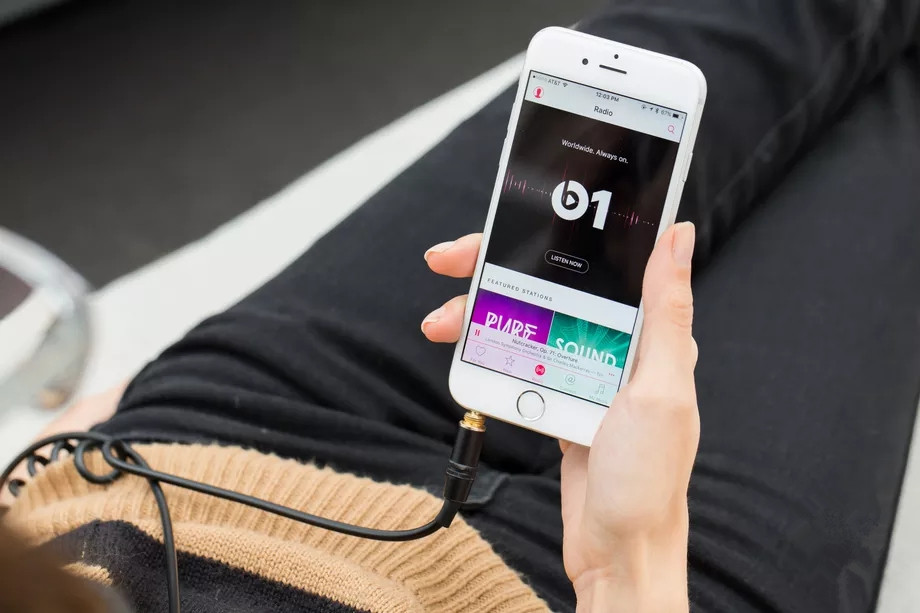
Apple is asking music labels for a reduction in the revenue rate it pays out from its music streaming service, according to sources close to the situation. Apple is renegotiating its licensing deals for Apple Music and iTunes with the three major music labels, which expire at the end of the month. The negotiations were first reported by Bloomberg.
According to sources, the negotiations with Apple are not as contentious as past and ongoing negotiations with Spotify have been. While the deal is more complex due to the inclusion of iTunes, the rapid growth of Apple Music and the slowed decline of digital downloads on iTunes has pleased both sides.
While Apple is chasing a discount, its new deal likely won’t match Spotify’s as the two services are notably different under the hood. (Apple has no free tier and Spotify has no digital store, for example.) Spotify negotiated a lower revenue rate after it hits performance metrics with Universal Music Group — in return for allowing artists to window albums — and is expected to sign similar deals with Sony Music and Warner Music.
Despite the music industry’s issues with Spotify and YouTube, it has maintained a cordial relationship with Apple for years, rarely getting into a public spat with the company, save for issues surrounding Taylor Swift and Frank Ocean.
If negotiations continue into July, don’t expect the music to stop. Both sides routinely agree to extensions in these situations to keep a stop in service — and more importantly revenue — from happening.
Apple declined to comment.
Source: the verge










