 NEWS
NEWS
'The One Device' Goes Behind-the-Scenes of the iPhone Origin
 06/14/2017
 3399
3399
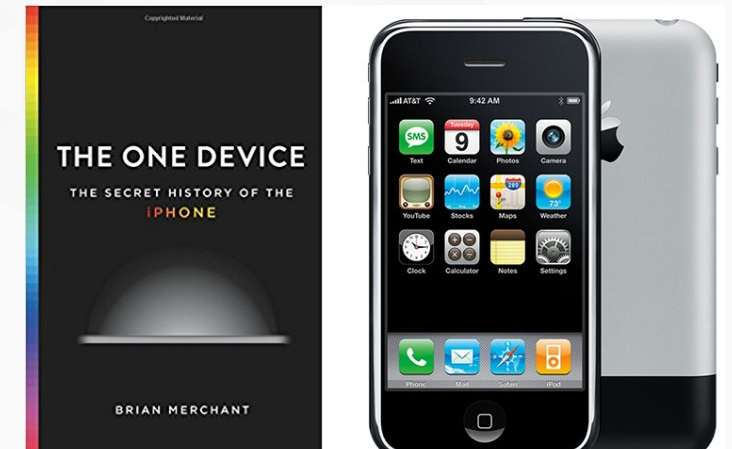
With the 10th anniversary of the iPhone’s arrivial coming up later this month, a new book is taking a closer look at the iPhone’s origins.
“The One Device: The Secret history of the iPhone,” from author Brian Merchant takes what looks to be a very interesting look behind the creation of what would become the world’s most popular electronic device ever. The book will arrive on Tuesday, June 20.
If you worked at Apple in the mid-2000s, you might have noticed a strange phenomenon afoot: people were disappearing. It happened slowly at first. One day there’d be an empty chair where a star engineer used to sit. A key member of the team, gone. Nobody could tell you exactly where they went. “I had been hearing rumblings about, well, it was unclear what was being built, but it was clear that a lot of the best engineers from the best teams had been slurped over to this mysterious team,” says Evan Doll, who was then a software engineer at Apple.
Here’s what was happening to those star engineers. First, a couple of managers had shown up in their office unannounced and closed the door behind them. Managers like Henri Lamiraux, a director of software engineering, and Richard Williamson, a director of software.
If the excerpt is any indication, the book looks to be a great read and provide more tidbits about the origin of the iPhone.
You can preorder the hardcover version of the book now from Amazon.com for $18.50. The Kindle edition is $14.99.
It’s also avaialble on the iBooks Store for $14.99 as well.
Source: appadvice










