 NEWS
NEWS
Singapore Dad Sues School Principal for Confiscating iPhone 7
 06/08/2017
 4040
4040
A Singaporean lawyer is suing the principal of a prestigious school for confiscating his son's mobile phone. The secondary school bans students from using phones during school hours as it considers them a distraction.
Andrew John Hanam's son used an iPhone 7 in school, and it was confiscated for three months, court documents said. The lawyer is now claiming damages and demanding the school returns the phone, arguing that it has infringed on property rights.
The Anglo-Chinese School Barker Road is one of Singapore's most prestigious all-boys' schools. It declined to comment when contacted. The use of mobile phones in schools has been a controversial issue in many places. In 2006, a group of parents in New York sued education authorities over a similar ban, but eventually lost. The ban was lifted in 2015.
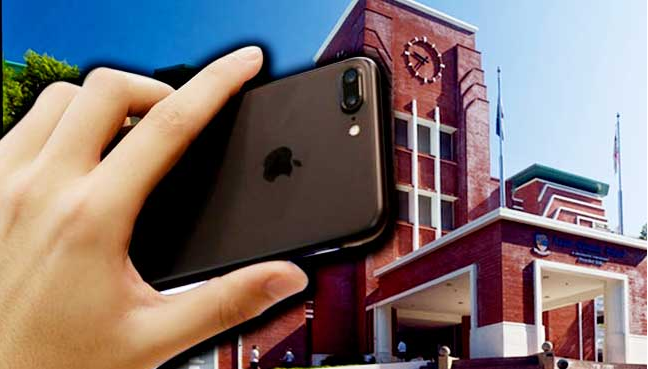
In a January circular to parents, the school reiterated its ban on mobile phones saying they "pose a distraction from learning" and that students should keep their mobiles and other electronic devices in their lockers during school hours.
The school said that it would confiscate offenders' phones for three months. Mr Hanam had lent his iPhone to his son, and it was confiscated on 21 March after the boy was caught using it during school hours. The boy was told the phone would be returned after the three month confiscation period.
Mr Hanam, who is representing himself, has since filed a lawsuit claiming an unknown amount of damages, as well as a legal injunction demanding the phone be returned immediately while the case proceeds. The lawsuit is pending, but a judge has rejected the injunction, saying the confiscation was "justifiable" as the principal was enforcing the school's rules.
He added that returning the phone prematurely may result in the school being "faced with demands from parents or guardians for the return of confiscated phones". "This may also send a wrong signal to the students that they can use their mobile phones during school hours with impunity," the judge said.
Source: bbc










