 NEWS
NEWS
Ahead of iOS 11, 32-bit Applications Stop Appearing in App Store Search Results
 06/05/2017
 4804
4804
Ahead of WWDC kicking off tomorrow and the unveil of iOS 11, 32-bit applications have stopped appearing in App Store search results. This is the latest piece of evidence that suggests iOS 11 will drop support altogether for 32-bit applications when it’s unveiled next week to developers and to the general public later this fall.
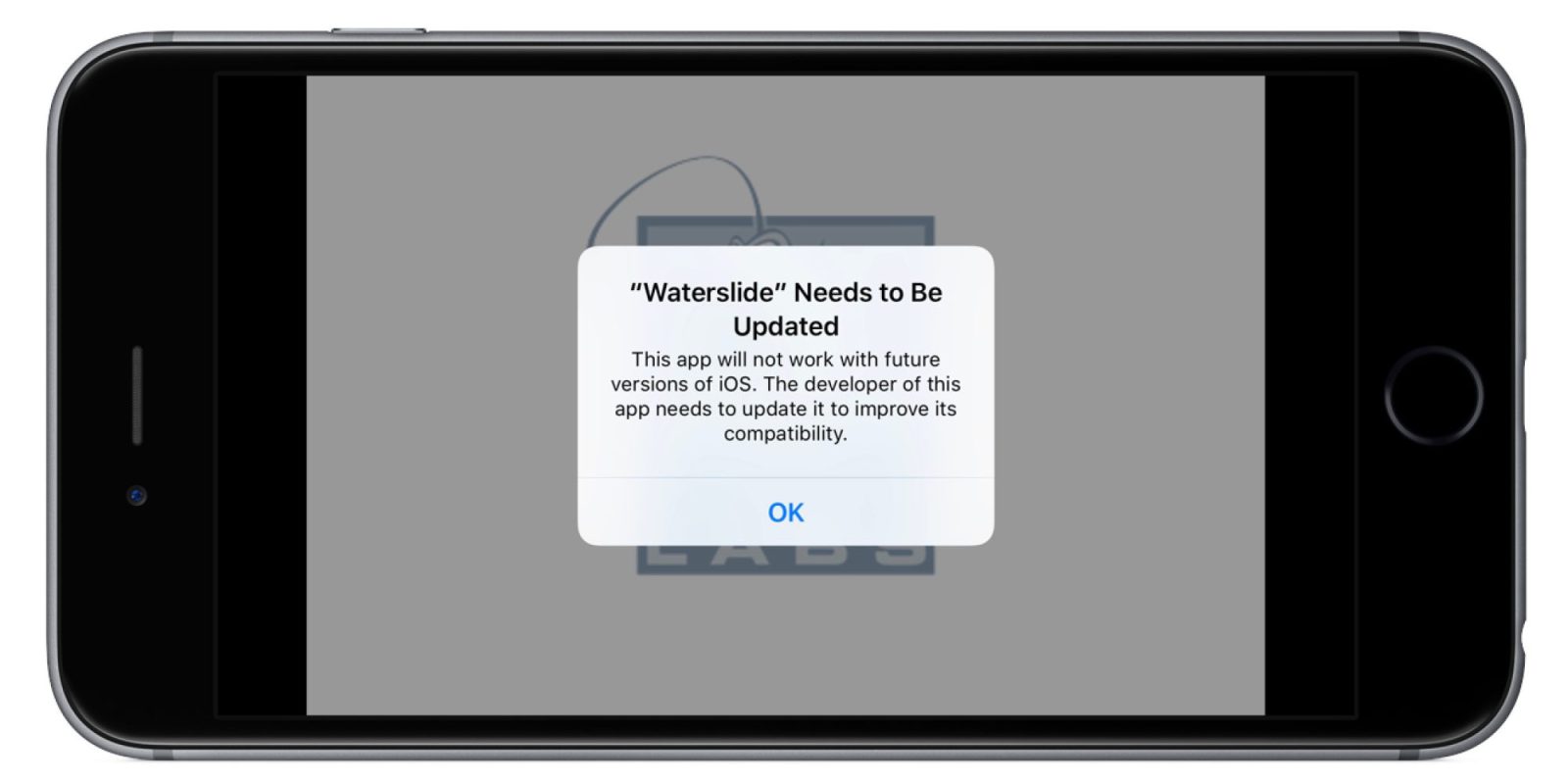
It was reported earlier this year that iOS 11 would drop support for 32-bit apps and iOS 10.3 includes a new alert for users when they open a 32-bit application. The pop up notification reads that the app must be updated by the developer or else it may not work with future versions of iOS.
Now that 32-bit applications seemingly no longer appear in App Store search results, they are essentially nonexistent for most users as they are only accessible via direct links. The move will ideally push developers to update any 32-bit applications if they wish for their app to be readily available and to continue attracting new users (via TouchArcade).
64-bit applications were first supported with the launch of the iPhone 5s in September of 2013 and since then, Apple has been gradually moving everything towards that standard. Starting in in February of 2015, Apple required developers to submit new applications with 64-bit support, while updates were required with 64-bit support in June 2015.
With iOS 9, Apple began alerting users that if an app was 32-bit, it may slow down device performance.
This app will not work with future versions of iOS. The developer of this app needs to update it to improve its compatibility.
It has also been reported that future processors from Apple won’t even include 32-bit support, which could free up perofrmance/die space for users and developers alike.
Apple has drawn out the process of phasing out 32-bit applications likely in an effort to ensure that the end user isn’t affected by the move, with developers working to upgrade all apps to 64-bit instead. Apple has been working all around to remove “problematic and abandoned” applications from the App Store. The company detailed these goals in September of last year and the following month, Apple was said to have removed nearly 50,000 apps already.
Source: 9to5mac










