 NEWS
NEWS
Former Starbucks Worker Says Attending Apple's Developer Academy Was 'Opportunity of My Life'
 05/18/2017
 4056
4056
Apple's first iOS Developer Academy opened in Naples, Italy last October, providing 200 students with practical skills and experience to help turn their app ideas into reality and bring them to market on the App Store. 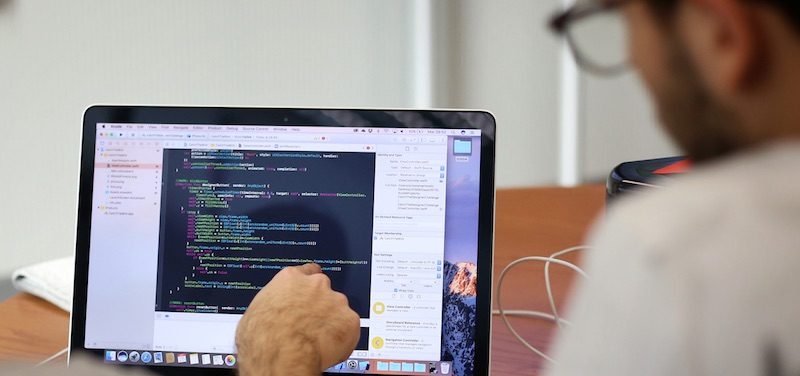
One of those students is a young Neapolitan man named Lucio, who left Naples for the United Kingdom to find a technology job, but was enticed to return to the city upon hearing about Apple's Developer Academy.
The Independent says after Lucio applied for the academy, he left his job at Starbucks so that he could study properly. He felt it was a risky move, but fortunately, he passed the test and joined the first year's class of students.
Lucio described the academy as the "opportunity of my life" and, nearly eight months later, said he would "totally recommend" the experience to anyone looking to come from elsewhere in the world.
“I was taking a risk, but this was the opportunity of my life,” he says. He had tried university already, and found it lacking because it had so little focus on student’s enjoyment and the work of actually solving problems and working with other people.
The Independent explains how Apple's Developer Academy has made Naples a more attractive city for young people to thrive in, after years of suffering from "brain drain" following an industrial decline.
“If you stay here you are part of an ecosystem that will continue to train developers,” says Giorgio Ventre, a professor at the University of Naples Federico II. “This is something that you do need if you want to open a company. You want to count on yourself - but you want to count on the skills you need to help your company grow. If you stay here you can find it.”
Apple is accepting applications for the Developer Academy's second year until May 31. Scholarships are available, and each student inducted receives a free MacBook and iPhone to use during the one-year program. Courses are held at the University of Naples Federico II in Naples suburb San Giovanni a Teduccio.
The academy will accept up to 400 students for the new academic year, twice as many as the first year. The program is open to students from across Italy and around the world, with Apple encouraging developers from the United Kingdom and elsewhere to apply in an effort to have a more diverse group of people.
Last year, Apple said it expects to expand its Developer Academy program to other countries around the world in the future.
Source: macrumors










