 NEWS
NEWS
Tweeter-in-Chief Trump the Latest to Switch From Android to iPhone
 03/21/2017
 3339
3339
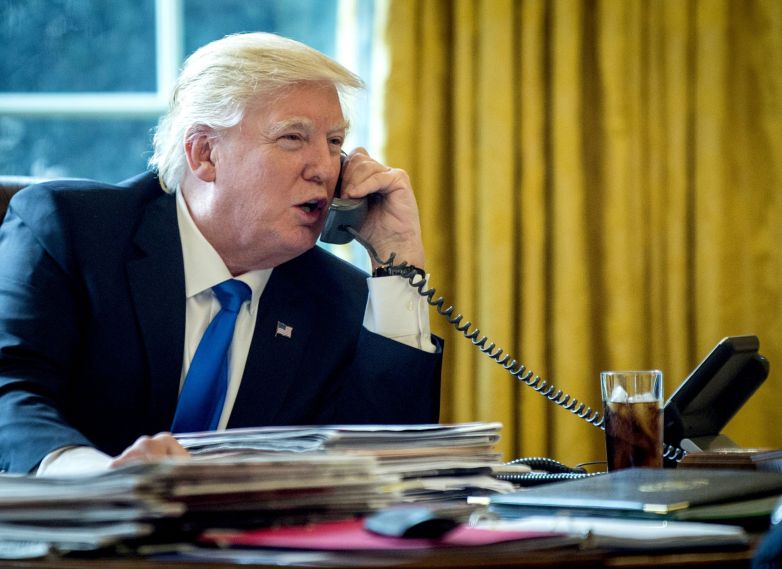
Donald Trump, an angry Twitter egg who also happens to reside in the White House, has been infamous so far for his use of an unsecured Android phone for his tweets. The president’s choice of a very hackable tweet machine has drawn attention (and Congressional inquiry!), but it looks like Trump has made a switch to an iPhone.
The majority of tweets from @realDonaldTrump, particularly those of a less presidential bent, have long been sent from an Android phone. For a while, that’s been our only way to distinguish between tweets the President sends himself, and those sent by staffers. But as The Guardian notes, that all changed on March 8th.
Since March 8th, all of Trump’s tweets of any kind have come from an iPhone. It would seem that Trump has either upgraded his phone, or relinquished control of presidential tweeting altogether.
From a security perspective, this is a good thing. Trump’s old Android was widely believed to be a Samsung Galaxy S3. That’s a phone sufficiently old that it can’t even run the latest version of Android, so is intrinsically insecure and easy for anyone, let alone military hackers, to get into.
The iPhone is also not perfect — no consumer level smartphone is — but an up-to-date modern device is at least more difficult to attack than an older Android with known security flaws.
In unrelated news, it’s been a little more than a year since candidate Trump called for a boycott of Apple, following the company’s refusal to compromise iPhone encryption to help the FBI with an investigation. At the time, Trump said that “I use both iPhone & Samsung. If Apple doesn’t give info to authorities on the terrorists I’ll only be using Samsung until they give info.” The court case was resolved without Apple’s help, after the FBI paid a third party for an exploit that allowed it to hack the iPhone in its possession.
Source: bgr










