
NEWS

Man Dies While Charging iPhone in Bath

03/20/2017

2903

Commentary: A UK man plugged his iPhone into an outlet via an extension cord and appears to have rested the charger on his chest in the bath.


Richard Bull was found dead in the bathtub. His wife found him with severe burns to his body at their home in London. When police arrived at the scene they found an extension cord leading into the bathroom from the hallway.


"We found an iPhone plugged into the extension cable and then the charger element in the bath," PC Craig Pattinson told an inquiry into Bull's death.


He added: "The extension cable was on the floor and it appeared as though he had his phone charger on his chest and the part between the phone charger and the cable had made contact with the water."
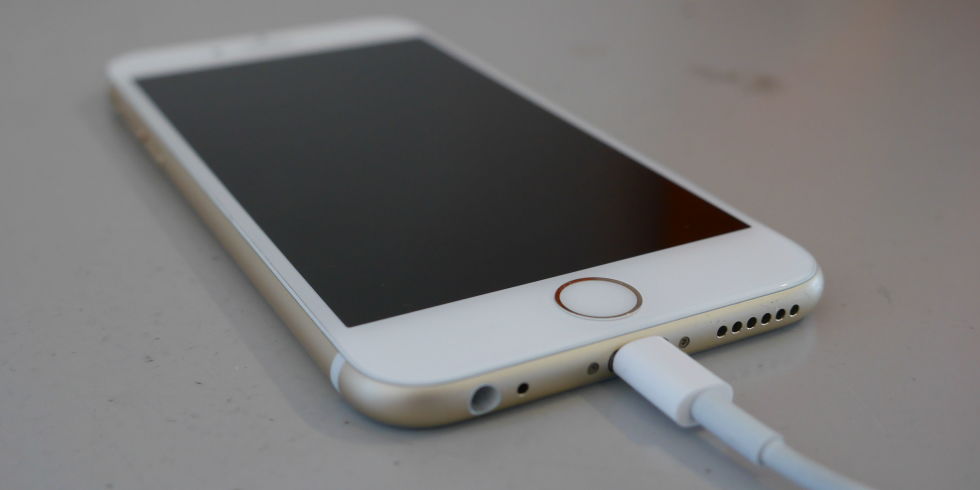

Man Dies While Charging iPhone in Bath


The inquest concluded that 32-year-old Bull's death was caused accidental electrocution. However, the coroner, a public official who investigates suspicious, sudden or violent deaths, said he was extremely concerned that people didn't realize that phones were as dangerous near water as, say, hairdryers.


The coroner, Dr. Sean Cummings, told the inquiry: "They should attach warnings. I intend to write a report later to the makers of the phone."


Apple didn't immediately respond to a request for comment. The Mail quoted Bull's brother Andrew as saying: "I live in the US and they say it can't happen, and that there is not enough electricity. But in the UK it is enough. You don't think there is enough electricity but there is."


Source: cnet


Windows
Mac OS
iOS
Linux
3uTools
Win 64-bit For this device
V9.0 2025-11-11
Download
Win 32-bit For this device
V9.0 2025-11-11
Download
3uTools
Intel Chip How to Identify Chip Type
V9.0 2025-12-02
Download
Apple Chip
V9.0 2025-12-02
Download
How to Identify Chip Type
1.  Click the Apple icon in the top-left corner of the screen and select About This Mac.
2.  Check the Processor or Chip field to determine if it is "Intel" or "Apple".
Please use the 3uTools PC client to install the iOS client:
1、 Install either the Windows or Mac version of 3uTools on your computer
2、 Open the PC client and connect your device to the computer via USB cable
3、 After the connection is successful, wait for the computer to automatically install the mobile app for the device, or locate “Install Mobile App” on the computer and manually click to install.
3uTools
deb file
V3.01 2025-11-20
Download
rpm file
V3.01 2025-11-20
Download
Windows
Windows
iOS
iOS
Android
Android
TV
TV
3uAirPlayer
Win 64-bit For this device
V6.0.2 2025-11-19
Download
Win 32-bit For this device
V6.0.2 2025-11-19
Download
iOS Device Mirroring (No App Required)
1、 Install 3uAirPlayer on the Windows PC
2、 Open Control Center and select Screen Mirroring
3、 From the list, choose your PC to start mirroring
4、 Or connect your iOS device to the PC via USB to begin mirroring
Scan to get "3uAirPlayer" App
3uAirPlayer TV V1.0.18
2025-11-28
TV System Requirements: Android 7.0 or later
Download the TV installation package, copy it to a USB drive, insert it into your TV or set-top box, then select the file from the home screen to install.




