NEWS

iPhone Duo May Get More Lock Screen Widgets

11/23/2026

69
iPhone Duo May Get More Lock Screen Widgets


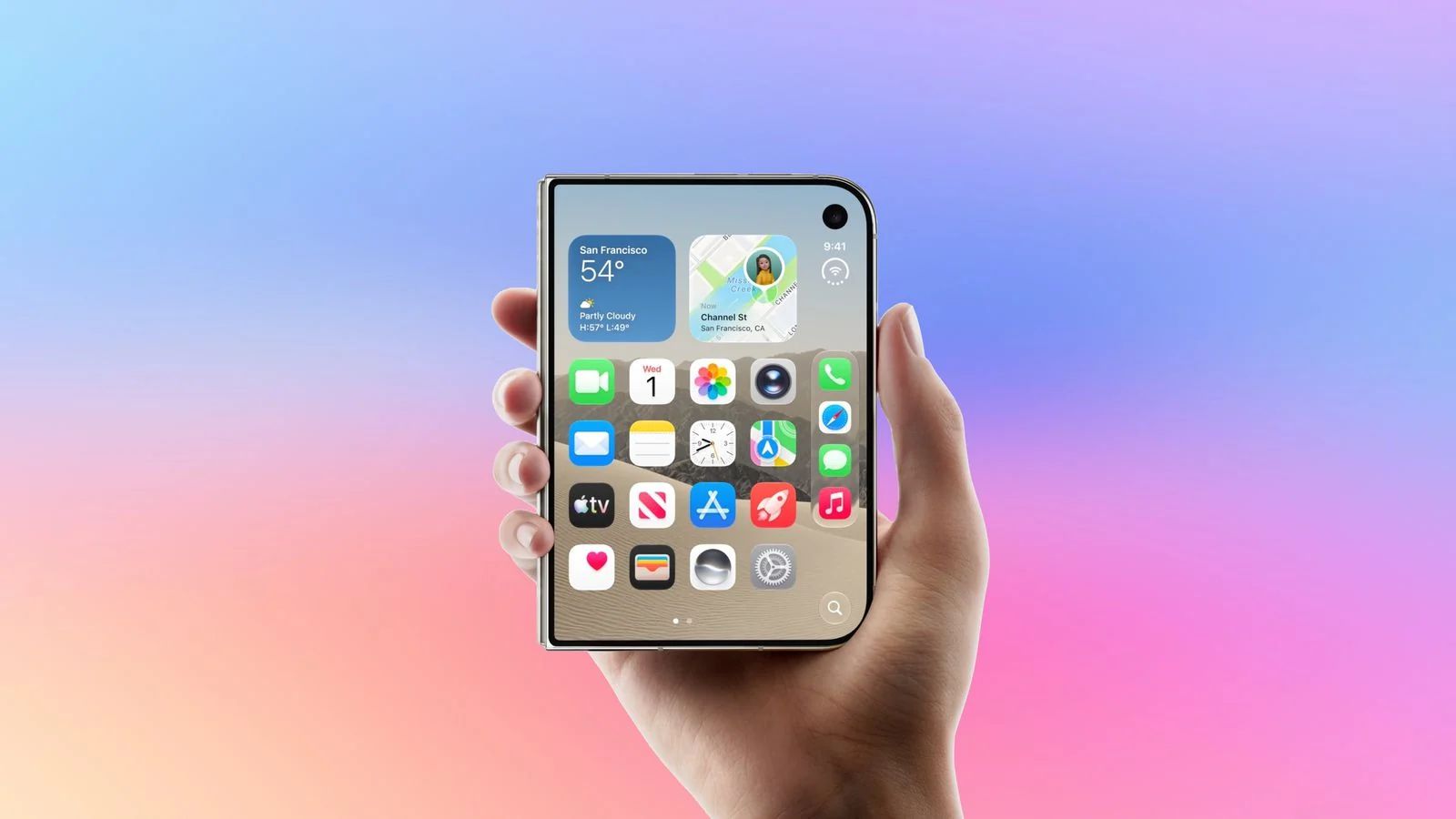
Apple may be working on a new Lock Screen feature for its upcoming iPhone Duo. According to leaker pdfu, the company has experimented with a feature called "Complication Column," which could allow users to display two additional widgets.


The proposed design places two circular widgets vertically along the right side of the Lock Screen, alongside the existing widget row. This would give users more space for quick information and shortcuts without unlocking their devices.


The feature was reportedly discovered in the iOS 27.1 codebase but remains disabled. Its development status is unclear, and there is no confirmation that Apple plans to release it.


If introduced, the Complication Column could make better use of the iPhone Duo's larger display and offer more Lock Screen customization options.


3uTools's View


A foldable iPhone offers Apple an opportunity to rethink the iOS experience. Additional Lock Screen widgets could make the larger display more practical, giving users quicker access to useful information. However, it remains to be seen whether this experimental feature will reach the final release.



Windows
Mac OS
iOS
Linux
3uTools
Win 64-bit For this device
V9.13 2026-11-03
Download
Win 32-bit For this device
V9.13 2026-11-03
Download
3uTools
Intel Chip How to Identify Chip Type
V9.08 2026-11-16
Download
Apple Silicon
V9.08 2026-11-16
Download
How to Identify Chip Type
1.  Click the Apple icon in the top-left corner of the screen and select About This Mac.
2.  Check the Processor or Chip field to determine if it is "Intel" or "Apple".
Please use the 3uTools PC client to install the iOS client:
1、 Install either the Windows or Mac version of 3uTools on your computer
2、 Open the PC client and connect your device to the computer via USB cable
3、 After the connection is successful, wait for the computer to automatically install the mobile app for the device, or locate “Install Mobile App” on the computer and manually click to install.
3uTools
deb file
V9.03 2026-10-09
Download
rpm file
V9.03 2026-10-09
Download
Windows
Windows
iOS
iOS
Android
Android
TV
TV
3uAirPlayer
Win 64-bit For this device
V6.0.7 2026-08-25
Download
Win 32-bit For this device
V6.0.7 2026-08-25
Download
Scan to get "3uAirPlayer" App
Requires iOS 15.0 or later
Scan to get "3uAirPlayer" App
Requires Android 7.0 and up
3uAirPlayerTV
 
TV System Requirements: Android 7.0 or later
Download the TV installation package, copy it to a USB drive, insert it into your TV or set-top box, then select the file from the home screen to install.